Application Examples
R&S
®
GP-E/GP-S
158User Manual v16.2.1 ─ 01
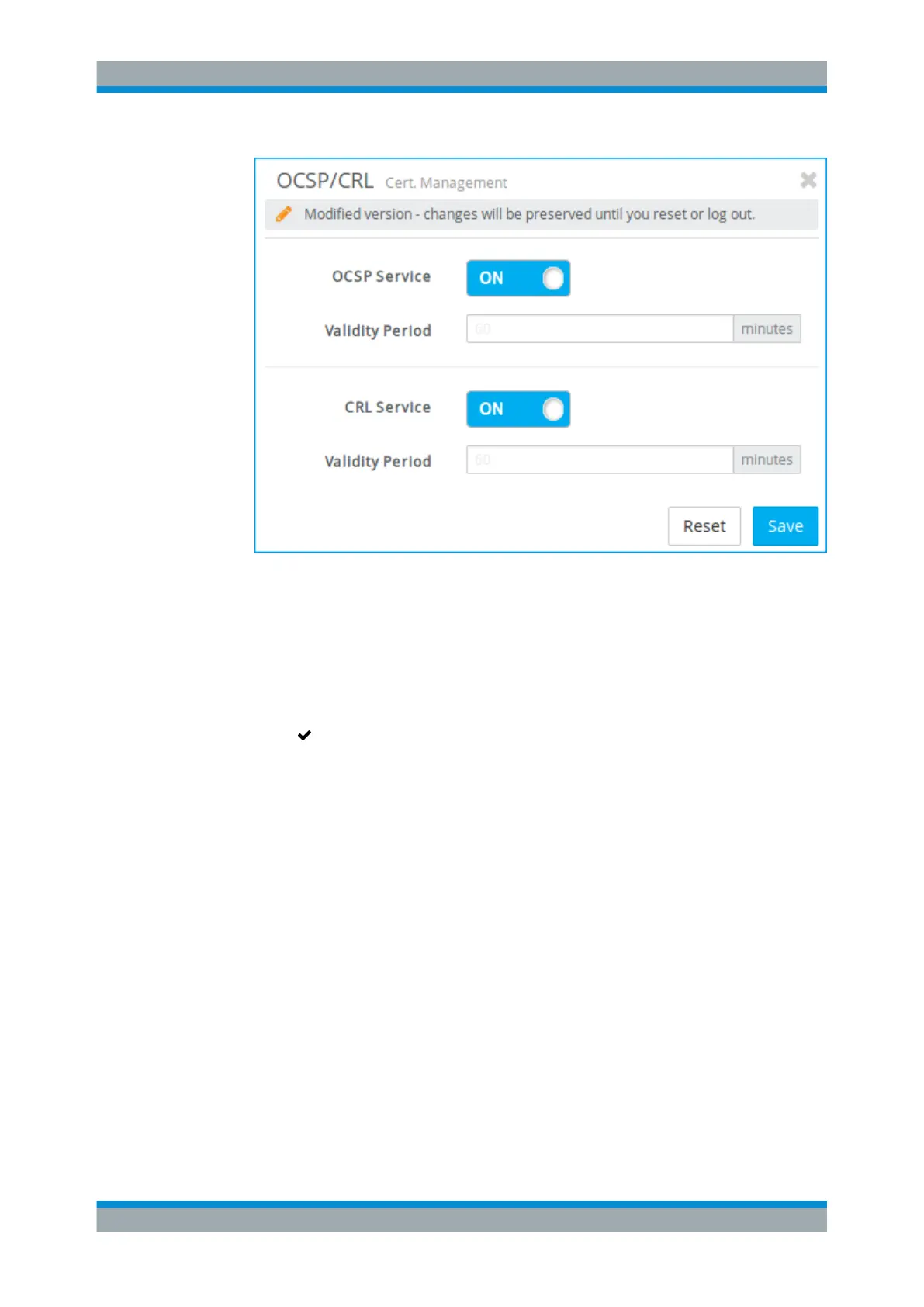
Figure 4-20: Sample OCSP/CRL settings.
2. Activate the service which you desire by clicking the slider switch next to it.
The slider switch turns from OFF to ON.
3. Click "Save" to store your settings.
The editor panel is closed.
4.
Click " Activate" in the toolbar at the top of the desktop to apply your configura-
tion changes.
The remaining settings depend on the service you wish to set up. For more informa-
tion, see Chapter 3.4.8.3, "OCSP/CRL Settings", on page 126.
4.12 VPN Setup Examples
gateprotect Firewall can be configured to provide virtual private network services to
authorized clients and remote site networks.
The following examples explain how to set up gateprotect Firewall for various common
VPN scenarios.
These examples assume a network layout similar to the layout in the figure below.
VPN Setup Examples



 To Next Page