Application Examples
R&S
®
GP-E/GP-S
187User Manual v16.2.1 ─ 01
4. From the drop-down list, select the network "Source" where the IPsec tunnel termi-
nates.
5. Enter the "Destination" IP address (in CIDR notation) of the network which you
want to reach via the IPsec tunnel.
6. Set the IP address of the selected zone as "Gateway" .
7. Click "Create" to add the route to the list of available static routes.
8.
Click "
Activate" in the toolbar at the top of the desktop to apply your configura-
tion changes.
The firewall of the subsidiary now routes any traffic from the subsidiary to network
10.10.10.0/24 directly to the destination using the static route.
For more information, see "Static Routes Settings" on page 57. To influence traffic
between zones, create firewall rules as described under Chapter 3.3, "Firewall Rule
Settings", on page 22.
4.12.3 Setting Up a Client-to-Site VPN via OpenVPN
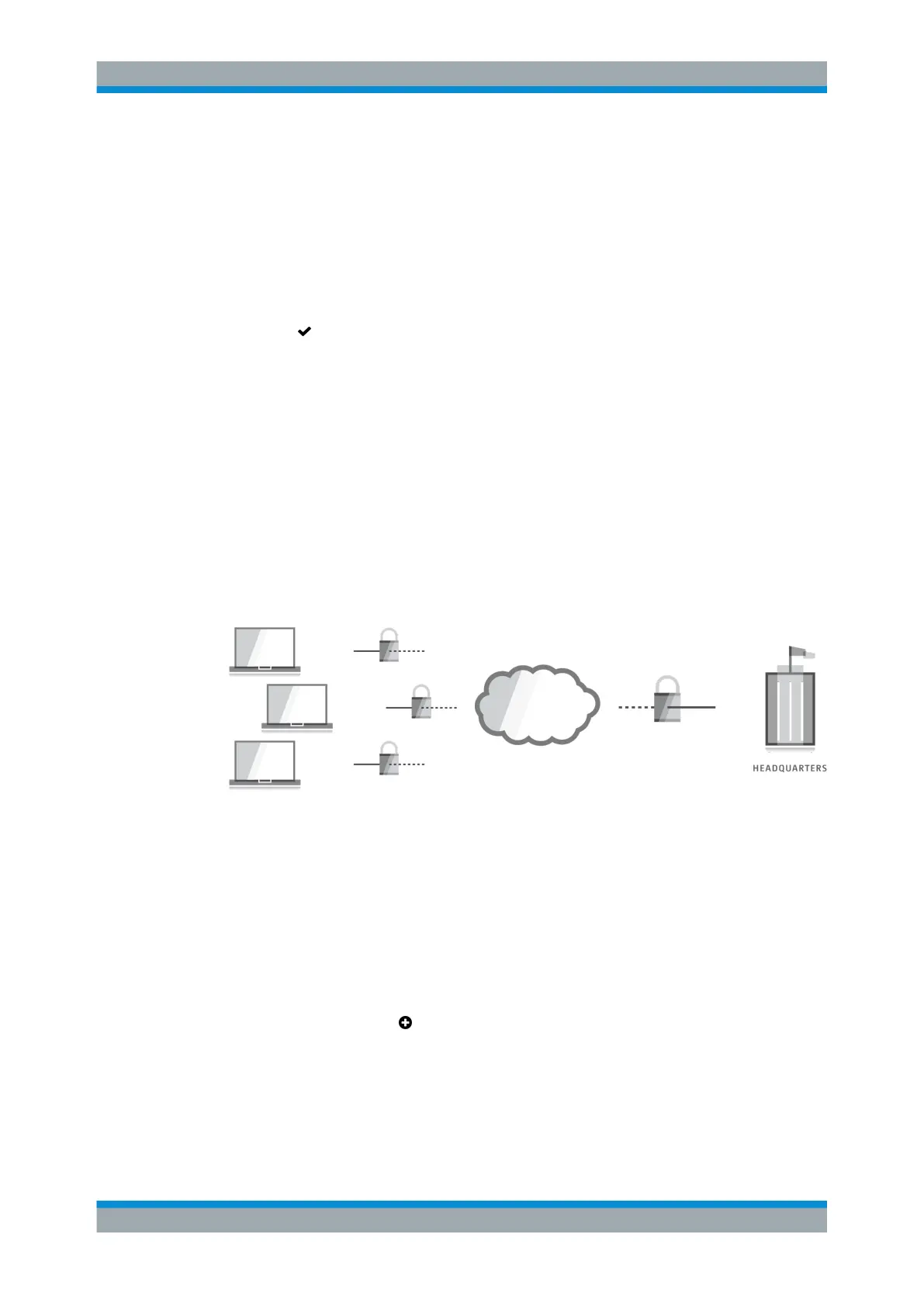
gateprotect Firewall can serve as an OpenVPN gateway, enabling remote client com-
puters to connect securely to the internal network via the Internet.
Figure 4-55: gateprotect Firewall as a VPN gateway.
4.12.3.1 Creating a VPN Certificate
Digital certificates secure communication between the VPN gateway and the clients
that connect to it. Use the settings under "Cert. Management > Certificates" to create
the necessary certificates for your VPN connection.
1. From the menu in the navigation pane, select "Cert. Management > Certificates" .
2.
Click the plus button
in the item list header to create a VPN certificate authority.
The system prompts you to select the service that the new certificate should be
used for.
a) From the "Type" drop-down list, select Certificate Authority Without
Subordinate Certificate Authorities which will be used to authorize
the necessary VPN certificate.
VPN Setup Examples



 To Next Page