Application Examples
R&S
®
GP-E/GP-S
177User Manual v16.2.1 ─ 01
5.
Click " Activate" in the toolbar at the top of the desktop to apply your configura-
tion changes.
For authentication by "Client Certificate" :
For authentication by "Client Certificate" , export the client certificates with private
keys:
1. From the menu in the navigation pane, select "VPN > IPsec > Client-to-Site".
2. Under "Certificate" , select the VPN certificate for the client created in Chap-
ter 4.12.1.1, "Setting Up the VPN Connection", on page 160.
3. Optionally, you can create a user on the desktop to create firewall rules for the cli-
ent. In this case use the certificate name (CN) as username.
4. Export the CA without the private key and the client certificate with the private key
(see Chapter 3.4.8.1, "Certificates", on page 122 for further information).
5. Install the client certificate and the signing CA on the client computer.
For more information, see Chapter 3.4.1.8, "User Authentication", on page 47.
You can now create firewall rules for VPN access as described under Chapter 3.3,
"Firewall Rule Settings", on page 22.
4.12.2 Setting Up a Site-to-Site VPN via IPsec
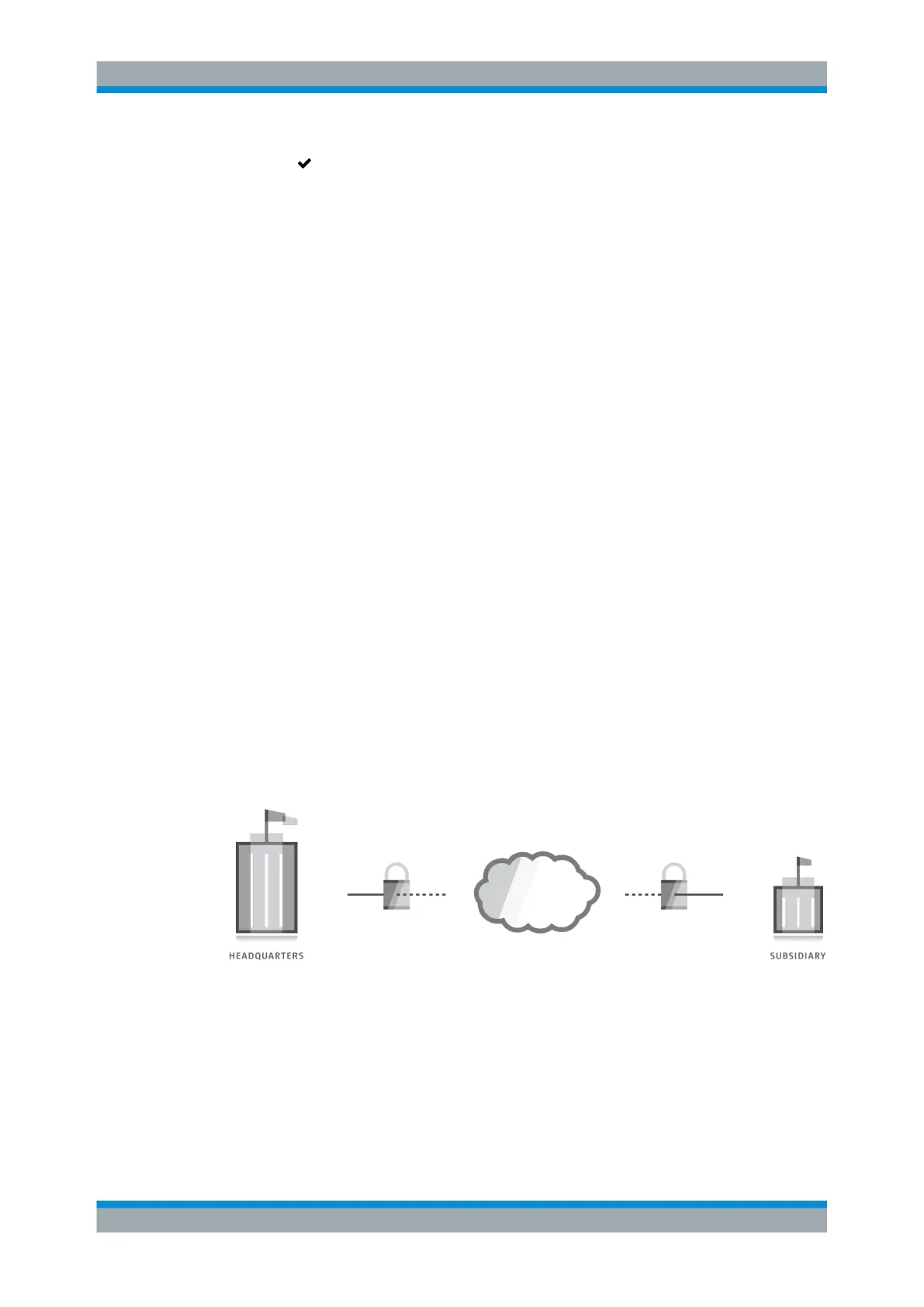
gateprotect Firewall can be used to connect remote network sites (such as a company
headquarters and a branch office or subsidiary) via a virtual private network.
An IPsec Site-to-Site connection can be created between firewalls and routers by vari-
ous manufacturers. The VPN connection can be established using static or dynamic IP
addresses.
Figure 4-41: Connecting two remote sites with a VPN.
4.12.2.1 Creating VPN Certificates
Digital certificates secure communication between both sites. Use the settings under
"Cert. Management > Certificates" to create the necessary certificates for your VPN
connection.
VPN Setup Examples



 To Next Page