Application Examples
R&S
®
GP-E/GP-S
178User Manual v16.2.1 ─ 01
If you establish an IPsec connection, there are two ways to secure your connection –
either by pre-shared key or by certificates. Take to the following steps only if you intend
to use certificates as authentication method.
The VPN certificate has to be signed by the same certificate authority (CA) on both
sites. Therefore, it is advisable to manage the CA and the VPN certificates on one site
(the company »headquarters« in this example). Then, export and import the CA and
the VPN certificates from there to the other site (the »subsidiary« in this example).
On the initiating system (at the »headquarters«):
1. From the menu in the navigation pane, select "Cert. Management > Certificates" .
2.
Click the plus button in the item list bar header to create a VPN certificate
authority.
The system prompts you to select the service that the new certificate should be
used for.
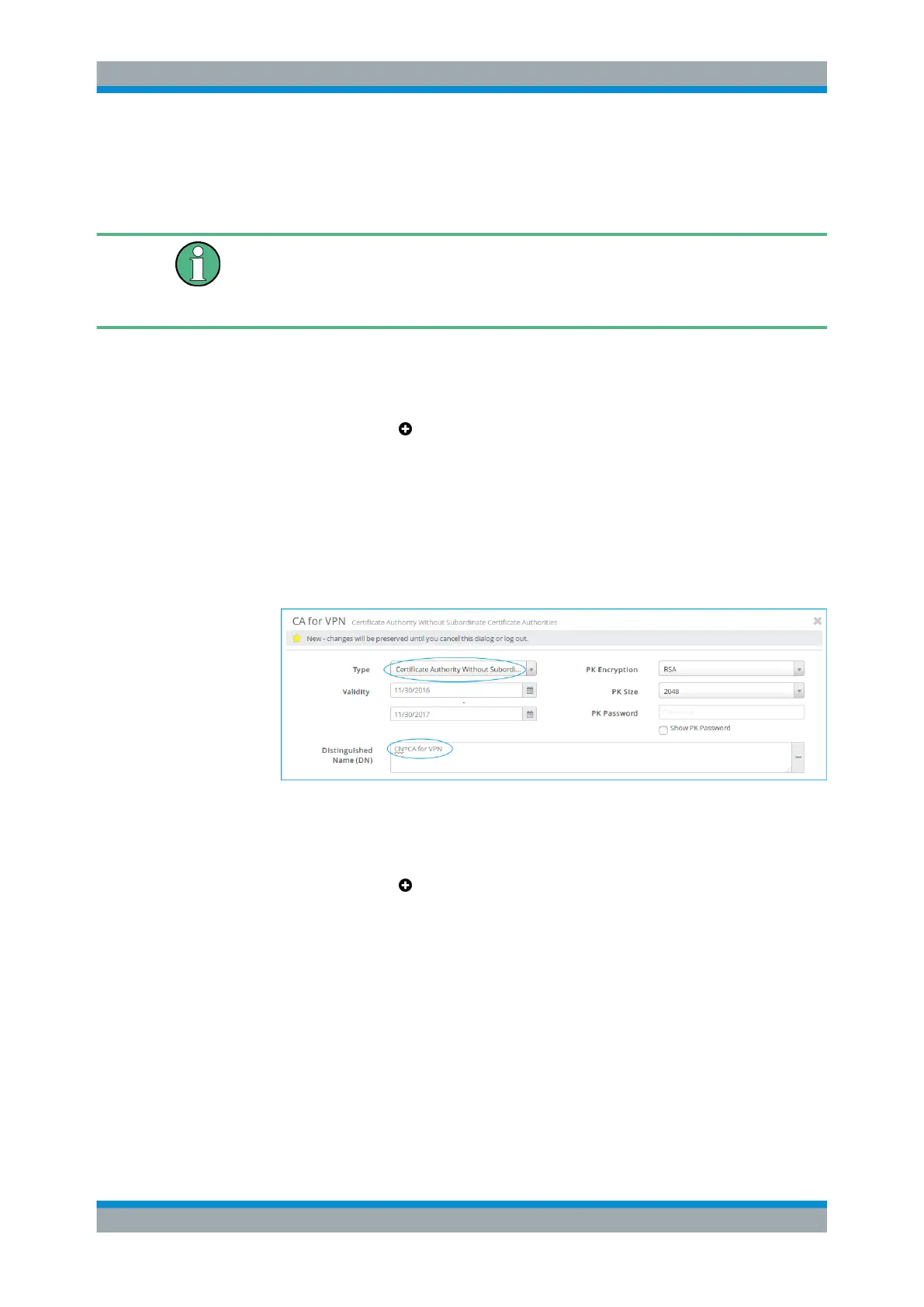
a) Under "Type" , select Certificate Authority Without Subordinate
Certificate Authorities which will be used to authorize the necessary
VPN certificates.
b) Adjust the information as necessary for your environment.
Figure 4-42: Sample CA certificate settings.
c) Click "Create" to add the new certificate authority to the list of available certifi-
cates.
3.
Click the plus button
in the item list bar header to create a VPN certificate for
the »headquarters« (server).
The system prompts you to select the service that the new certificate should be
used for.
a) Under "Type" , select Authentication and VPN.
b) Under "Signing CA" , select the CA created in step 2.
VPN Setup Examples



 To Next Page