User Interface
R&S
®
GP-E/GP-S
22User Manual v16.2.1 ─ 01
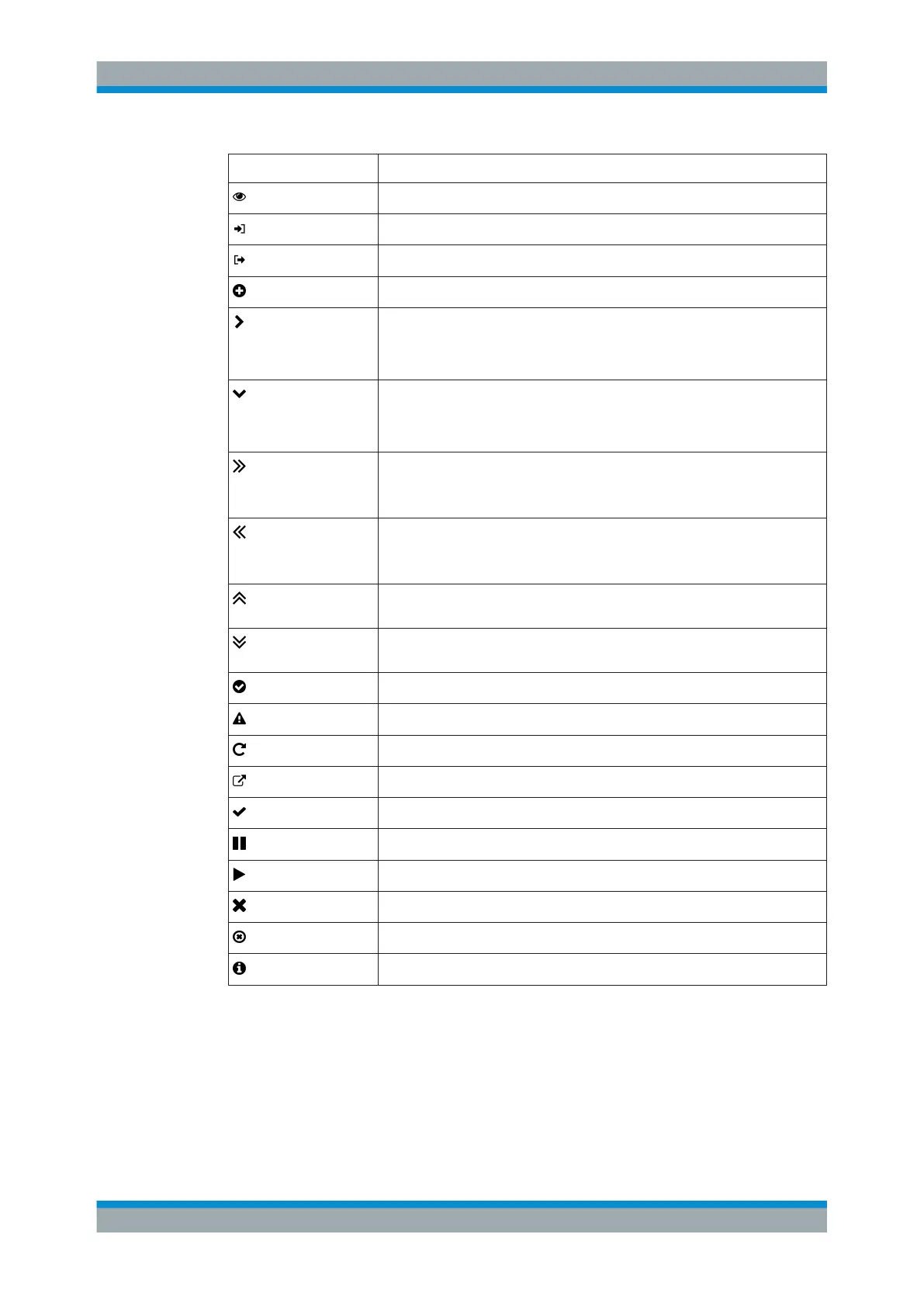
Icon/Button Description
View the details of a list item in the item list bar.
Import a backup or a certificate from a file.
Export a backup or a certificate to a file.
Create a list item in the item list bar.
Unfold a menu item to view subordinate items in the navigation bar.
Unfold an IPS/IDS category to view its individual rules.
Unfold a web filter category to view its subcategories.
Hide subordinate menu items in the navigation bar.
Hide individual IPS/IDS rules of an IPS/IDS category.
Hide subcategories of a web filter category.
Unfold more detailed information in the item list bar.
Show additional actions available for a desktop object or show objects attached
to it.
Reduce the amount of information given in the item list bar.
Hide additional actions available for a desktop object or hide objects attached
to it.
Expand the desktop node of a network group to view the members associated
with it.
Collapse the desktop node of a network group to hide the members associated
with it.
Indicates that a certificate is still valid.
Indicates that a certificate has expired.
Renew the validity of a certificate.
Export the certificate signing request (CSR) from the certificate.
Verify a certificate.
Suspend a certificate or CA temporarily.
Resume a certificate that was previously suspended.
Close a pop-up window.
Clear all search criteria of a filter to show all results.
Show additional information.
3.3 Firewall Rule Settings
This topic describes how to create a firewall rule for a connection between two desktop
objects.
Firewall Rule Settings



 To Next Page