Application Examples
R&S
®
GP-E/GP-S
201User Manual v16.2.1 ─ 01
4.12.4.4 Connecting the Remote Networks
Once the firewalls on each end of the VPN connection are configured to communicate
with each other securely, you need to specify which subnets should be made available
to the remote network over this connection.
Before you proceed, make sure one gateprotect Firewall is configured as described
under Chapter 4.12.4.2, "Setting Up the Primary Box", on page 196, and the other is
set up as described under Chapter 4.12.4.3, "Setting Up the Secondary Box",
on page 199.
On both ends (»headquarters« and »subsidiary« in this example):
1. From the menu in the navigation pane, select "VPN > OpenVPN > Site-to-Site".
2.
Click the
(Edit) icon behind the configured S2S connection.
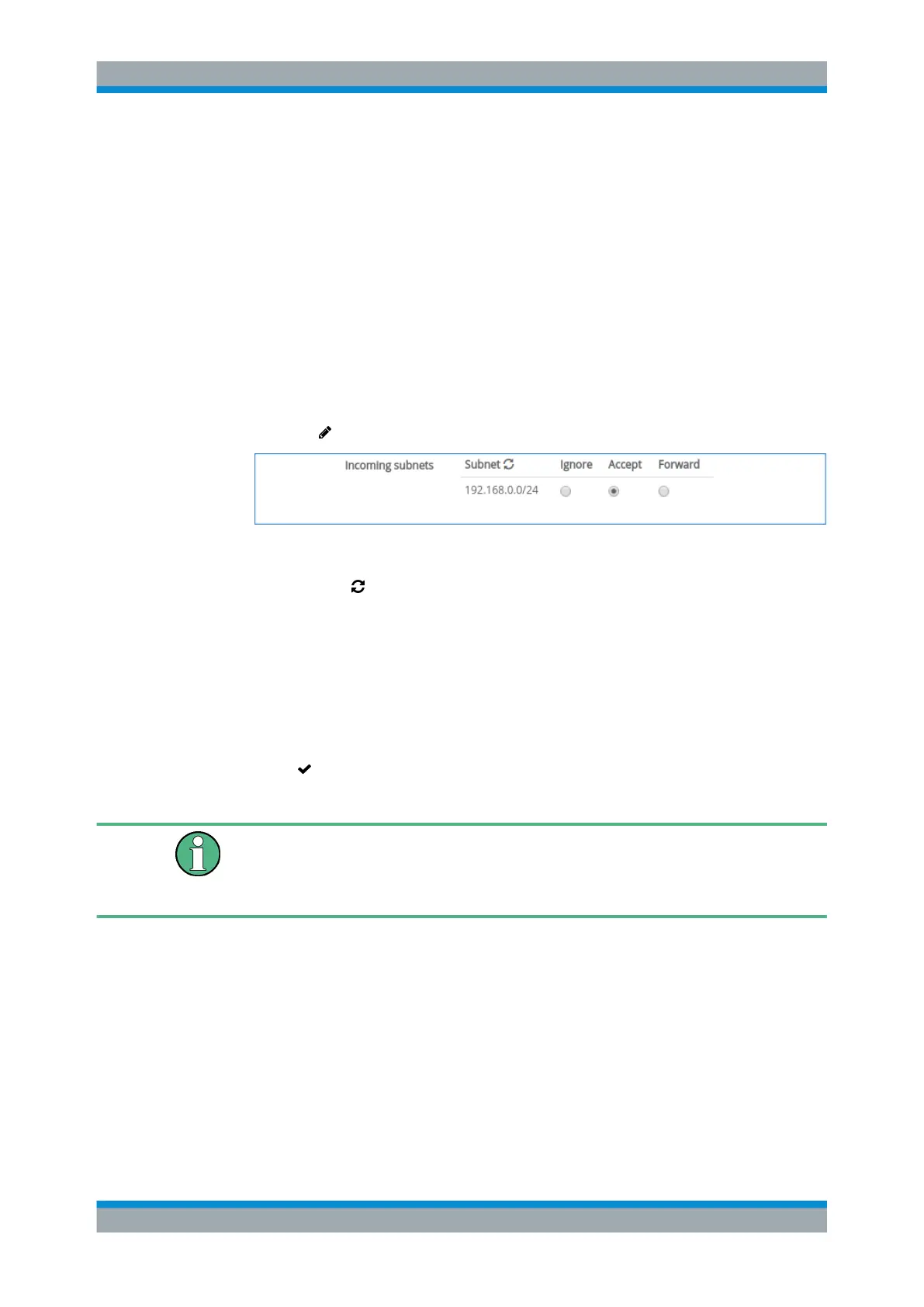
Figure 4-70: Sample incoming subnets settings.
3.
Click "Subnet " to refresh the list of incoming subnets.
4. Adjust the list of "Incoming Subnets" that should be made available over this con-
nection by selecting the radiobutton corresponding to the desired category. For
more information, see "OpenVPN Site-to-Site Settings" on page 119.
Note: It takes several minutes until all accepted or forwarded subnets are visible
for the VPN peers.
5. Click "Save" to store your changes.
6.
Click " Activate" in the toolbar at the top of the desktop to apply your configura-
tion changes.
If you make more than one zone available to the remote site (the »subsidiary« in this
example), a firewall rule has to be defined permitting traffic between these zones (at
the »headquarters« in this example). For more information, see Chapter 3.3, "Firewall
Rule Settings", on page 22.
4.13 Decoder Examples
The gateprotect Firewall protocol decoder can be used to prevent the transmission of
various file types or block communication containing specified keywords.
The following examples show how to configure protocol decoders for various scenar-
ios.
Decoder Examples



 To Next Page