Application Examples
R&S
®
GP-E/GP-S
160User Manual v16.2.1 ─ 01
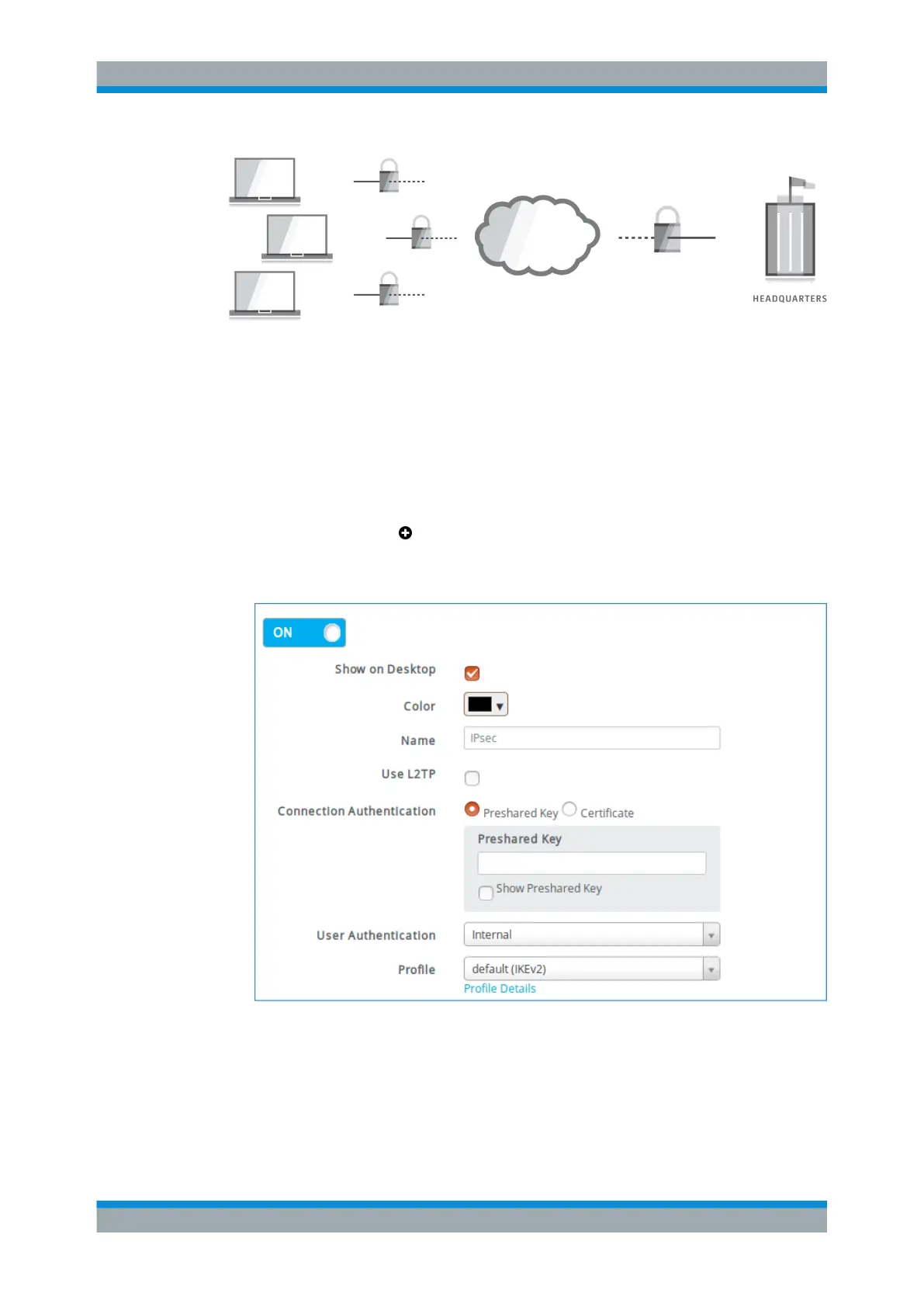
Figure 4-22: gateprotect Firewall as a VPN gateway.
4.12.1.1 Setting Up the VPN Connection
Define a connection to enable remote client computers to connect securely to the inter-
nal network via the Internet.
1. From the menu in the navigation pane, select "VPN > IPsec > Client-to-Site".
2.
Click the plus button in the item list bar header to create a new virtual private
network connection.
An editor panel is opened and allows you to configure an IPsec C2S connection.
Figure 4-23: Sample IPsec C2S connection settings.
3. Choose whether the connection should be enabled.
(This option is enabled by default.)
4. Decide whether the connection should be shown on the desktop.
VPN Setup Examples



 To Next Page