Application Examples
R&S
®
GP-E/GP-S
176User Manual v16.2.1 ─ 01
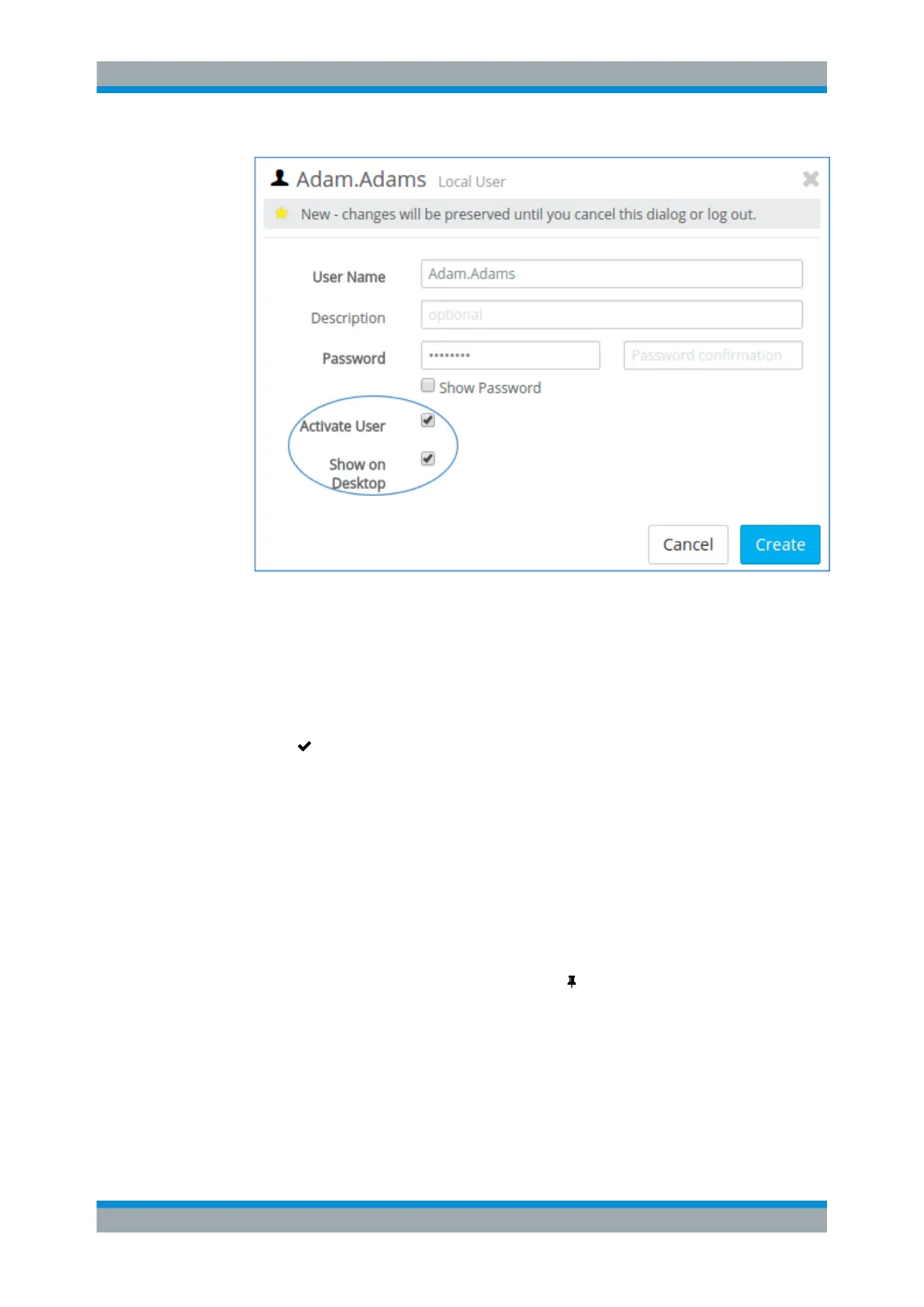
Figure 4-40: Sample local user settings for internal authentication.
7. Click "Create" to add the new user to the list of available local users.
The new user appears in the list of available local users and as a node on the
desktop.
8. Repeat the process for all users that require VPN access.
9.
Click "
Activate" in the toolbar at the top of the desktop to apply your configura-
tion changes.
For "LDAP" authentication:
To authorize LDAP users to connect to gateprotect Firewall, perform the following
steps:
1. Connect to an LDAP server as described under "Directory Service" on page 51.
2. From the menu in the navigation pane, select "Firewall > User Authentication >
LDAP Users" .
3.
Add an LDAP user to the desktop by clicking (Pin this user to desktop) in the
item list bar.
The LDAP user appears as a node on the desktop.
Note: The user's login name has to exactly match the name displayed on the desk-
top (case sensitive). Otherwise, the name in the user-specific firewall rules will not
correspond to the user logging in to the client and the rules will not match.
4. Repeat the process for all LDAP users that require VPN access.
VPN Setup Examples



 To Next Page