53 / 293 - EN -
4.5. Note on third-party kilns
The wiring of the mating CPC 14 socket on the kiln can vary between kiln manufacturers!
Attention!
If the assignments of the controller and kiln do not match, then there is a risk of damage to both the controller and
kiln.
5. Operation & use
5.1. General operation
5.1.1. Switching the control unit on & off
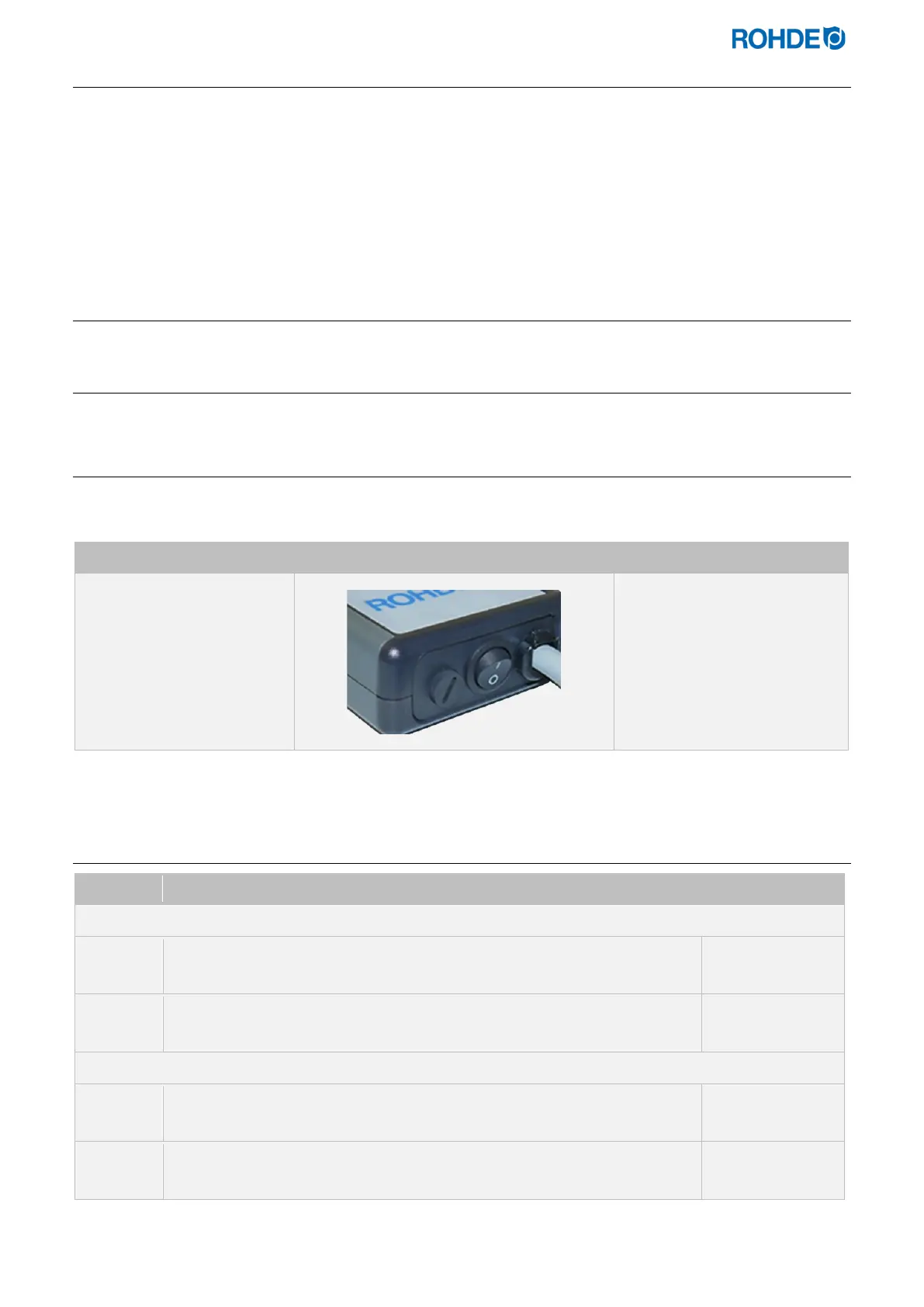
The selector switch for switching the control unit on and off is located on the underside of the housing.
Switching the control unit on Switching the control unit off
Set the selector switch to
position
.
Set the selector switch to
position
.
5.1.2. Keylock
Step Action Display screen
If any key is pressed and “LOC” appears in the display, the keys are locked.
LOC
Press the d and f keys and hold for 5 seconds until “ULOC” appears on
the main display to unlock.
ULOC
Press the d and f keys and hold for 5 seconds until “LOC” appears on the
main display to lock.
LOC
If any key is pressed and “LOC” appears in the display, the keys are locked.
LOC



 To Next Page
 Loading...
