56 / 293 - EN -
5.1.5. The g INFO key
General description:
The g INFO key can be pressed at any time to obtain additional information. It does not matter whether the
controller is executing a program or not.
Notes:
⇒ If no key is pressed after pressing the
g INFO key, the INFO display returns to the normal display (current
kiln temperature) after 10 seconds.
⇒ The INFO display can be terminated immediately by pressing the
g, f or d keys.
Operation:
The
INFO key
Description
The maximum temperature of the current program is displayed.
The energy consumed in kWh is displayed; for this, parameter P14 must be set and
entered correctly.
The current setpoint of the control is displayed.
The controller returns to the initial display and shows the current temperature again.
5.2. Display screens after switching on
5.2.1. Display screens after switching on
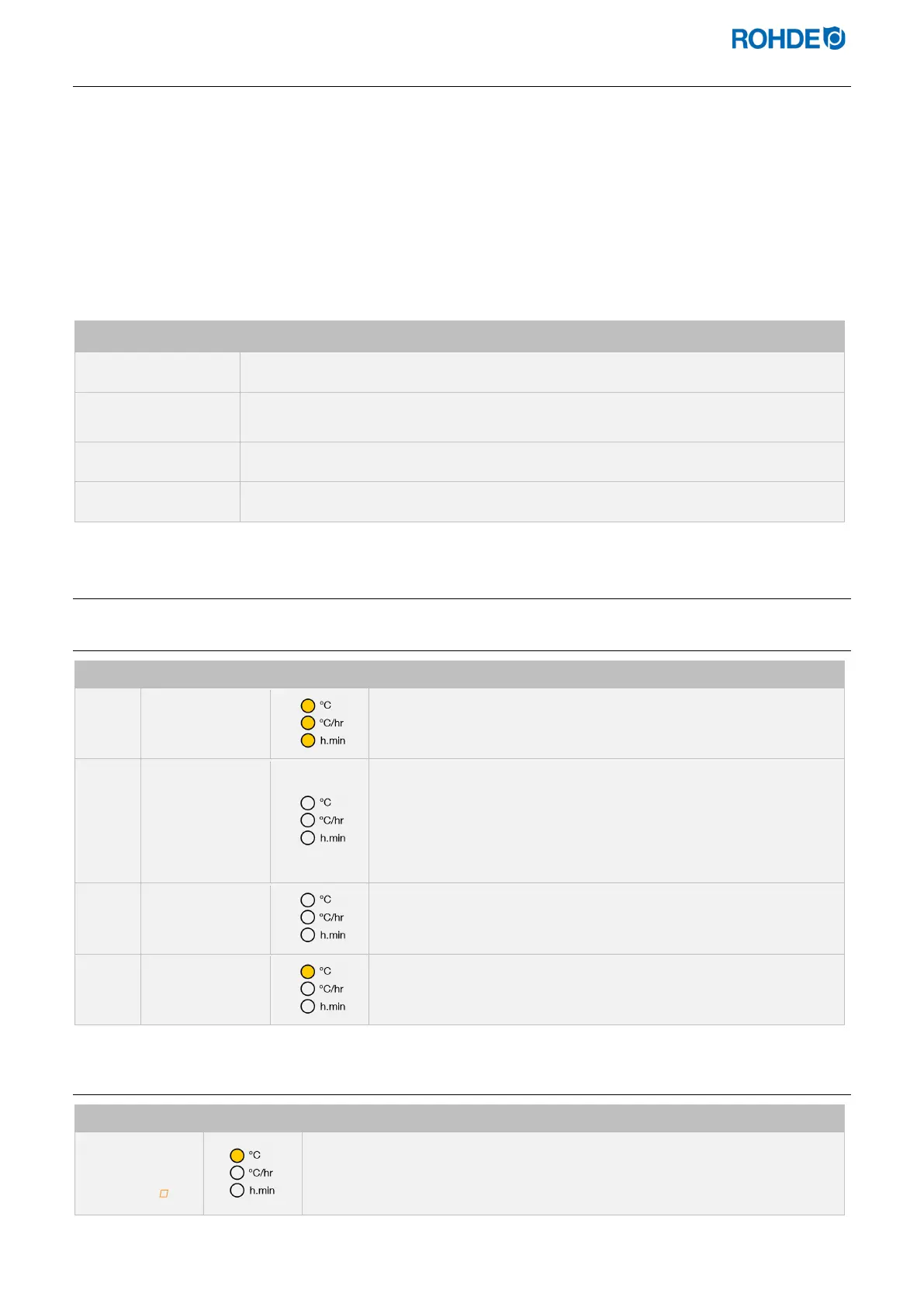
Step Display screen Indicator Description
8.8.8.8.
• After switching on, the controller carries out a display test.
• All indicators light up.
• The controller will sound a short beep.
F 1.0 0
• The controller displays the version number of the integrated
software.
• When contacting technical customer support, you will need the
following:
- the version number
the serial number of the device
t C.S
• The thermocouple type setting is now displayed.
• The type stored here must correspond to that of the
thermocouple installed in the kiln, i.e. S, R, K or N type.
20
• The final display shows the kiln temperature.
• No other indicators should light up during this time.
5.2.2. “Heating” display in firing mode
Display screen Indicator Description
3 1 0
During firing, the illuminated (decimal) point to the right of the temperature
(“310”) in the display shows that the kiln is heating up.



 To Next Page
 Loading...
