62 / 293 - EN -
5.5.3. Additional functions
Function Description
You can use the program delay “t
0
” or program delay to start the firing program
with a time delay (at a specific time). Please refer to Section 6.1.3.
Program advance function
Y
Press and hold the Y key for 3 seconds to switch to the program advance
function during firing. The controller will emit a short beep and immediately
advances the program by one step. Please refer to Section 6.1.4.
Activate the program pause function by pressing and holding the Z key (for 3
seconds). The controller sounds a short beep, the current program is paused,
and the current kiln temperature is maintained. Please refer to Section 6.1.5.
5.6. Cooling/end of the firing process
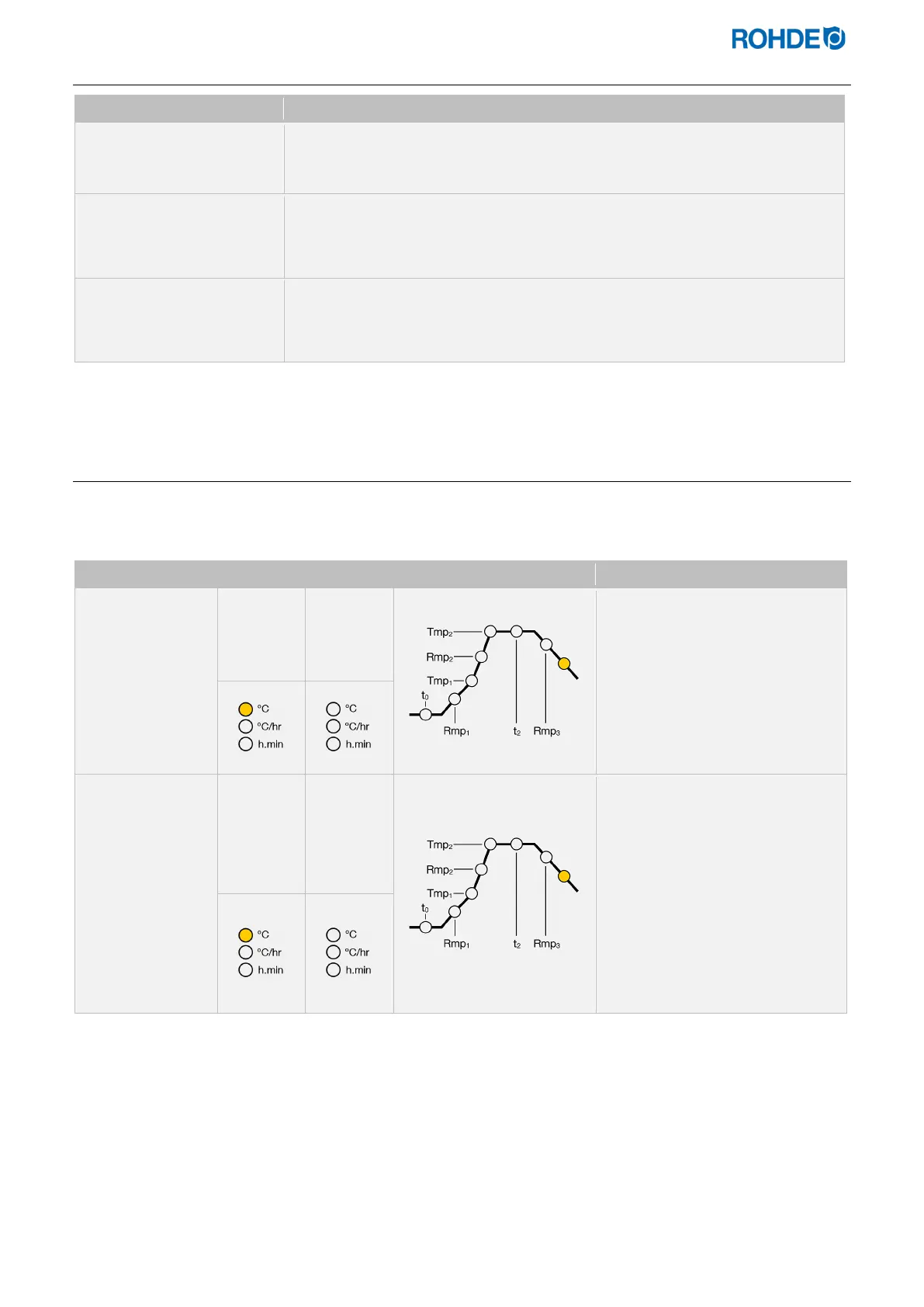
After firing, the kiln is switched off below 150°C and starts to cool down on its own.
Display screens:
Condition Display 1 Display 2 Program section Description
149 HOt
⇒ As long as the kiln
temperature is below 150 °C
and above 40 °C, the display
alternates between display 1
and 2 every 5 seconds.
⇒ Alternatively, you can end the
firing by pressing the j key.
Below 40°C &
room
temperature
39 En d
⇒ As soon as the kiln has
cooled below 40 °C, the
display alternates between
displays 1 and 2 every 5
seconds.
⇒ By pressing the j key, you
can now put the controller
into an idle state. The
controller is now ready for a
new firing (or the device can
be switched off).


 To Next Page
 Loading...

