68 / 293 - EN -
7.5. Firing program errors (“program error”)
Display Description Cause of error / Troubleshooting
Err. P
⇒ The error message is displayed if a
possible error is detected within the
firing program during the normal
start of a firing operation with the j
key.
⇒ An alarm buzzer will sound three
times.
1) Press the g key and the error message will be
cleared.
2) The controller now changes to programming
mode.
3) You can now call the program where the error
may have occurred.
4) If necessary, you can change the program.
5) If no fault is found, you can press the j key
again to force the firing program to start.
8. Interfaces
8.1. Wi-Fi module
8.1.1. General description
The control unit can be connected to a wireless network (Wi-Fi). Various functions between the control system (kiln)
and a smartphone, tablet or computer can be carried out using a Wi-Fi connection. The Wi-Fi connection is mainly
used for the ROHDE myKiln app (see Section 8.2).
Possible function:
• Measured values acquired by the controller can be sent wirelessly to a smartphone, tablet or computer for
evaluation.
• The kiln operation can be observed and monitored in real time from a smartphone, tablet or computer
(ROHDE myKiln app).
• Firing program data can be loaded onto the controller using the ROHDE myKiln app.
8.1.2. “Data transfer” indicator
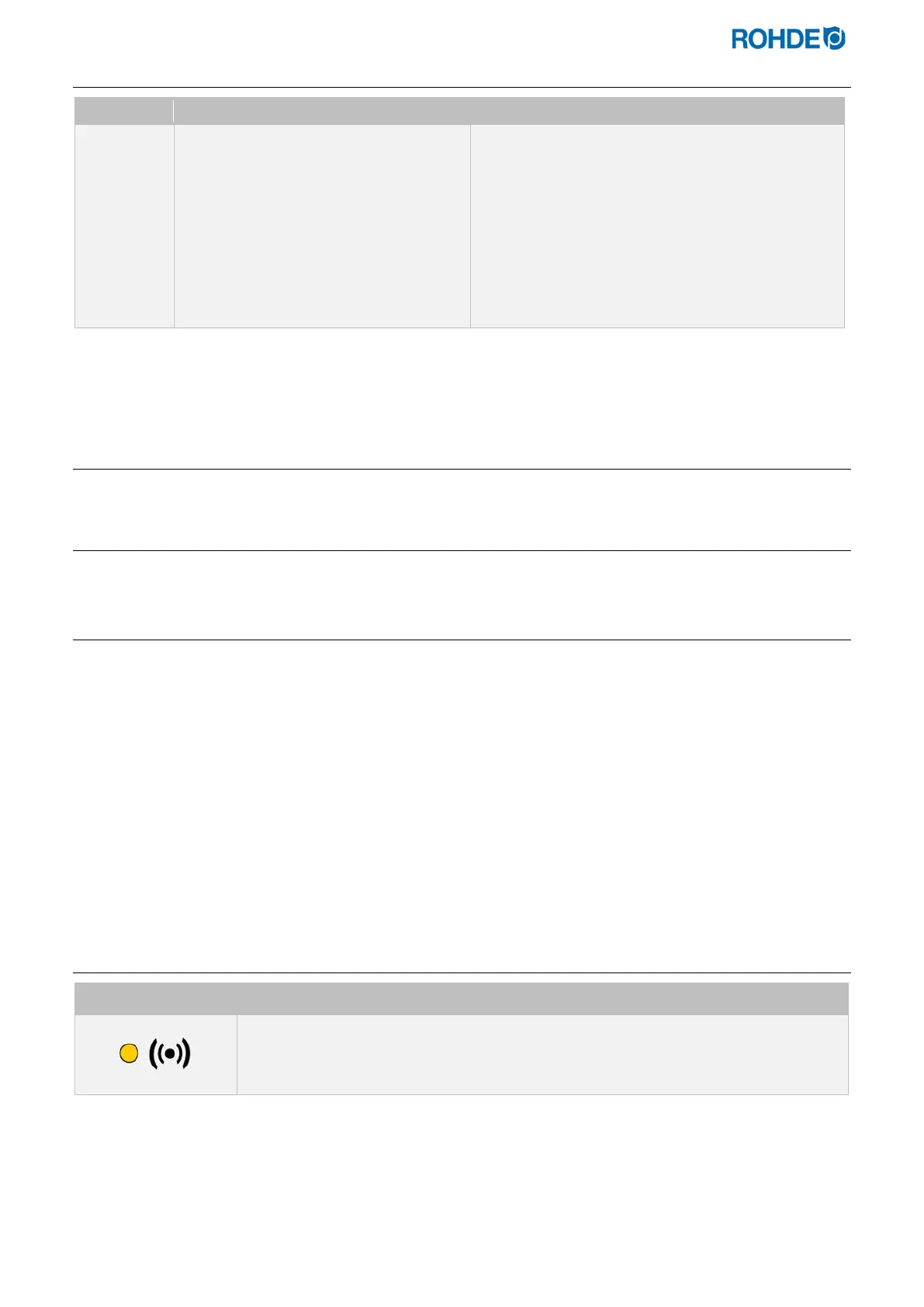
Display Description
The “Data transmission” indicator light flashes when information is being sent over the
wireless network.



 To Next Page
 Loading...
