2
Basic
Operation
Loading Media
25
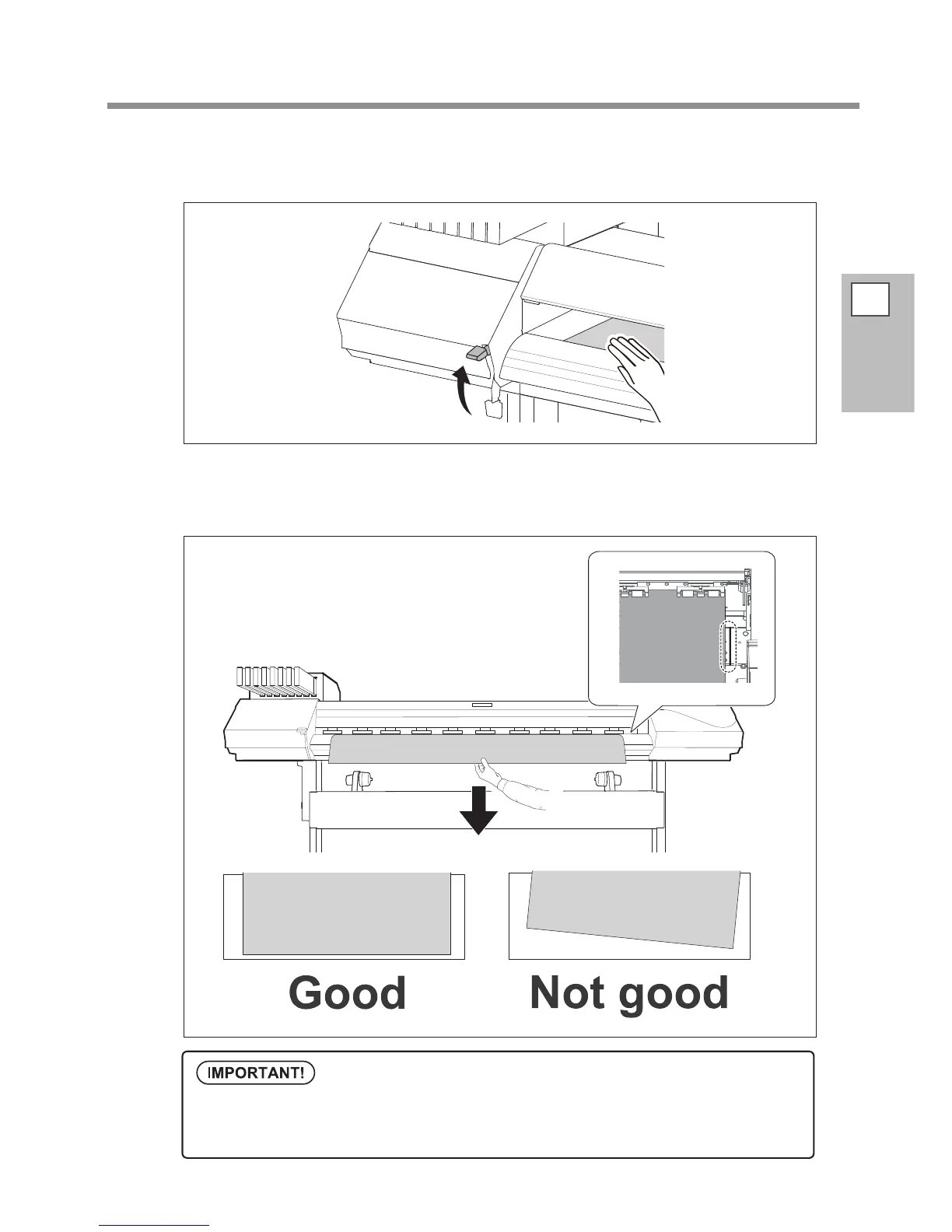
While lightly holding the media, raise the loading lever (front).
The media is released.
Hold the media at the center and pull it out, being sure to keep it straight and all areas
of the media to be taut.
Conrm that the right edge of the media is aligned with the guideline.
If you want to readjust the media position at this step, go back to the procedure
1.
-
and redo the
procedures. Print quality is aected due to skew media feed, if you hold the media only to readjust
the position forcibly.














 To Next Page