2
Basic
Operation
Loading Media
26
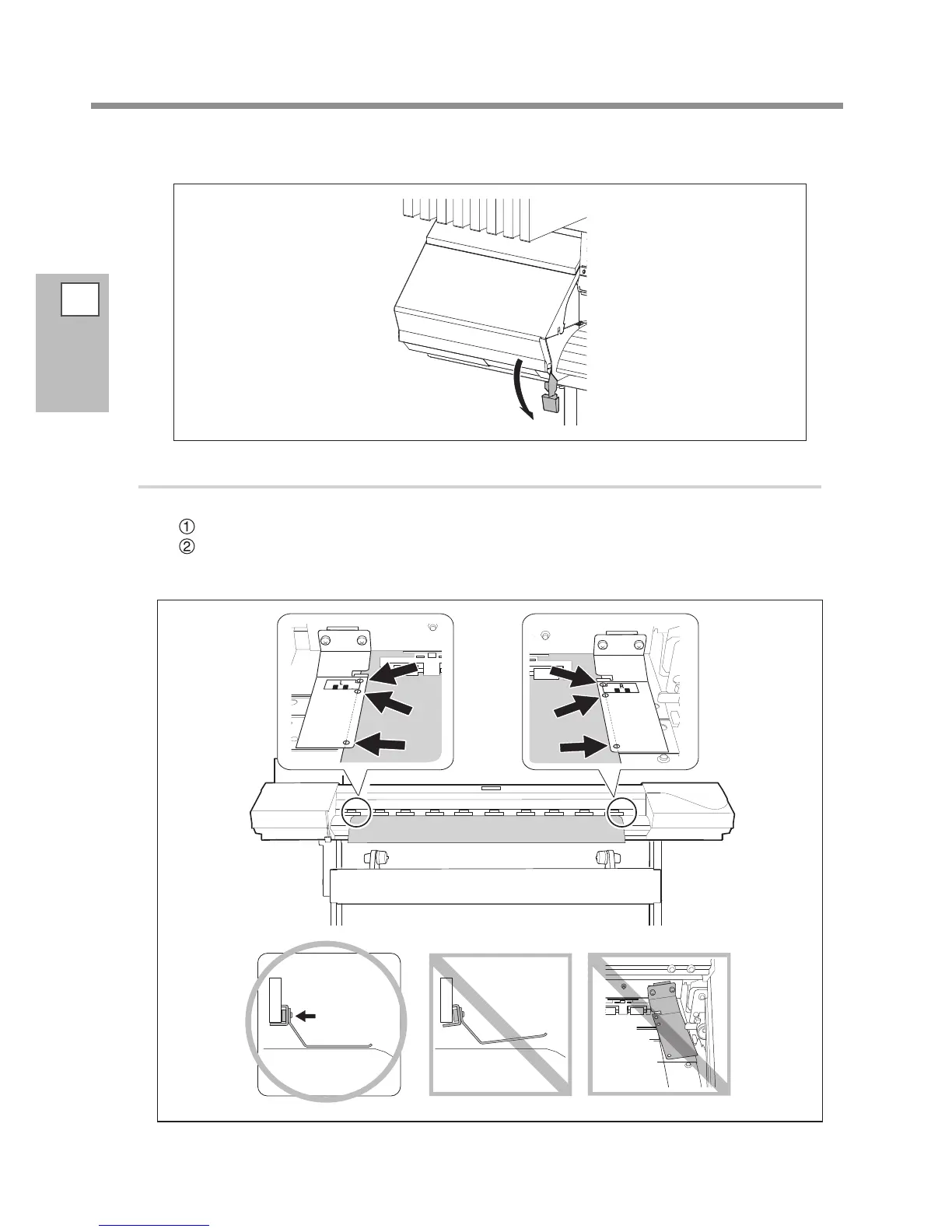
Lower the loading lever (front) to secure the media in place.
3.
Clamp the edges of the media with the media clamps.
Attach the media clamps.
Align the centers of the holes of the media clamps with the both edges of the media.
The media clamps are magnetic, and the left and right clamps are distinct. Refer to the gure and install
them at the correct positions, taking care not to let the left and right clamps get mixed up.














 To Next Page