3
Maintenance
Maintenance that Should Be Performed More Than Once a Month
61
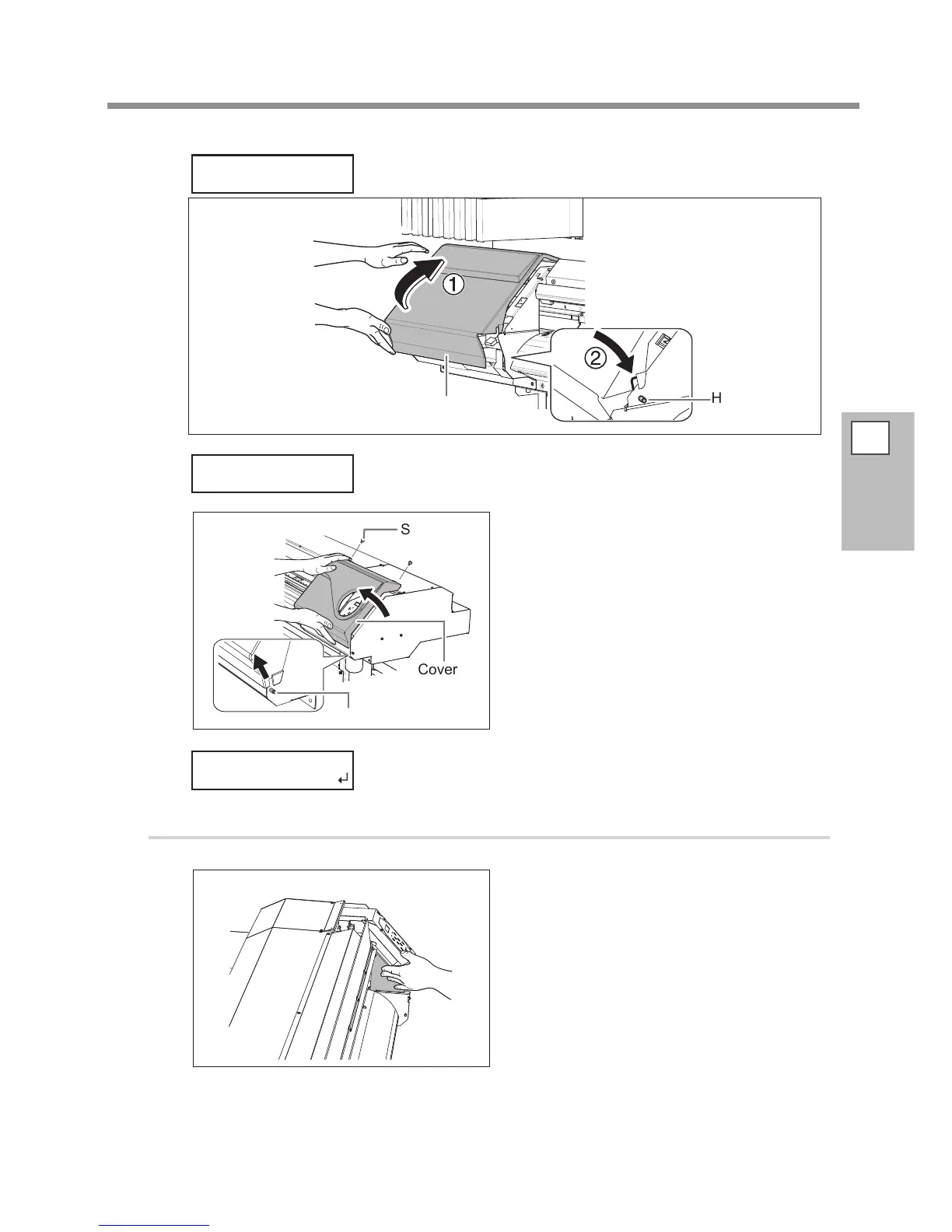
Attach the cover L.
The print-head carriage moves to the left of the machine.
Cover L
Hook
Remove the cover L.
Remove the cover R.
Preparations are complete when this screen appears.
2.
Clean using the cleaning stick.
Touch the location shown in the gure to
discharge any static electricity.
Check that the cut rail has been removed.
If the cut rail is not removed, close all the covers and restart the operation from the beginning. If you
continue the operation as the cut rail remains attached, the print heads might get broken.
CLOSE COVER L
OPEN COVER L














 To Next Page