3
Maintenance
Replacing Consumable Parts
70
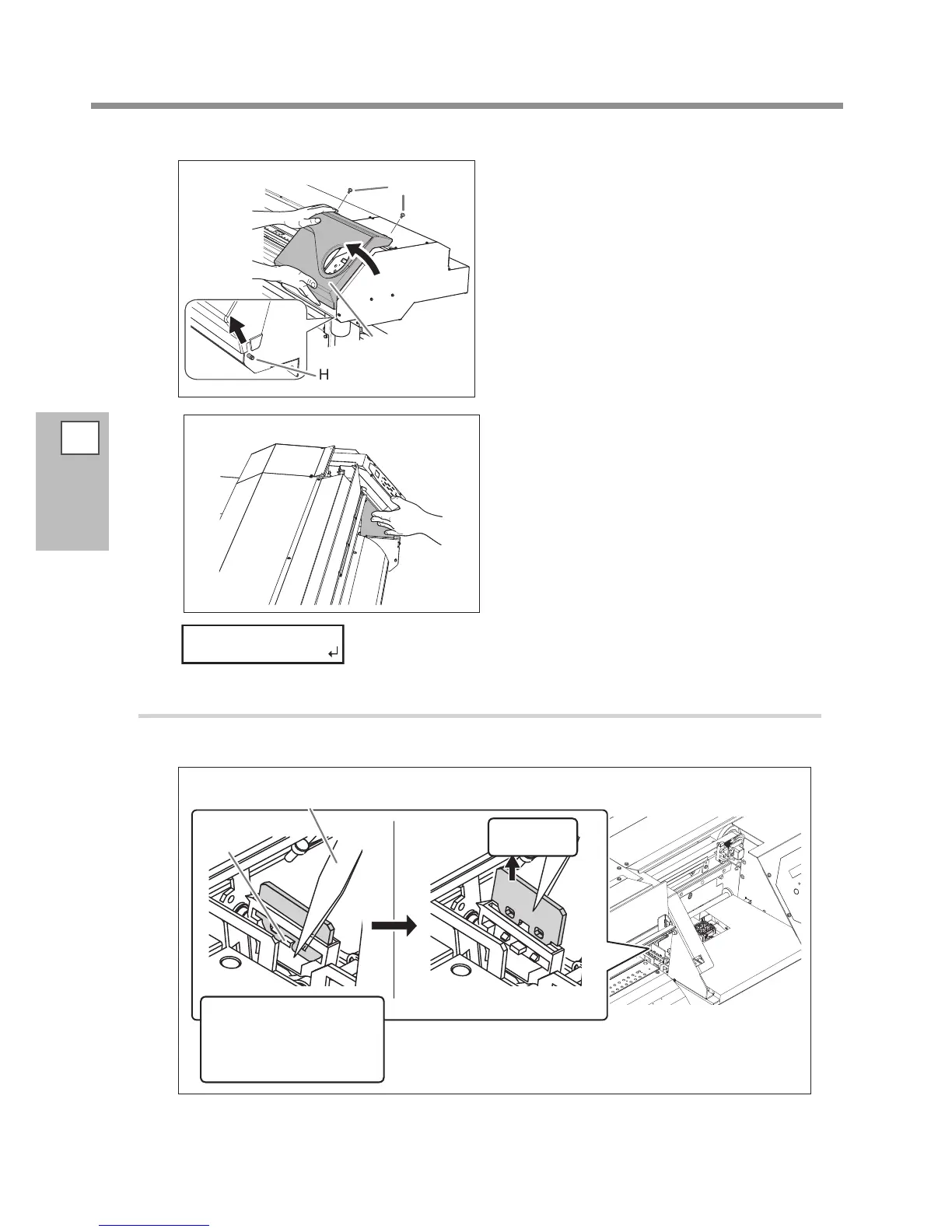
Remove the cover R.
Touch the location shown in the gure to
discharge any static electricity.
Preparations are complete when this screen appears.
2.
Replace the felt wiper.
Detach the old felt wiper.
Detach the hook.
Hitching the tweezers to
the hole on the felt wiper
makes the removal easier.
Pull up and
out.
Hook
Tweezers
(included item)
Screw
Cover R
Hook














 To Next Page