3
Maintenance
Replacing Consumable Parts
71
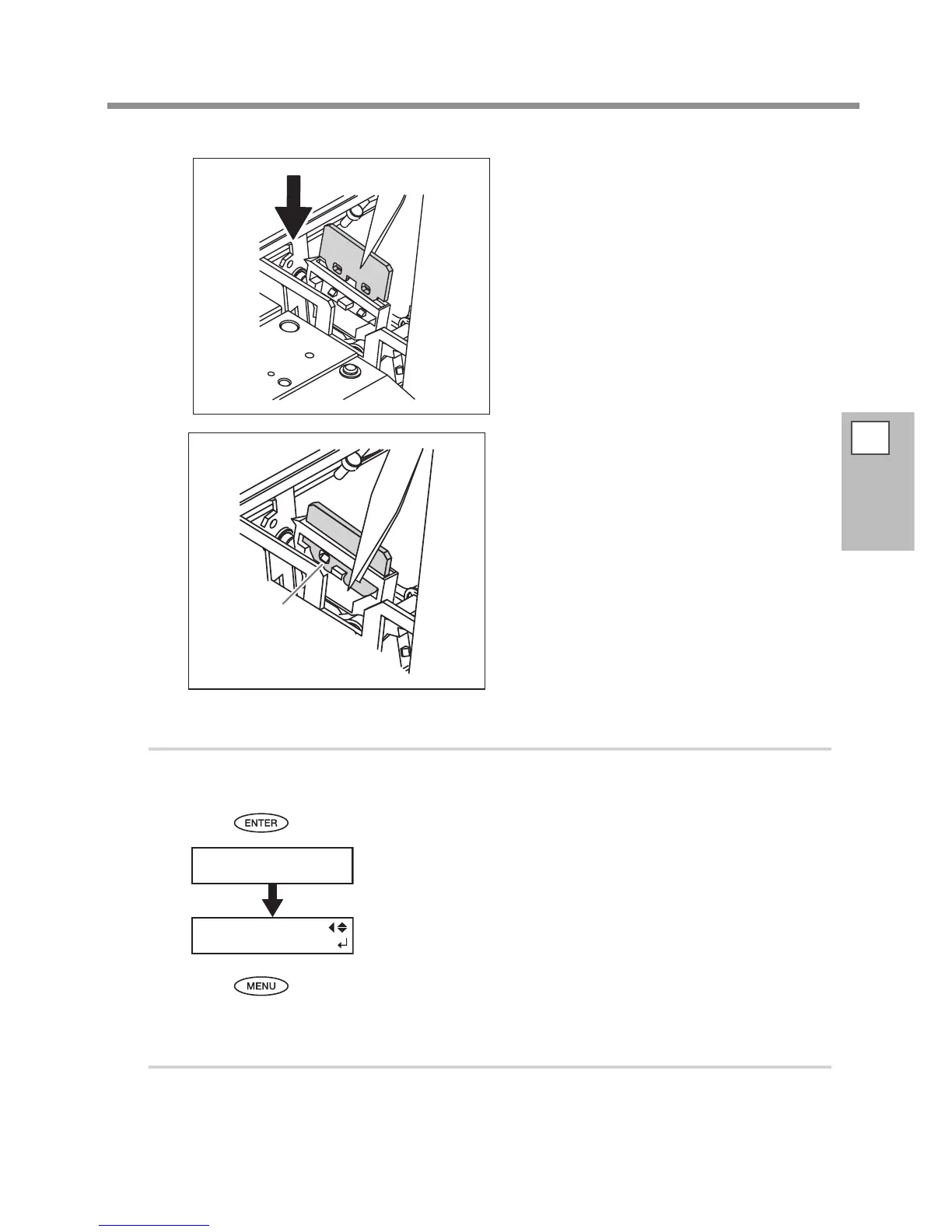
Attach the new felt wiper.
Attach the Hook.
Make sure to attach the hook. Otherwise it causes
dot-drop out or else.
3.
Reattach the cover R, and nish the felt wiper replacement menu.
Attach the cover R.
Press .
After the process to nish the felt wiper replacement menu, the screen on
the left appears.
Press to go back to the original screen.
4.
Perform a printing test to check the result.
Perform a printing test to check the result.
P. 40, "Printing Tests and Cleaning"
Hook














 To Next Page