MASTER STC
USER MANUAL
12
USER MANUAL
4 TURN THE METER ON
Press and release the HOME [A] key.
5 TURN THE METER OFF
Press and hold for 2’’ the HOME [A] key.
6 CHECK THE BATTERY CHARGE STATUS
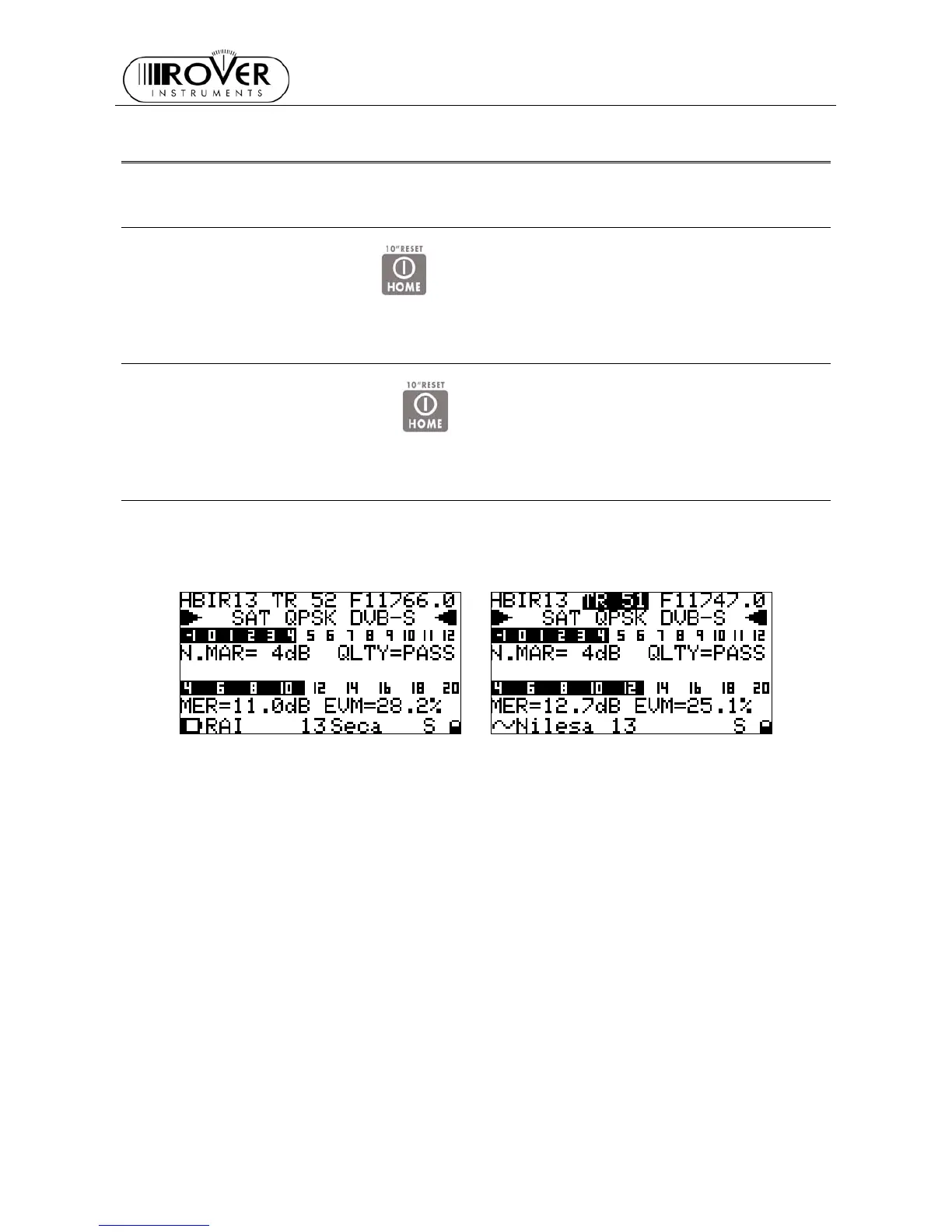
When the meter is on, at the bottom left corner of the LCD display [C] an icon will show the
current power source of the meter: built-in battery or mains external feed.
Build-in battery feed Mains external feed
Connect the supplied AC adaptor or the supplied cigarette lighter adaptor to the [S7] inlet
(located on the left side of the meter) to recharge the built-in battery. When the meter is
connected to an external power supply, the LED indicator [F] (located on the meter front
panel) turns on. When the external power connection is suitable to re-charge the build-in
battery, the LED indicator “CHARGE” [G] (located on the meter front panel) also turns on.
When the meter is off, but it is still connected to an external power supply, the built-in battery
fast charge mode is activated, and the LED indicators [F] and “CHARGE”[G] turn on brighter.
Don’t leave the instrument in LOW BATTERY conditions (1/4 charge or less) for more
than 2 months to preserve the capabilities of the built-in battery. Should the
instruments be stored for longer periods, it is required to periodically charge its
battery.


 To Next Page