MASTER STC
USER MANUAL
43
EDITING THE SWEEP TIME
Using the standard navigation mode, highlight the sweep time on the display top left
corner of the y-axis. and select the desired sweep time. Only pre-defined sweep times
(from 50 ms to 50 s) can be set.
EDITING THE END-OF-SCALE VALUE
Using the standard navigation mode, highlight the end-of-scale value and select the
desired value
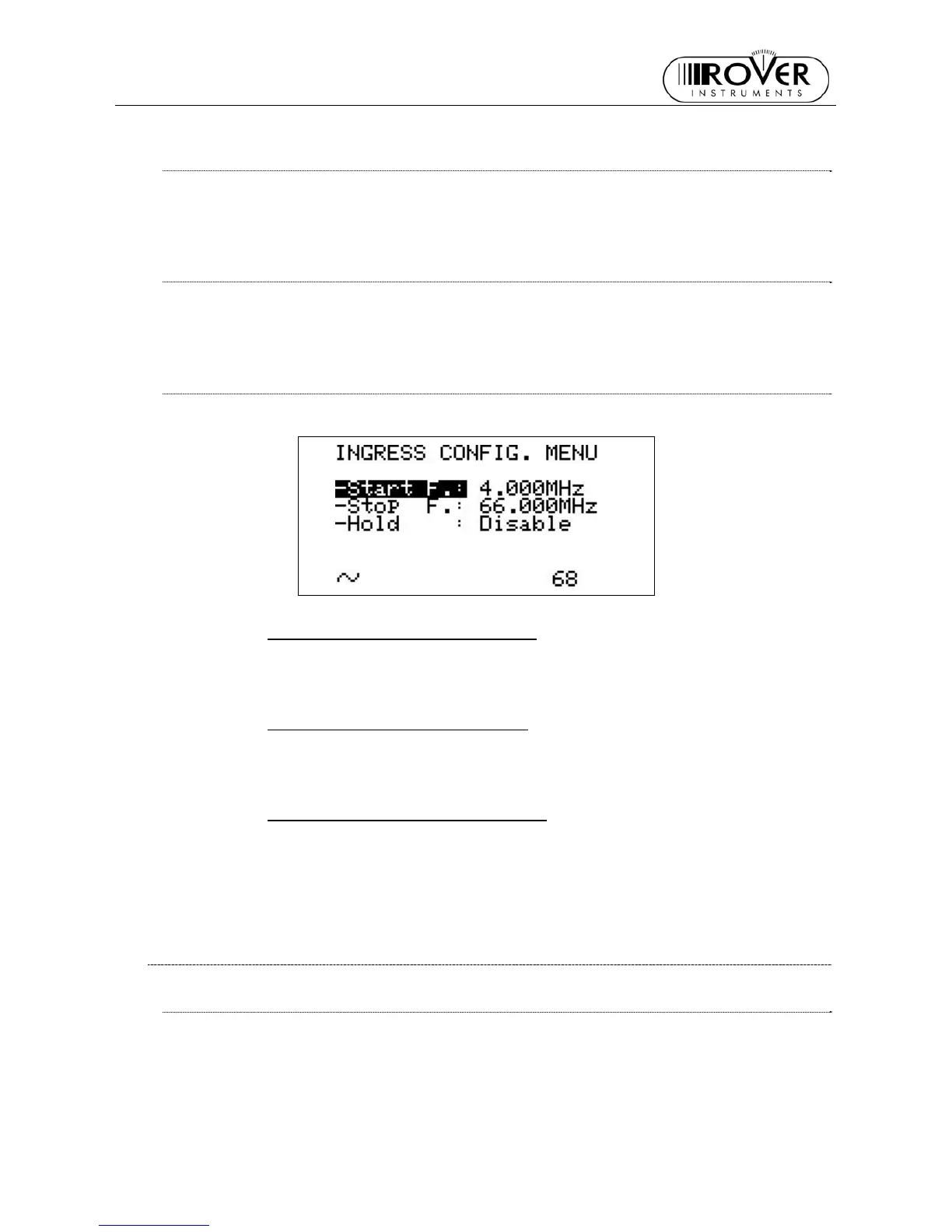
SETTING THE START FREQUENCY AND THE STOP FREQUENCY IN INGRESS
MODE
Once entered the INGRESS MODE, press and release the INGRESS [2] key.
SETTING THE START FREQUENCY
Using the Standard navigation mode, highlight the Start F.: item and set the desired
Start Frequency value.
SETTING THE STOP FREQUENCY
Using the Standard navigation mode, highlight the Stop F.: item and set the desired
Stop Frequency value.
INGRESS MODE MAX HOLD ON/OFF
Using the Standard Navigation Mode, highlight the Hold item and select Enable or
Disable.
Press once and release the INGRESS [2] key to return to the INGRESS MODE.
14.2 CABLE LEAKAGE MEASUREMENTS
LEAKAGE SETUP
Press and hold for at least two seconds the MPEG SERVICE LIST [B] key. Using the
Standard Navigation Mode highlight the LEAKAGE SETUP item and press the encoder
[D] knob to enter the setup menu.
Press once and release the MEAS [5] key to quit the CABLE LEAKAGE setup menu.


 To Next Page