Chapter 10 Troubleshooting
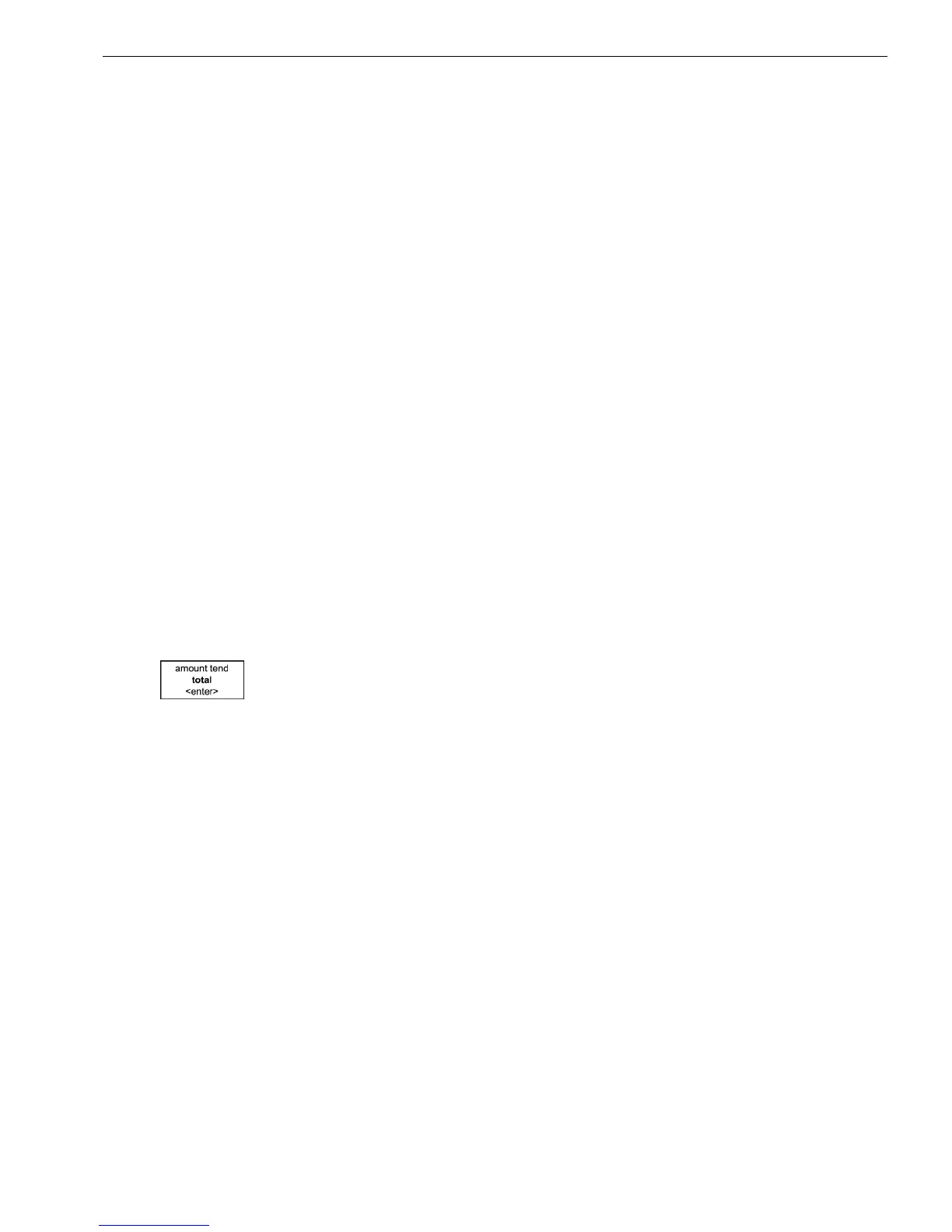
• E nter a price, press a department key, and press the Amount Tend Total
<Enter> key to end the sale. Now continue with what you were trying to
do.
The Cash Register Does Not Work at All
1 Be sure the cash register is plugged into a working electrical outlet and
no other electrical device is using the same power source. A nother
electrical motor on the same circuit can keep the cash register from
working properly.
• I f error still persists, perform a H alf System C lear procedure. See H alf
System C lear.
• I f the H alf System C lear did not work, perform a Partial R eset. See
Partial R eset.
• A s a last resort, perform a Full System C lear procedure. See Full
System C lear.
2 I f needed, contact the R oyal C ustomer Support hotline at
1-800-272-6229 for additional help.
The Cash Register Does Not Work
I f the cash register does not respond except with an error:
• M ake sure you are not in the middle of a sales transaction.
card. Download the source file again and retry.
• CARD not found, this means an SD card was not detected by the cash
register. I nsert an SD card and try again.
• Unusable Data, the data on the SD card is corrupt or unreadable.
D ownload the data again, or try another SD card.
• SD-CARD full, there is no room to save on the current SD card. U se a
different SD card, or delete some data and try again.
• Write Protected, the write protection tab on the SD card is in the locked
position. R emove the SD card and flip the tab to the unlock position,
then try again.
• SD-CARD error, the SD card has a fatal error or is corrupt. R eplace the
SD card and try again.
• Data not found, the specific file to be loaded is not available on the SD
H ere is a breakdown of the errors and how to resolve them:
010 1000ML User's GuideahplA


 To Next Page