02 a 1000ML User's GuidehplA
Using the Displays
The Clerk Screen
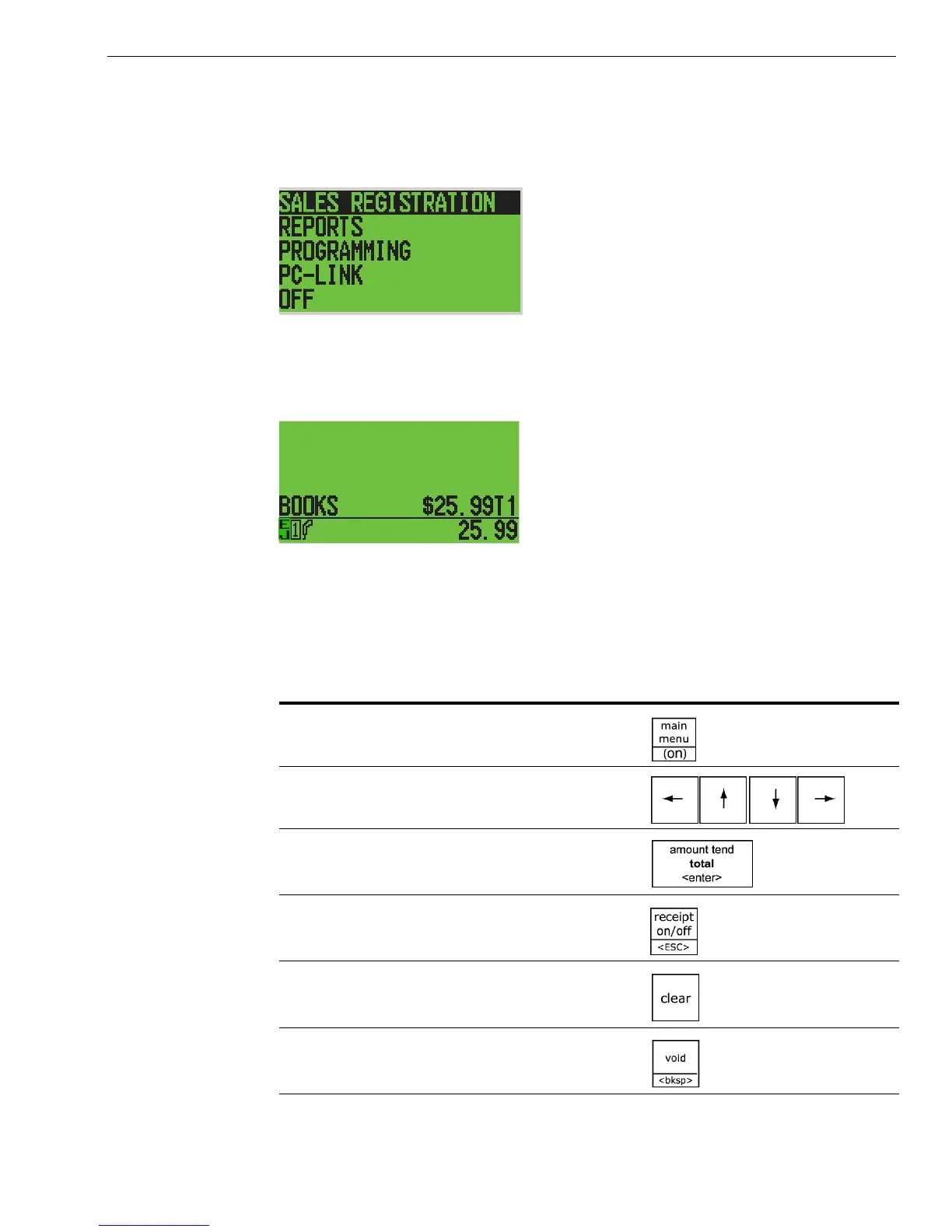
T he clerk screen prompts you through setting up the cash register and
using it to ring up sales. T he main screen on the display looks like this:
W hen ringing up sales, you see the department number or P L U number
on the clerk screen. I f a description or name is programmed, this
description appears.
Navigating the Clerk Screen
Navigating the clerk screen is easy. U se these following keys:
Table 2 Navigating the clerk screen
...siht sserP...siht od oT
See the main menu
M ove up and down through the menu
options
Select the highlighted option
G o back one menu level
C lear your typed entry and start over
C lear the last character entered



 To Next Page