Alpha 1000ML User's Guide
Setting Up Your Cash Register
Parameters
T his chapter shows you more advanced programming for your cash
register. T his chapter is organized to show you the menu options shown in
the clerk display. U se this chapter to quickly find a menu option you want.
Some of the menu options in this chapter are already discussed elsewhere
in this manual. I n those cases, we provide references where you can see
more detailed information.
Print Options
T he Print O ptions menu includes the options listed in this section.
To open the Print Options menu
Programming More Options Print Options
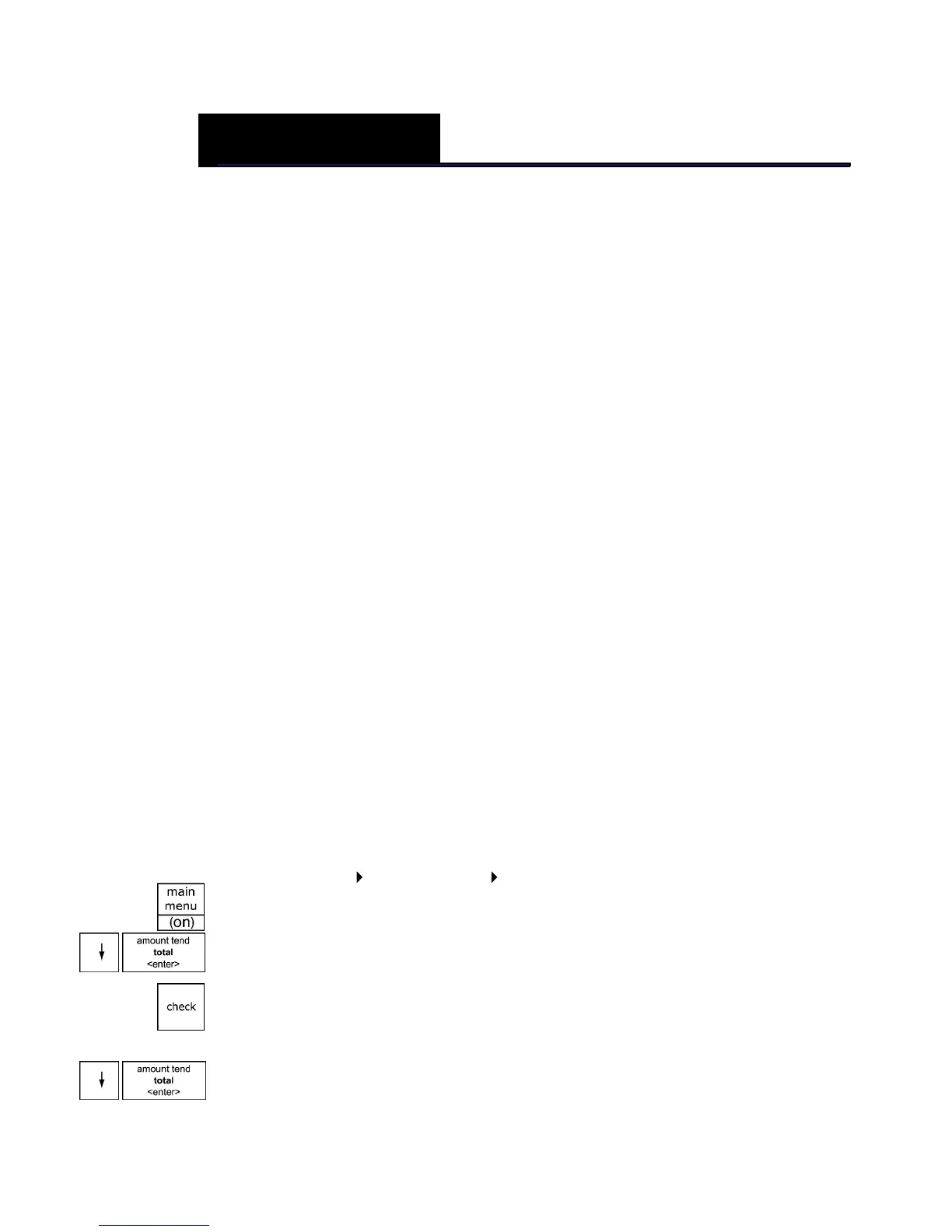
1 Press the Main menu (on) key.
2 Press the Arrow Down key to select Programming. Press the Amount
Tend Total <Enter> key.
3 I f you are prompted for a M anager Passcode, type the passcode number
and then press the Check key. I f you did not program a M anager
Passcode, go to the next step.
4 Press the Arrow Down key to select M ore O ptions. Press the Amount
Tend Total <Enter> key.
CHAPTER 5



 To Next Page