Using Training Mode
Entering and Exiting Training Mode
A fter a training passcode is programmed, you can enter and exit Training
mode.
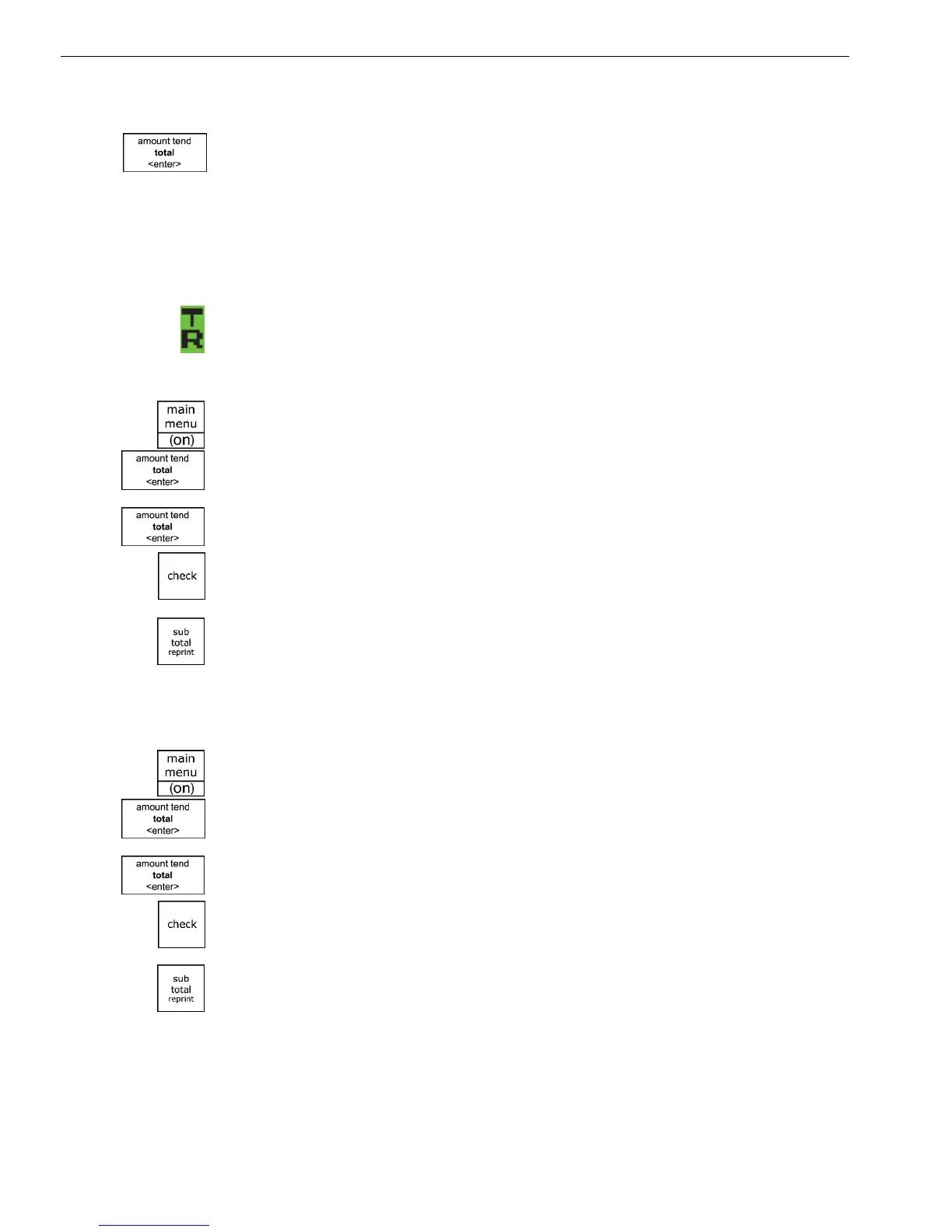
W hen the cash register is in Training mode, a symbol appears in the lower
left of the clerk screen. Some transactions may also print DEMO or asterisks
**** on the receipt.
To start Training mode
1 Press the Main menu (on) key.
2 Select Sales R egistration. Press the Amount Tend Total <Enter> key.
3 I f the clerk numbers are set, do the following:
• E nter the clerk number and then press the Amount Tend Total <enter>
key.
• U sing the round N umber keys, press the three digit passcode and then
press the Check key.
4 Using the R ound number keys, enter the 6 digit passcode. Press the
Subtotal reprint key. T he TR symbol appears on the screen.
5 Now you can ring up sales in training mode. T hese sales do not appear in
the sales reports.
To stop Training mode
1 Press the Main menu (on) key.
2 Select Sales R egistration. Press the Amount Tend Total <Enter> key.
3 I f the clerk numbers are set, do the following:
• E nter the clerk number and then press the Amount Tend Total <enter>
key.
• U sing the round N umber keys, press the three digit passcode and then
press the Check key.
4 Using the R ound number keys, enter the 6 digit passcode. Press the
Subtotal reprint key. T he TR symbol disappears from the screen.
5 Now you can ring up sales normally. T hese sales do appear on sales
reports.
6 Using the R ound number keys, enter a 6 digit passcode. T he passcode
cannot be zeros.
7 W hen you are done, press the Amount Tend Total <Enter> key.
1000ML User's GuideahplA17



 To Next Page