Alpha 1000ML User's Guide 44
Programming PLU Descriptions
Programming PLUs with the Optional Barcode Reader
You can use the optional R oyal model PS700 barcode reader to scan items
and automatically ring them up. Using the barcode reader saves time and
reduces errors caused by people ringing up items incorrectly. T he barcode
reader must be held about ½ inch or closer above the symbol on the
product to read the U PC or other barcode properly.
Important
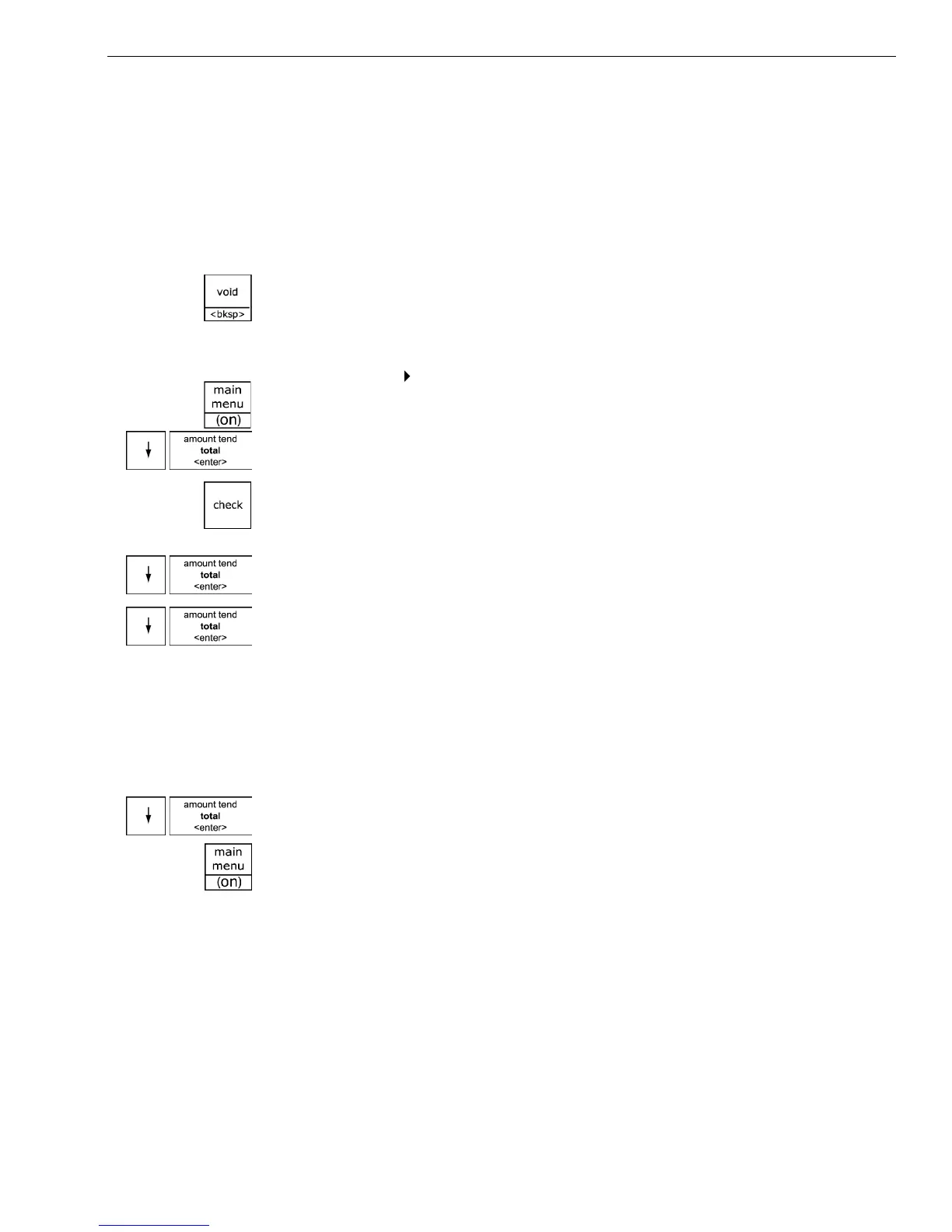
If you enter the wrong character, press the Void <bksp> key to delete the
character. Now you can continue.
To program PLUs using the barcode reader
Programming PLU Set Up
1 Press the Main menu (on) key.
2 Press the Arrow Down key to select Programming. Press the Amount
Tend Total <Enter> key.
3 I f you are prompted for a M anager Passcode, type the passcode number
and then press the Check key. I f you did not program a M anager
Passcode, go to the next step.
4 Press the Arrow Down key to select PL U Set U p. Press the Amount Tend
Total <Enter> key.
5 Press the Arrow Down key to select New & E dit. Press the Amount Tend
Total <Enter> key.
6 Using the barcode reader, scan the barcode you want for this PL U . H old
the barcode reader less than ½ inch from the barcode you want to scan.
Press the button on the bottom of the reader. Flick the reader slightly to
move the L E D light along the barcode to read it. T he barcode reader
beeps when it properly reads the barcode. Follow the instructions on the
display.
7 To program the next PL U , go to Next PL U and press the Amount Tend
Total <Enter> key.
8 W hen you are done programming, press the Main menu (on) key.



 To Next Page