221 1000ML User's GuideahplA
Voiding a Plus Percentage Sale
Voiding a Plus Percentage Sale
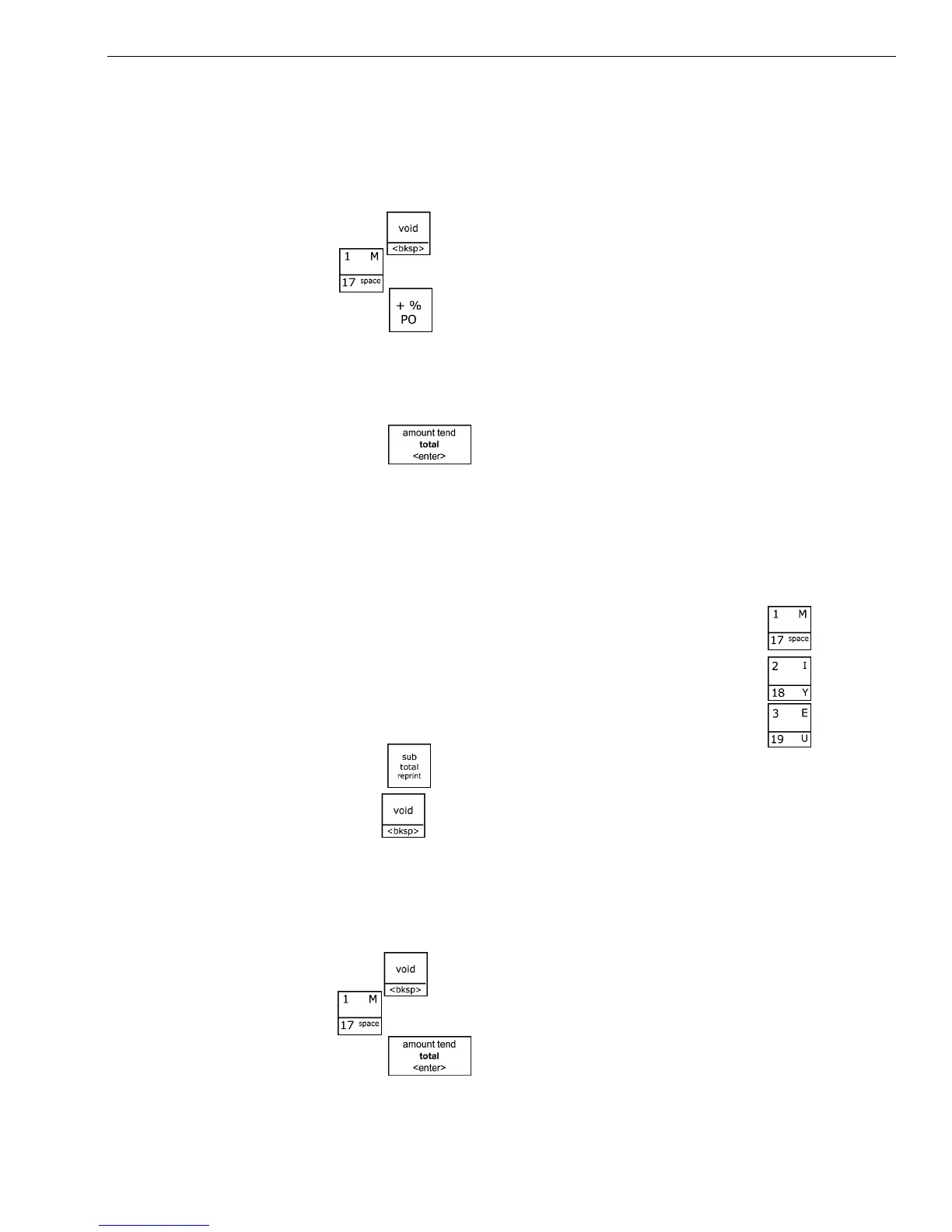
Example 42: Void a $1.00 item in Department 1 and void a pre-programmed
Plus Percentage Rate of 10%.
To void a plus percentage sale
1 Press the key, in the N umber keys area, press 100, and then press
the key.
2 Press the key.
Note
If the Plus Percentage rate is NOT pre-programmed, type in the Plus
Percentage Rate before pressing the +%/PO key.
3 Press the key.
Voiding an Entire Sale before Finishing the Sale
Example 43: Void an entire sale before you press the Amount Tend Total
<Enter> key. Void a sale for a $1.00 item in Department 1, a $2.00 item in
Department 2, a $3.00 item in Department 3.
To void a sale
1 I n the N umber keys area, press 100, and then press the key.
2 I n the N umber keys area, press 200, and then press the key.
3 I n the N umber keys area, press 300, and then press the key.
4 Press the key.
5 Press the key.
Voiding A Sale
Example 44: Void a $1.00 item in Department 1.
To void a sale that is already completed
1 Press the key, in the Number keys area, press 100, and then press
the key.
2 Press the key.



 To Next Page