Before Going to Register Mode
T he data you can save to an SD card is as follows:
Before Going to Register Mode
Your cash register offers many other features not covered in this chapter.
O ther options are covered in the chapter called Setting U p Your C ash
R egister Parameters, starting on page 51. We also provide examples to
help you learn how to use your cash register. For information about the
examples, see EE xamples on page 105.
• A ll PL U programming data
• A ll D epartment programming data
• A ll C lerk names (without passcodes)
• A ll Header, Footer, and Scrolling M essage information
I f you have previously saved data to an SD card or your PC , you can
load that data at any time. T o load data from an SD card, please follow
the instructions below, but at step 4 select Load from SD-Card instead.
T o load data from your PC via the R egisterL ink software, please
consult your R egisterL ink manual.
T o save your programming data to an SD card
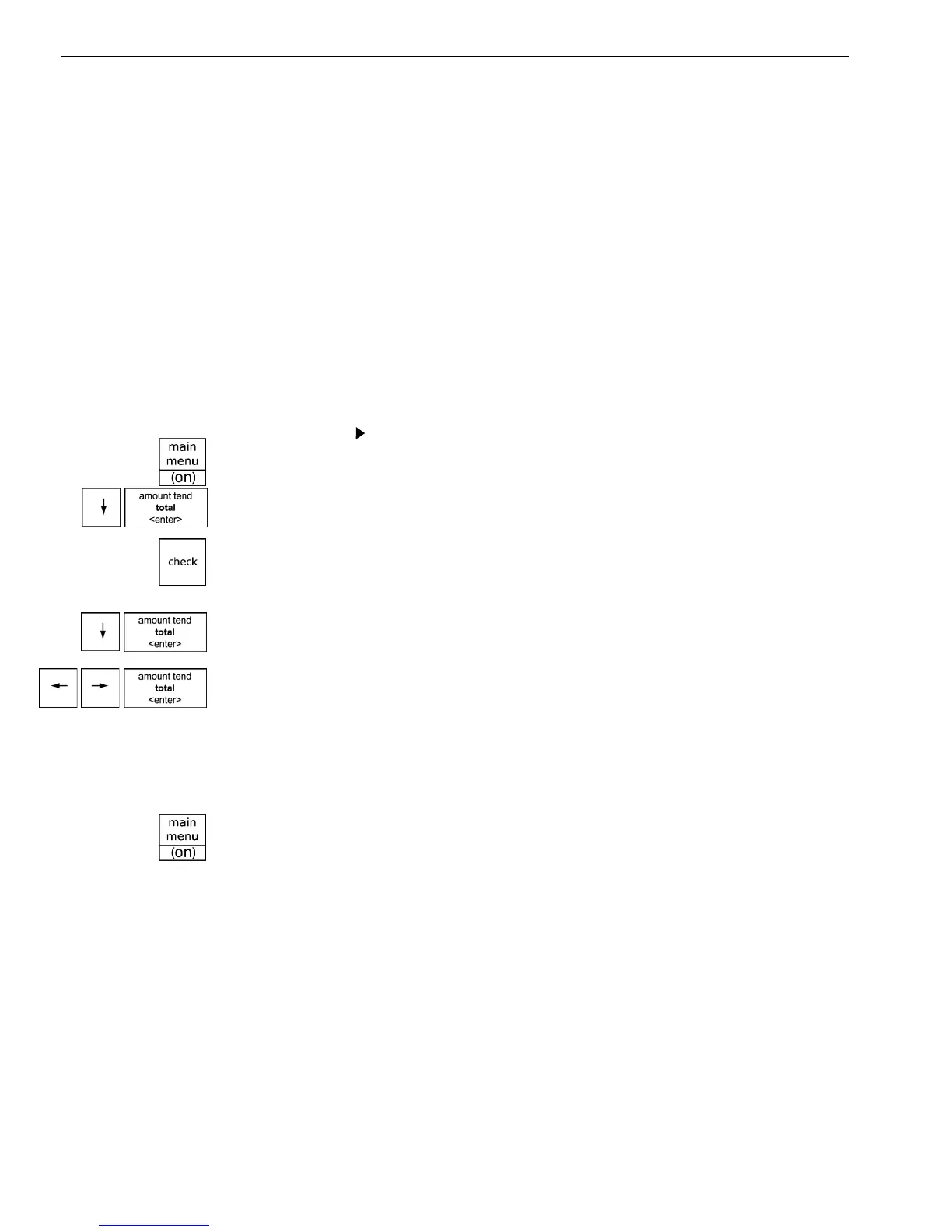
4 Press the Arrow Down key to select Save to SD -C ard. Press the
Amount Tend Total <Enter> key.
5 A confirmation box will appear, use the Arrow keys to highlight OK
to confirm the save. I f you wish to go back, select CANCEL. O ne you
make a selection, press the Amount Tend Total <Enter> key to save
the data.
6 A pop-up box will appear and when the save is complete, you will
be brought back to the Programming menu.
7 W hen you are done programming, press the Main menu (on) key.
Programming
Save to SD-Card
1 Press the Main menu (on) key.
2 Press the Arrow Down key to select Programming. Press the Amount
Tend Total <Enter> key.
3 I f you are prompted for a M anager Passcode, type the passcode number
and then press the Check key. I f you did not program a M anager
Passcode, go to the next step.
a 1000ML User's GuidehplA74



 To Next Page