64 1000ML User's Guide ahplA
Printing the Program Confirmation Report
4 Press the Arrow Down key to select PL U Set U p. Press the Amount Tend
Total <Enter> key.
5 Press the Arrow Down key to select Delete. Press the Amount Tend Total
<Enter> key.
6 D o one of the following:
• U sing the R ound N umber keys, enter the PL U number you want to
delete and press the Amount Tend Total <Enter> key.
• U sing the barcode reader, scan the barcode you want delete.
7 A t the prompt, press the Amount Tend Total <Enter> key to delete the
selected P L U .
Printing the Program Confirmation Report
Now that basic programming is complete, check your results with a
Program C onfirmation R eport.
I f you made a mistake during programming, repeat only the step you
made the mistake in. For example, if only the tax rate is incorrect, just
re-program the tax—you do not need to re-set the time, date, and so on.
T here are 4 types of confirmation reports:
Saving or Loading Your Programming Data
A fter you have finished the initial programming of your 1000M L , you
can save your programming data to an SD card(not included). Y ou
can also save this data directly to your PC by using the included
R egisterL ink software (please refer to the R egisterL ink section of
this manual for further information).
• D ept A ll the department programming. See R unning the
D epartment C onfirmation R eport on page 83.
• PL U s A ll P L U programming. See R unning the PL U
C onfirmation R eport on page 84.
• C lerks A ll clerks. See R unning the O ptions D ump R eport on
page 82.
• O ptions A ll the parameters for setting the register, including
header, footer, scrolling messages, tax rates and so on.
See R unning the O ptions Dump R eport on page 82.
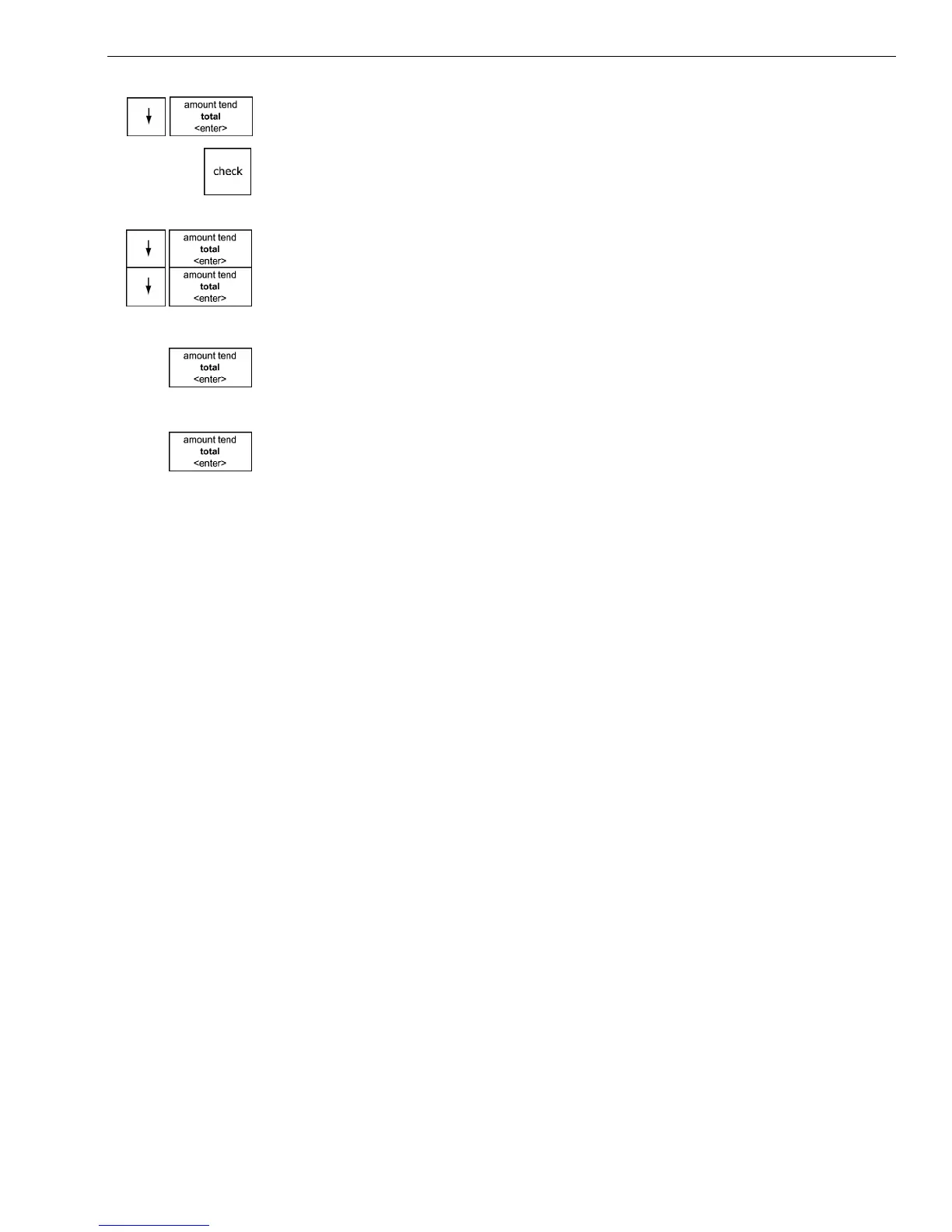
3 I f you are prompted for a M anager Passcode, type the passcode number
and then press the Check key. I f you did not program a M anager
Passcode, go to the next step.
2 Press the Arrow Down key to select Programming. Press the Amount
Tend Total <Enter> key.



 To Next Page