Chapter 4 Setting Up Your Cash Register - the Basics
a 1000ML User's GuidehplA34
3 A ssign a price.
4 L ink the PL U to a department key with the appropriate Tax Status for
that PL U .
For example, if PL U # 1 is a taxable item, you can link it to a Department
key which is set up for tax. I f P L U # 2 is not a taxable item, you can link it
to a D epartment key which is programmed for no tax.
Important
Do not press the Decimal point key when entering a price.
A fter you are done, you can check your results. See R unning the P L U
C onfirmation R eport on page 84.
Programming PLUs without a Barcode Reader
You can program PL U s without using a barcode reader. Use the following
instructions.
Important
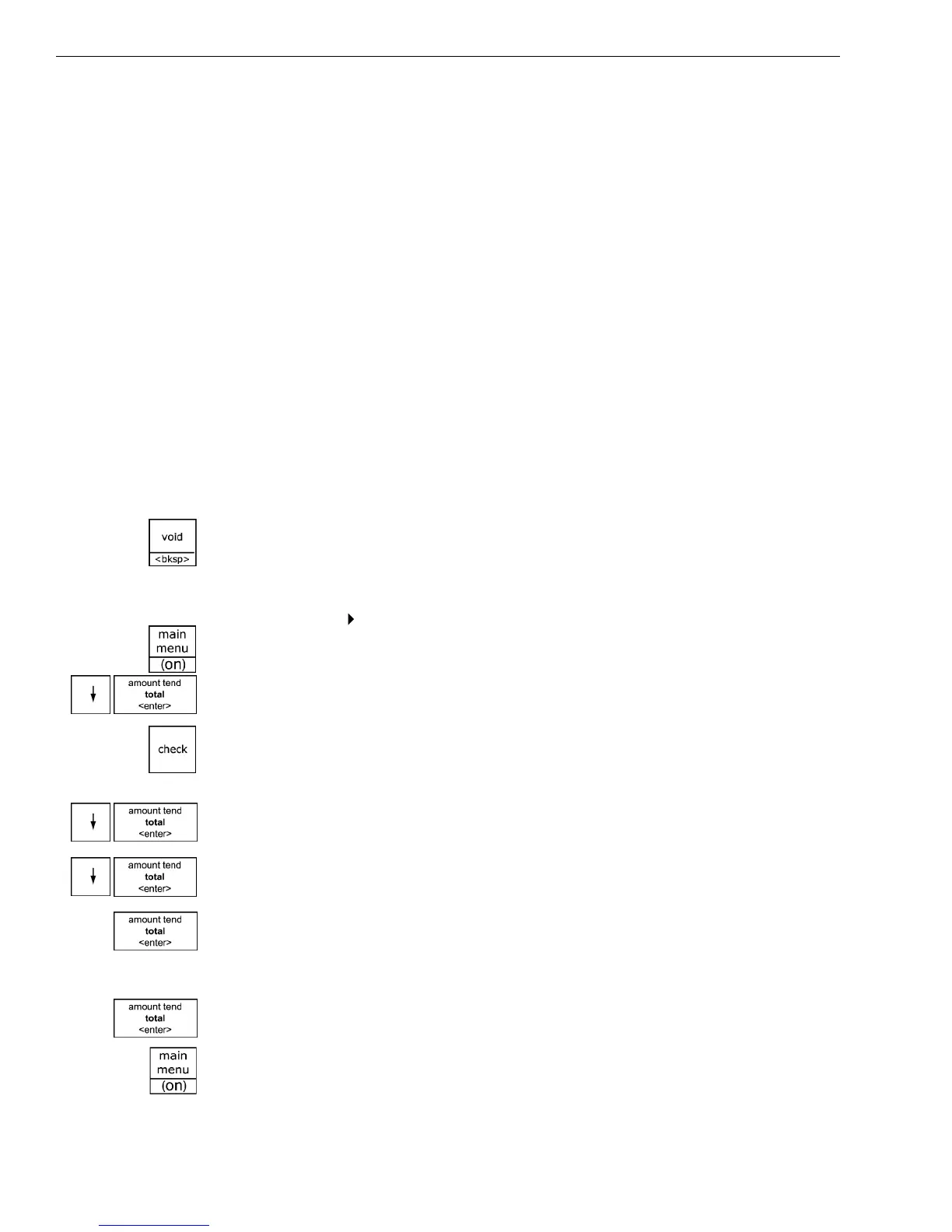
If you enter the wrong character, press the Void <bksp> key to delete the
character. Now you can continue.
To program PLUs without a barcode reader
Programming PLU Set Up
1 Press the Main menu (on) key.
2 Press the Arrow Down key to select Programming. Press the Amount
Tend Total <Enter> key.
3 I f you are prompted for a M anager Passcode, type the passcode number
and then press the Check key. I f you did not program a M anager
Passcode, go to the next step.
4 Press the Arrow Down key to select PL U Set U p. Press the Amount Tend
Total <Enter> key.
5 Press the Arrow Down key to select New & E dit. Press the Amount Tend
Total <Enter> key.
6 Using the rounded N umber keys, enter the PL U number. Press the
Amount Tend Total <Enter> key.
7 Follow the instructions on the display
8 To program the next PL U , go to N ext PL U and press the Amount Tend
Total <Enter> key.
9 W hen you are done programming, press the Main menu (on) key.



 To Next Page