Chapter 11 Examples
1000ML User's GuideahplA111
Gallonage Sales Transaction
Example 16: In this example, Department 4 is programmed for Gallonage
Mode and is non-taxable. Ring 10.759 gallons at $2.749 per gallon.
Note
Department 4 must be programmed as gallonage for this to work.
To ring a gallonage sales transaction
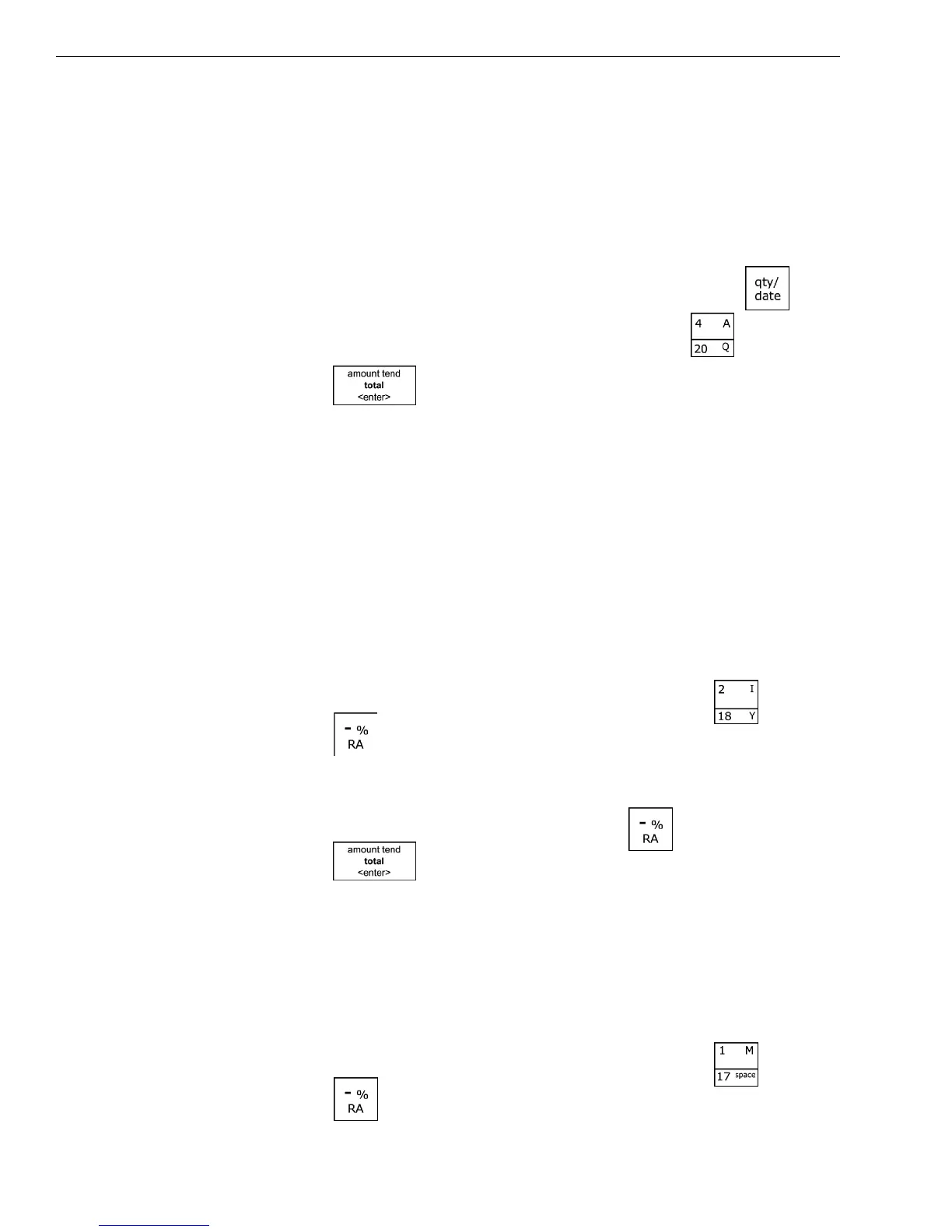
1 I n the N umber keys area, press 10.759, and then press the key.
2 I n the N umber keys area, press 2749, then press the key.
3 Press the key.
Minus Percentage Discount Sale
Example 17: The following are two versions of Minus Percentage Discount
Sales.
Version 1
Note
If no tax is programmed in your cash register, ring up a $1.00 item in
Department 2 and apply a preprogrammed discount rate of 10%.
To ring a minus percentage discount sale
1 I n the Number keys area, press 100, and then press the key.
2 Press the key.
Note
If the Minus Percentage Discount Rate is NOT programmed, type in the 10%
discount rate by entering 10 before pressing the key.
3 Press the key.
Version 2
Note
When ringing a taxable item with a percentage discount, tax will
automatically be charged on the discounted amount, the amount after the
percentage discount is deducted.
To ring a minus percentage discount sale
1 I n the Number keys area, press 100, and then press the key.
2 Press the key.


 To Next Page