Ringing up Sales
Ringing up Sales with a PLU Number
You can ring up a sale for an item that has a PL U number.
To ring up a straight cash sale with a PLU number and not using the barcode
reader
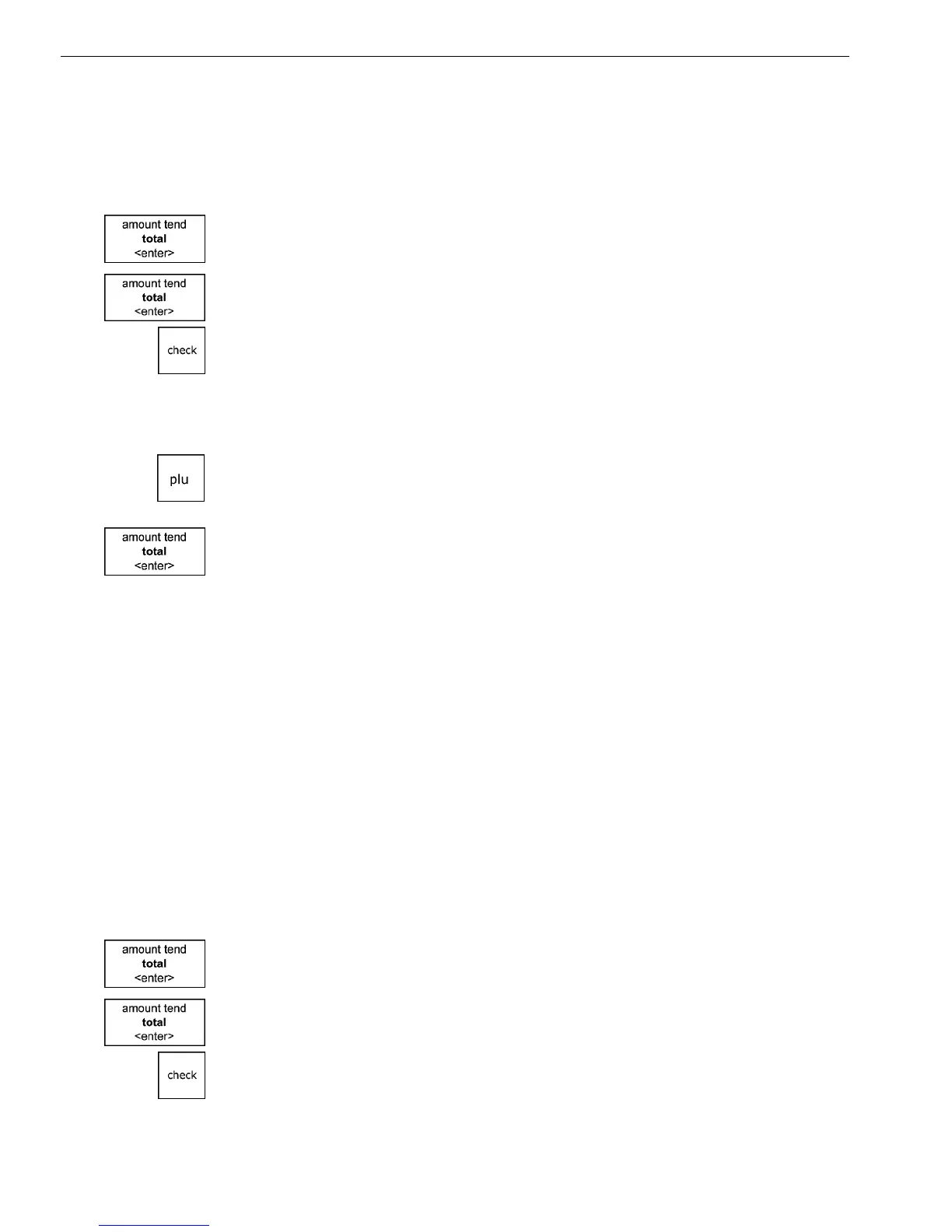
1 M ake sure Sales R egistration is highlighted and press the Amount Tend
Total <enter> key.
2 I f the clerk numbers are set, do the following:
• E nter the clerk number and then press the Amount Tend Total <enter>
key.
• U sing the round N umber keys, press the three digit passcode and then
press the Check key.
3 Using the round N umber keys area, type the PL U number of the first
item.
4 Press the PLU key.
5 R epeat for the rest of the items.
6 W hen you are done ringing up items, press the Amount Tend Total
<enter> key. T he cash drawer opens and the receipt or journal prints.
7 M ake any change needed and place the money you are given in the cash
drawer.
8 C lose the cash drawer.
9 G ive the customer the receipt, if the cash register is set to print receipts.
You are ready to ring up another sale.
Ringing up Sales with the Optional Barcode Reader
You can also ring up sales using the optional model P S 700 barcode
reader. Before you can ring up sales with the barcode reader, the barcode
number must be programmed into the cash register with the barcode
reader. For more information, see Programming PL U s with the O ptional
B arcode R eader on page 44.
To ring up a cash sale with the barcode reader
1 M ake sure Sales R egistration is highlighted and press the Amount Tend
Total <enter> key.
2 I f the clerk numbers are set, do the following:
• E nter the clerk number and then press the Amount Tend Total <enter>
key.
1000ML User's GuideahplA76



 To Next Page