Chapter 4 Setting Up Your Cash Register - the Basics
31 Alpha 1000ML User’s Guide
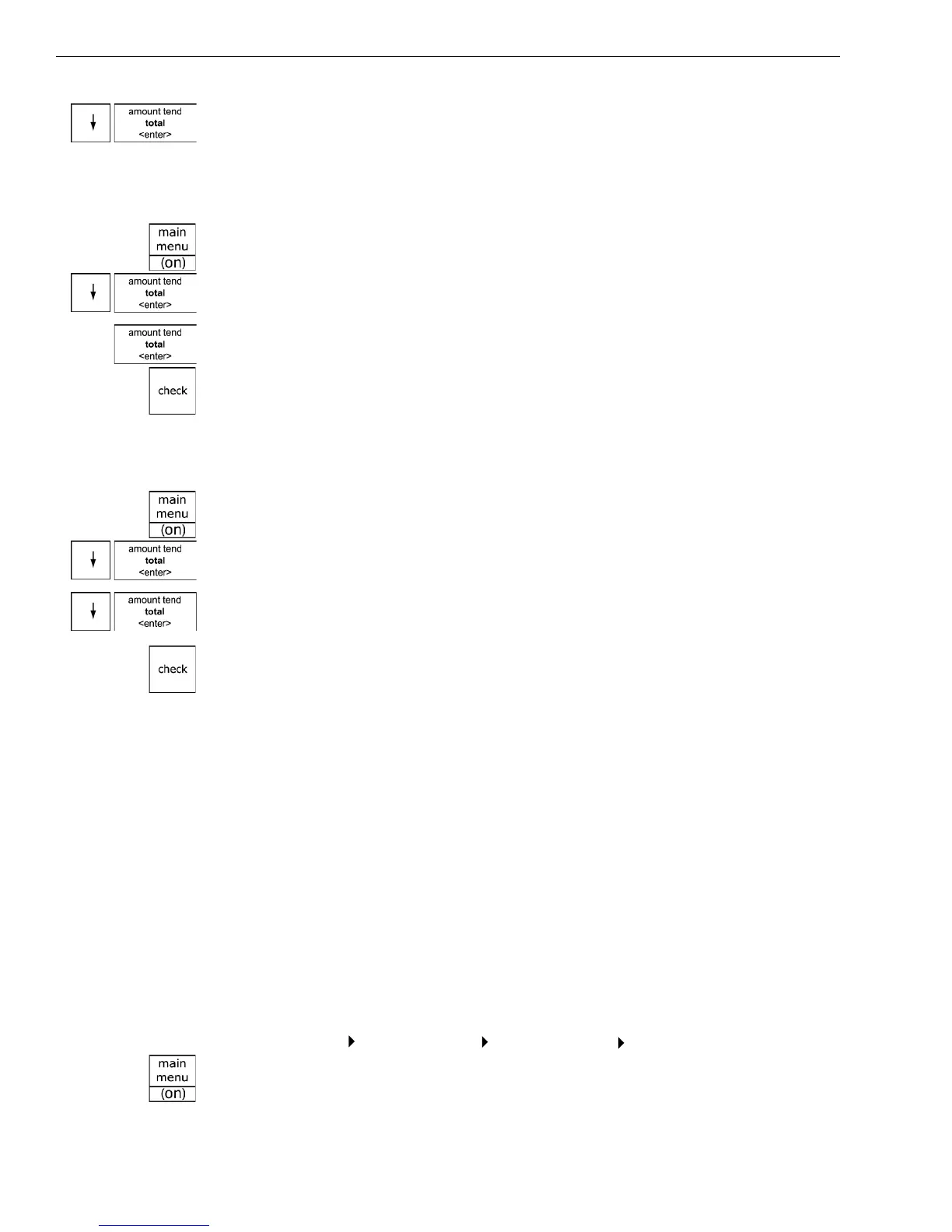
4 Press the Arrow Down key to select X M ode Passcode. Press the Amount
Tend Total <Enter> key.
5 Follow the instructions on the display.
To use the X mode passcode
Example 2: Go to the X mode, using the X Passcode 1212
1 Press the press the Main menu (on) key.
2 Press the Arrow Down key to select R eports. Press the Amount Tend
Total <Enter> key.
3 Select X R eports. Press the Amount Tend Total <Enter> key.
4 Using the round N umber keys, press 1212 and then press the Check
key.
5 You are now ready to run X R eports.
To use the manager passcode
Example 3: Go to the Z mode, using the Manager Passcode 1313
1 Press the press the Main menu (on) key.
2 Press the Arrow Down key to select R eports. Press the Amount Tend
Total <Enter> key.
3 Press the Arrow Down key to select Z R eports. Press the Amount Tend
Total <Enter> key.
4 Using the round N umber keys, press 1313 and then press the Check
key.
5 You are now ready to run Z reports.
Setting the Machine Number
You can assign your cash register its own number. T his is useful if you
have several cash registers and want to track which one creates which
receipts and transactions.
T he machine number prints on all receipts/journal records, and
management reports. T he machine number can be up to 4 digits long.
A fter you are done programming the machine number, you can check
your results. See Printing the Program C onfirmation R eport on page 46.
To set the machine number
Programming More Options Others Set Up Machine Number
1 Press the press the Main menu (on) key.



 To Next Page