BATTERY SYSTEM
BACK-UP BATTERY SYSTEM"
IMPORTANT:
The
cash
register
must
be
plugged
in
before
installing
or
replacing
the
back-up
batteries •
.
The
memory
Is
protected
by
four
"M." batteries that come
With
the cash register. During cash register
operations. all transaction data
for
the management report
Is
stored in
the
register's memory. The memory also
holds all
the
optional program Information. The memory back-up system keeps this information stored In
memory when the register
Is
turned off.
The
back-up battery
power
system maintains programming in the event
of
a power failure
or
if the register is accidentally disconnected
for
up
to
approximately
700
hours if necesSary.
Important:
In
order
to
aasure
continuous
battery
back-up
protection,
H
is
important
that
the
batteries
be
changed
8
minimum
of
once
every year.
INSTALLING OR REPLACING
THE
BACK;'UP BATTERIES:
NOTE: Four
OM"
batteries are required.
1.
Make sure the register is plugged in and
tum
the key
to
the ·OFF" position.
2.
Open the journal compartment cover. Grip the left side
of
the journal cover and gently pull back. The cover will
remain open in an upright position.
3.
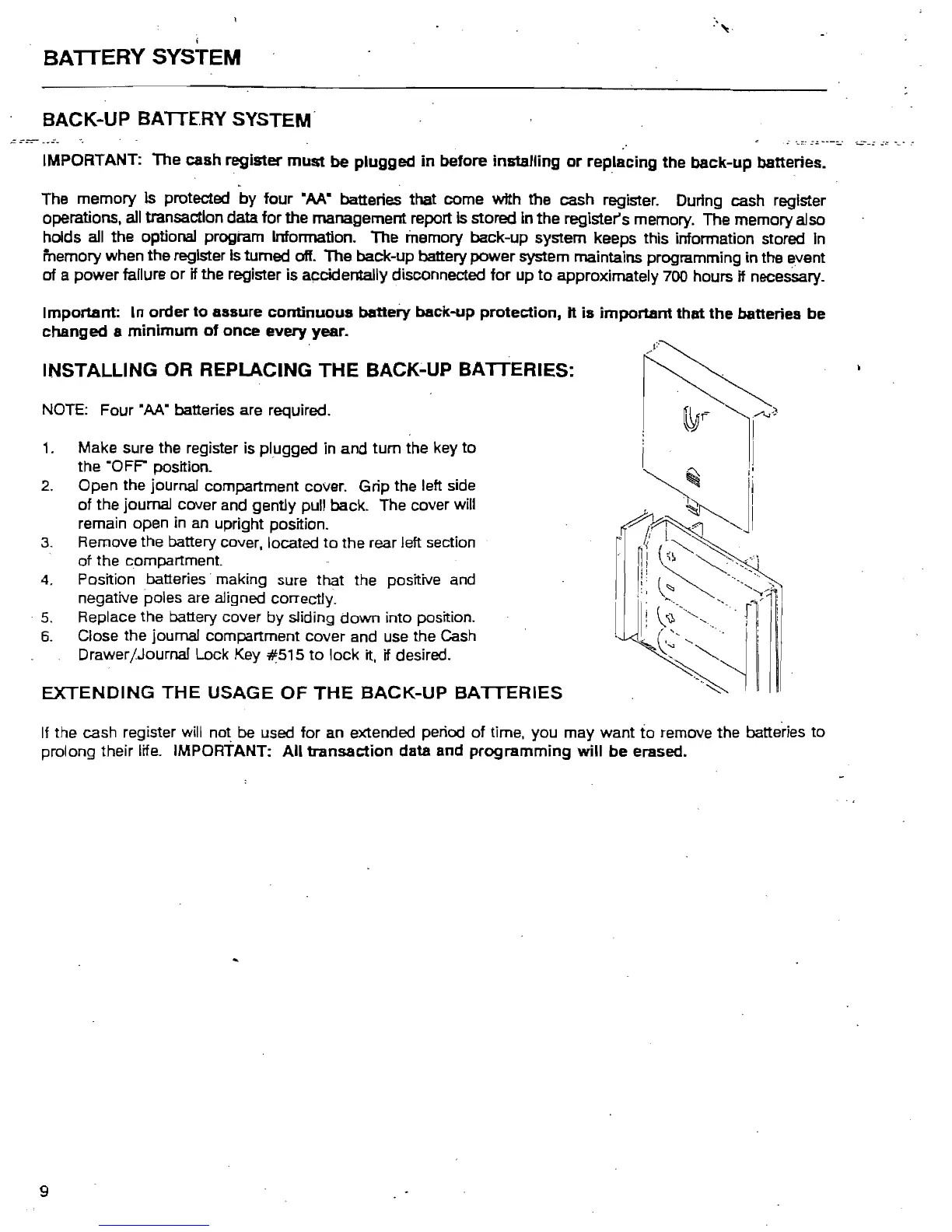
Remove the battery cover, located
to
the rear left section
of
the compartment.
4.
Position batteries" making sure that the positive and
negative poles are aligned correctly.
"
5.
Replace the battery cover
by
sliding
down
into position.
6.
Close the journal compartment cover and use the Cash
Drawer/Journal Lock Key
~515
to
lock
it, if desired.
EXTENDING
THE
USAGE
OF
THE
BACK-UP
BATTERIES
If the cash register will not be used
for
an
extended period
of
time, you may want to remove the batteries to
prolong their life. IMPORTANT:
All
transaction
data and
programming
will
be
erased..
9



 To Next Page