TRANSACTION NUMBER PRESET
..
. .
Transaction Number Preset allows you
to
choose a beginning transaction number of your own. The
TF'?nSG.'.ction
Number normally begins with the number
001
and counts
up
conseclI"tlVely'ufltil
a-wi!
Report
Is
taken;
thereafter
it resets back
to
001. Tra:lsaction Number Preset can also be used
to
re-enter the last transaction number
in
the event information is lost.
Extra Option: The register
is
programmed
to
have the Transaction Number reset
to
zero after a T Report is
taken.
If
desired, a procedure is offered
not
to
have the TransactiOrl Number reset
to
zero after
a
"r
Report is taken,
for
detaUs
see
Flag
10.
Option
1,
on Pages 42-43.
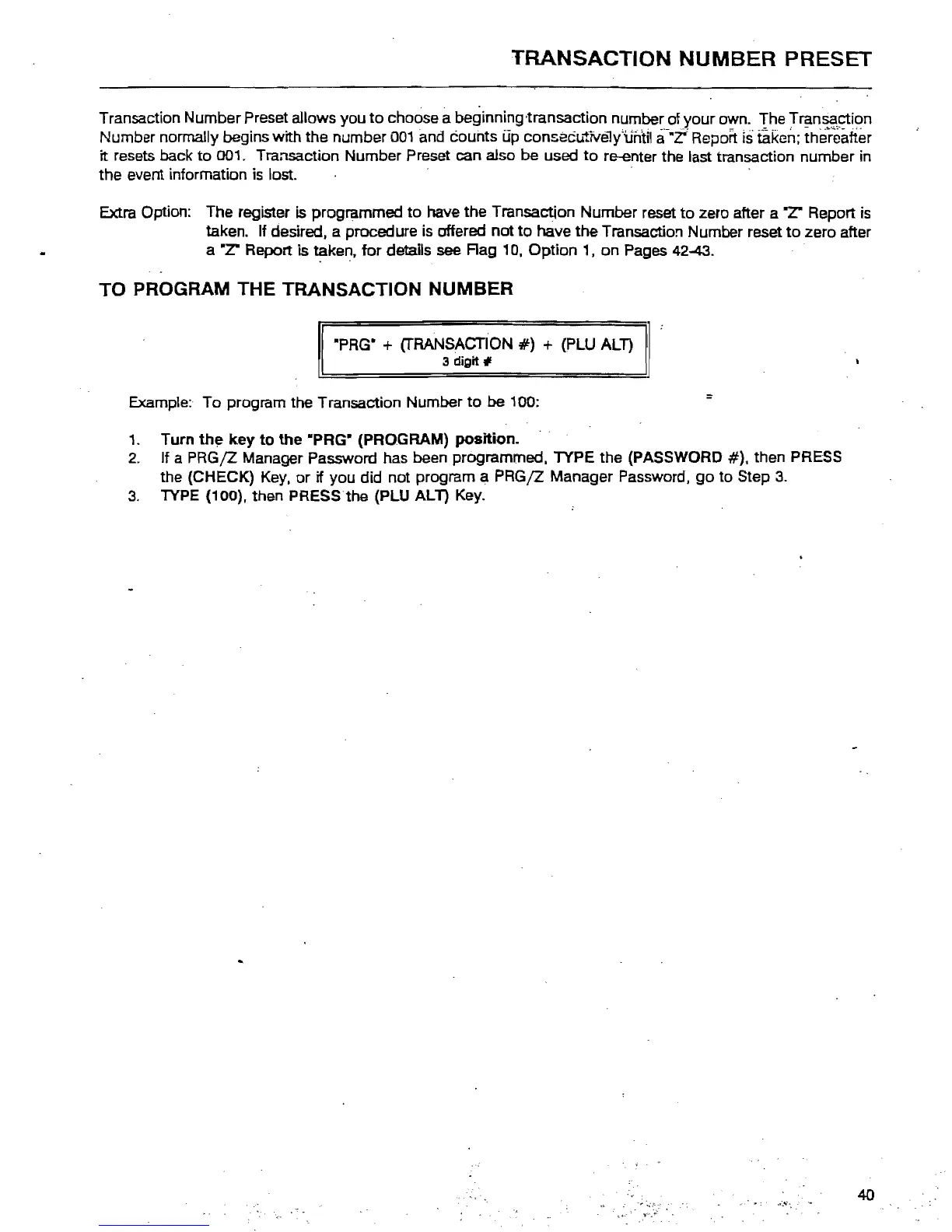
TO
PROGRAM THE TRANSACTION NUMBER
·PRG
W
+ (TRANSACTION
#)
+ (PLU
ALl)
3 digit #
Example: To program the Transaction Number
to
be 100:
1. Turn
th~
key
to
the
"PRG" (PROGRAM) position.
2.
If a PRG/Z Manager Password has been programmed. TYPE the (PASSWORD
#).
then PRESS
the (CHECK)
Key,
or
if you did not program a PRG/Z Manager Password,
go
to
Step
3.
3.
lYPE
(100). then PRESS the (PLU
ALl)
Key.
40



 To Next Page