PR.CE LOOK-UP (PLUl
A total
of
500 Price
look
Up codes (PLUs) are available on this cash register. The
Price-look
Up system allows
for
fast; accurate entry
of
an item and automatically records
the
number
of
items sold. The first step in
programming PLUs is
to
assign a
Pl.::l:l
number between 1 and
SOD
to
each sales'itetrr; Second;
the
PlU
Number-
must
then
be
linked
to
a Department Key which has the appropriate Tax Status needed for that
PlU.
For
example,
if
PlU
#1
is required
to
charge tax, then link it
to
a Department Key which
is
set up for tax. Whereas,
if
PlU
#2
is not required
to
charge
tax,
then link
it
to
a Department Key which is programmed for no tax.
TQ
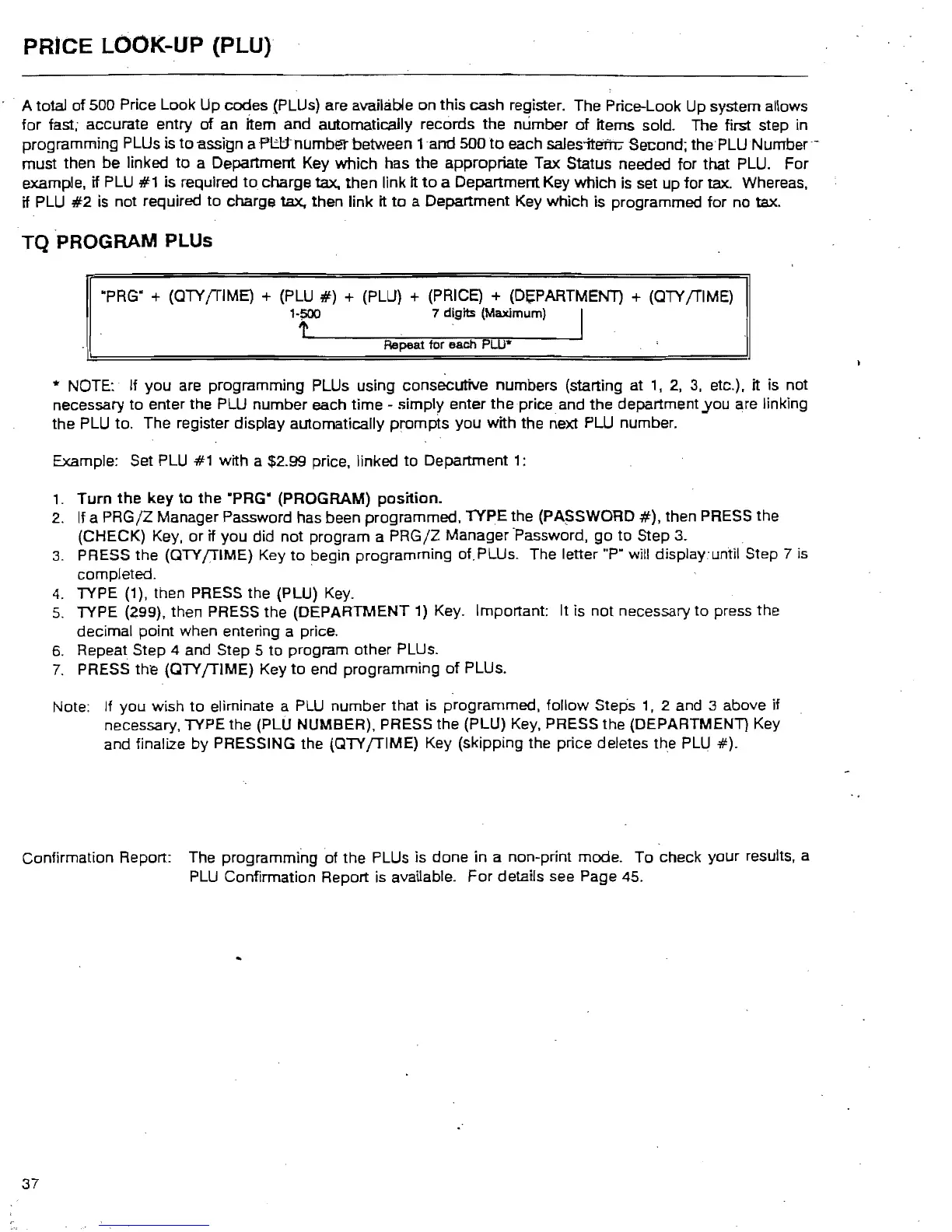
PROGRAM PLUs
·PRG" +
(aTY
/TIME) +
(PlU
#)
+
(PlU)
+ (PRICE) + (Df;PARTMENT) +
(aTY
/TIME)
l'r
7 digits (Maximum} I
Repeat for each
PLU*
* NOTE: If
you
are programming PLUs using consecutive numbers (starting at
1,
2,
3,
etc.). it is not
necessary
to
enter the
PlU
number each time - simply enter
the
price. and
the
department,Y0u are linking
the
PlU
to. The register display automatically prompts you with the next
PlU
number.
Example: Set
PlU
#1 with a $2.99 price, linked
to
Department 1:
1.
Turn
the
key
to
the
·PRG" (PROGRAM)
position.
2.
If a
PRG/Z
Manager Password has been programmed, TYPE the
(PA~SWORD
#),
then PRESS the
(CHECK) Key,
or
if
you
did not program a
PRG/Z
Manager 'Password,
go
to
Step 3.
3.
PRESS the
(aTY
/TIME)
Key
to
begin programming of. PLUs. The letter "P" will display.·until Step 7 is
completed.
4.
TYPE (1), then PRESS the
(PlU)
Key.
5.
TYPE (299). then PRESS the (DEPARTMENT 1) Key. Important: It is
not
necessary
to
press the
decimal point when entering a price.
6.
Repeat Step 4 and Step 5
to
program other PLUs.
7.
PRESS the
(aTY
/TIME)
Key
to
end programming
of
PLUs.
Note: If you wish
to
eliminate a
PlU
number that
is
programmed. follow Steps
1.
2 and 3 above if
necessary. TYPE the
(PlU
NUMBER), PRESS the
(PlU)
Key.
PRESS the (DEPARTMENT) Key
and finalize by PRESSING the
(aTY
/TIME)
Key (skipping the price deletes the
PlU
#).
Confirmation Report: The programming of the PLUs is done in a non-print mode.
To
check your results, a
PlU
Confirmation Report is available.
For
details see Page 45.
37



 To Next Page