38
MPS4232
Section 5: Software
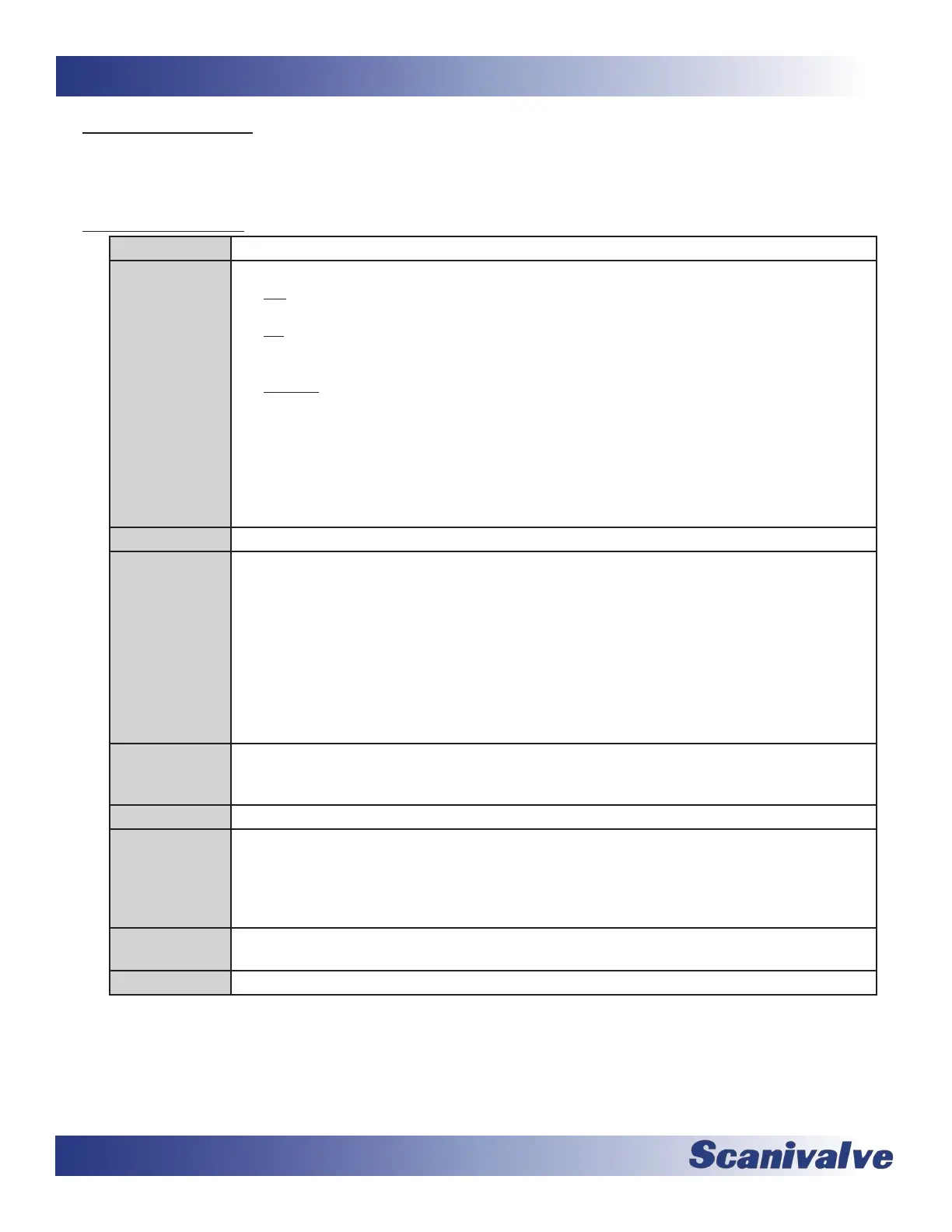
All of the commands accepted by the MPS are explained with the following secons: command, type, syntax, parameters/
arguments, descripon, returns, examples, ranges, and default values and notes when applicable. The table below is an
example of how commands will be explained and shown in this secon of the manual.
COMMAND The name of the command
TYPE Lists the type of command. There are three types of commands in the MPS:
Get - a Get type command retrieves informaon. Any command that begins with “SET” can be
retrieved if the “GET” command is used i.e., GET <command name>
Set - a Set type command will set conguraons. These commands typically require an argu-
ment or value. In order to change these variables, these commands must begin with the
“SET” command.
Funcon - a Funcon command will cause the MPS to start a process or funcon and may not
return any data.
A command can be one or more types.
Any command type labeled as “Disabled” are implemented as a placeholder to create back-
wards compability with MPS4264 soware. These commands will be accepted, but will not
change any funconality in the MPS4232.
DESCRIPTION Provides a descripon about the command and what it may be used for.
SYNTAX Lists the format of the command. The following convenons are used:
BP - Boldface leers indicate command keywords and operators. Within the discussion of
syntax, bold type indicates that the text must be entered exactly as shown.
<parameter> - Words in < > indicate place holders for parameters that must be supplied.
[<parameter>] - Parameters in [ ] indicate place holders for oponal parameters that are not
required.
data - Example data is shown in italics.
data - Example commands are show in bold.
, - Commas separate opons, only one of the opons may be used.
RETURNS Lists the format of the informaon that the unit returns to the host.
A PROMPT may be output when the MPS is ready to accept a command.
DEFAULT The default sengs from the factory
EXAMPLE(S) Example commands that do not necessarily apply to all applicaons. When “//” is used, this
indicates a comment to explain the commands that proceed it and are not used in the command
sequence.
data - Example return data is shown in italics.
data - Example commands are show in bold
RANGE Lists the range of available arguments for the command unless otherwise stated. If range is not
provided, the argument(s) are not range checked.
NOTES Addional comments relevant to the command or variables.



 To Next Page