83
MPS4232
Section 6: Maintenance
FTP://<IP address of the MPS> <ENTER>
Drag and drop (or copy and paste) the RptXXX.csv to the
desktop for viewing. This must be repeated for every
module that was validated.
A Field Calibraon-Validaon (single or mul-unit) will
apply pressures from the calibrator at the current tempera-
ture of the modules, create and enable the eld calibraon
coecients, and then auto-perform a validaon. This
process allows for a single command to start a calibraon
and validaon without addional user input.
1. Follow the steps under Setup and Conguraon.
2. [Oponal] If a calibraon-validaon log is required
(for troubleshoong or requested by Scanivalve), start
an ASCII capture le using ScanTel:
File > Start ASCII Capture
Name the le and save in a directory.
3. To start an automated single unit eld calibraon-
validaon, issue the command:
CALVAL F<ENTER>
To start an automated mul-unit eld calibraon-valida-
on, issue the command:
MCALVAL F<ENTER>
The Field Calibraon-Validaon (single or mul) will begin.
The process will stream informaon to the screen. When
completed, the MPS will return a completed message,
followed by a Prompt (>). If there is an issue, check the log
to nd the error and correct any noted errors.
The calibraon process will automacally enable the
eld calibraon coecients (SET FCENABLE 1) before the
validaon. Once a Field Calibraon-Validaon is complete,
the eld coecients are stored in LIST FC.
5. Once the validaon is completed, the report can be
found on the MPS’s system memory. Open a window in
“Windows Explorer” and in the address bar, type:
FTP://<IP address of the MPS> <ENTER>
Drag and drop (or copy and paste) the RptXXX.csv to the
desktop for viewing. This must be repeated for every
module that was validated.
6. If the module passes validaon; in ScanTel, issue the
command:
SAVE FC<ENTER>
Saving the FC terms must be repeated for every module
that was calibrated (connect using ScanTel and issue
the command).
If a manual calibrator is to be used (non-Scanivalve cali-
brator), repeat the steps as show in the procedures
above, however replace the “F” variable of the CAL/VAL
commands with “FM”. The MPS will start the commanded
sequence and will instruct the user to apply pressure
manually, and input the pressure reading of the calibrator
at each pressure point.
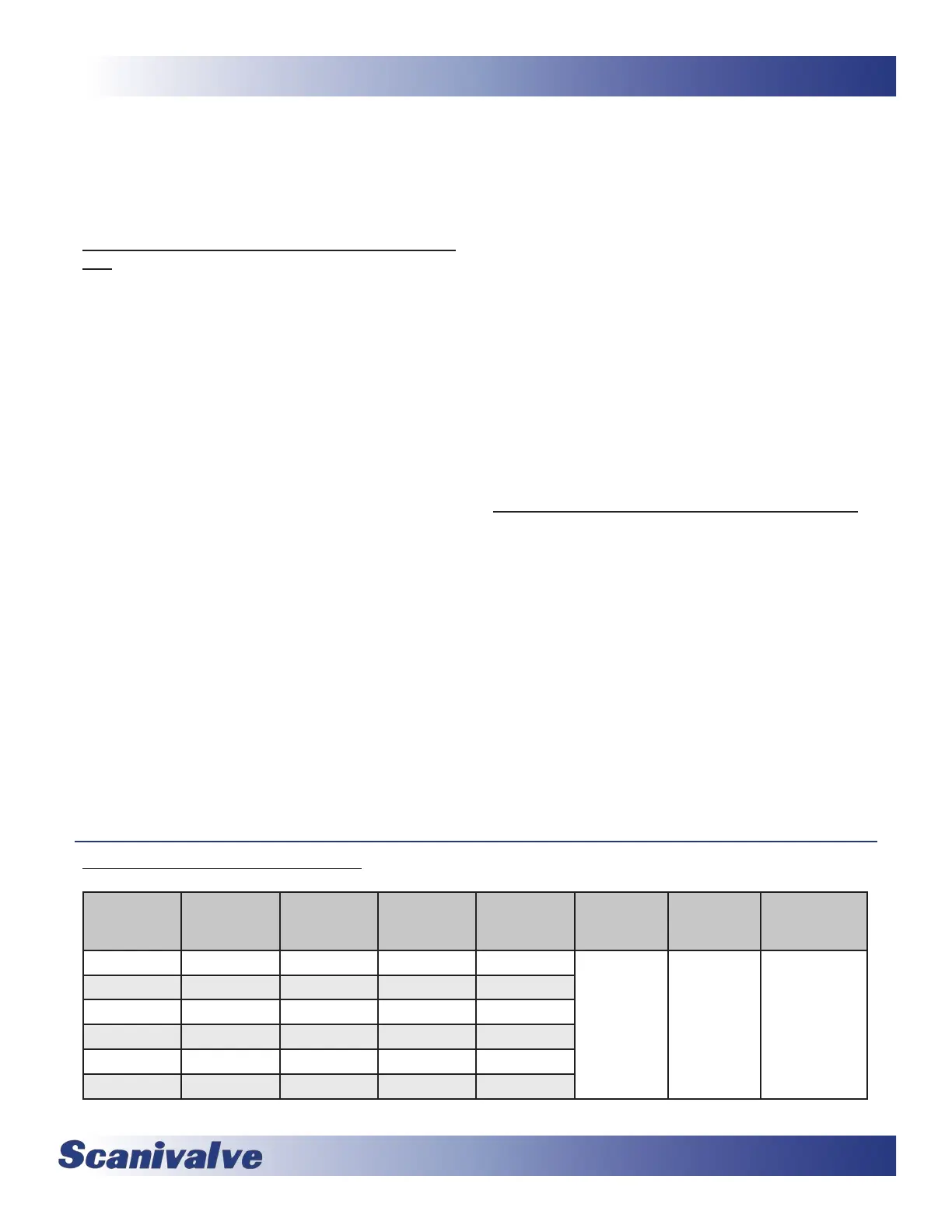
The following table shows Scanivalve’s recommended sengs for MPS4232 Field Calibraon and Validaons.
Typical Full
Scale Range
Min Val
Pressure
Max Val
Pressure
Min Cal
Pressure
Max Cal
Pressure
Field Cal
Number of
Points
Field Val
Number of
Points
CALAVG
4” H2O -0.145 0.145 -0.159 0.159
5 to 13 11 to 15
1 16
- or -
12 128
8” H2O -0.289 0.289 -0.318 0.318
1 psid -1 1 -1.1 1.1
5 psid -5 5 -5.5 5.5
15 psid -15 15 -16.5 16.5
50 psid -15 50 -16.5 55



 To Next Page