80
MPS4232
Section 6: Maintenance
Should the ash disk of the MPS need to be reformaed, it
can be done fairly simply if the following procedure is care-
fully followed. For most, but not all mes that an MPS will
be reformaed, a serial connecon needs to be available
to communicate with the unit. If you are able to currently
establish an Ethernet connecon with the unit, reformat-
ng may not the best opon. However, if an Ethernet
connecon cannot be established with the unit it is prob-
ably the case that the MPS applicaon le or memory
system has been corrupted and needs to be reformaed.
Note: This procedure will delete all les and sengs in the
MPS. All seng will be returned to default. This procedure
will not remove the operang system.
The procedure for reformang the MPS is as follows:
1. Power the MPS on.
If the IP address is known, you can aempt to
connect to the unit via an Ethernet connecon.
If this is not successful, or if the IP address is not
known, you must connect using the serial port.
Details on connecng to the serial port can be
found in the “Serial Communicaons” secon.
2. Once a connecon is established, issue the
command:
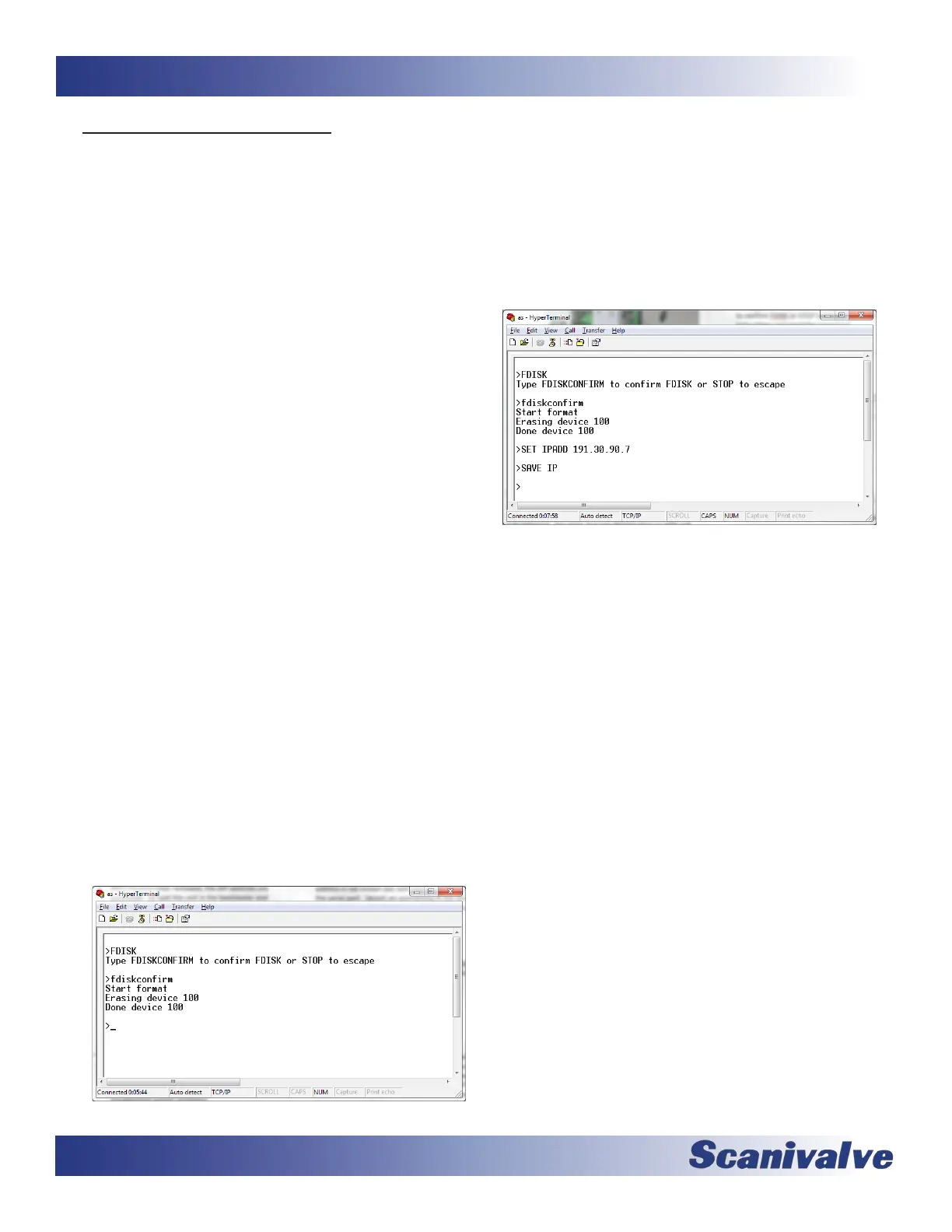
FDISK<ENTER>
The MPS will respond with “Type FDISKCONFIRM
to conrm FDISK or STOP to escape” Follow the
instrucons and send the command:
FDISKCONFRM<ENTER>
The MPS will respond indicang compleon:
Start format
Erasing device 100
Done device 100
>
3. At this point the ash disk has been reformaed
and all contents have been deleted. All congura-
on sengs, including the MPS’s IP address have
been deleted. The IP address must be congured by
issuing the command:
SET IPADD XXX.XXX.XXX.XXX<ENTER>
(where xxx.xxx.xxx.xxx is the desired IP address)
Followed by the commands:
SAVE IP<ENTER>
4. Power cycle the MPS module or issue the REBOOT
command.
5. Aer the MPS has cycled power and rebooted,
les can be reloaded to the MPS module using the
File Browser page on the Web Server. The most
important le to upload is the Calibraon Coef-
cient Table. Follow the “Calibraon Coecient
Installaon” procedure to restore Engineering Unit
scanning ability.
If any other les were archived, they can also be
uploaded to the module at this me. Otherwise,
all sengs can be reset per the users conguraon
and saved.



 To Next Page