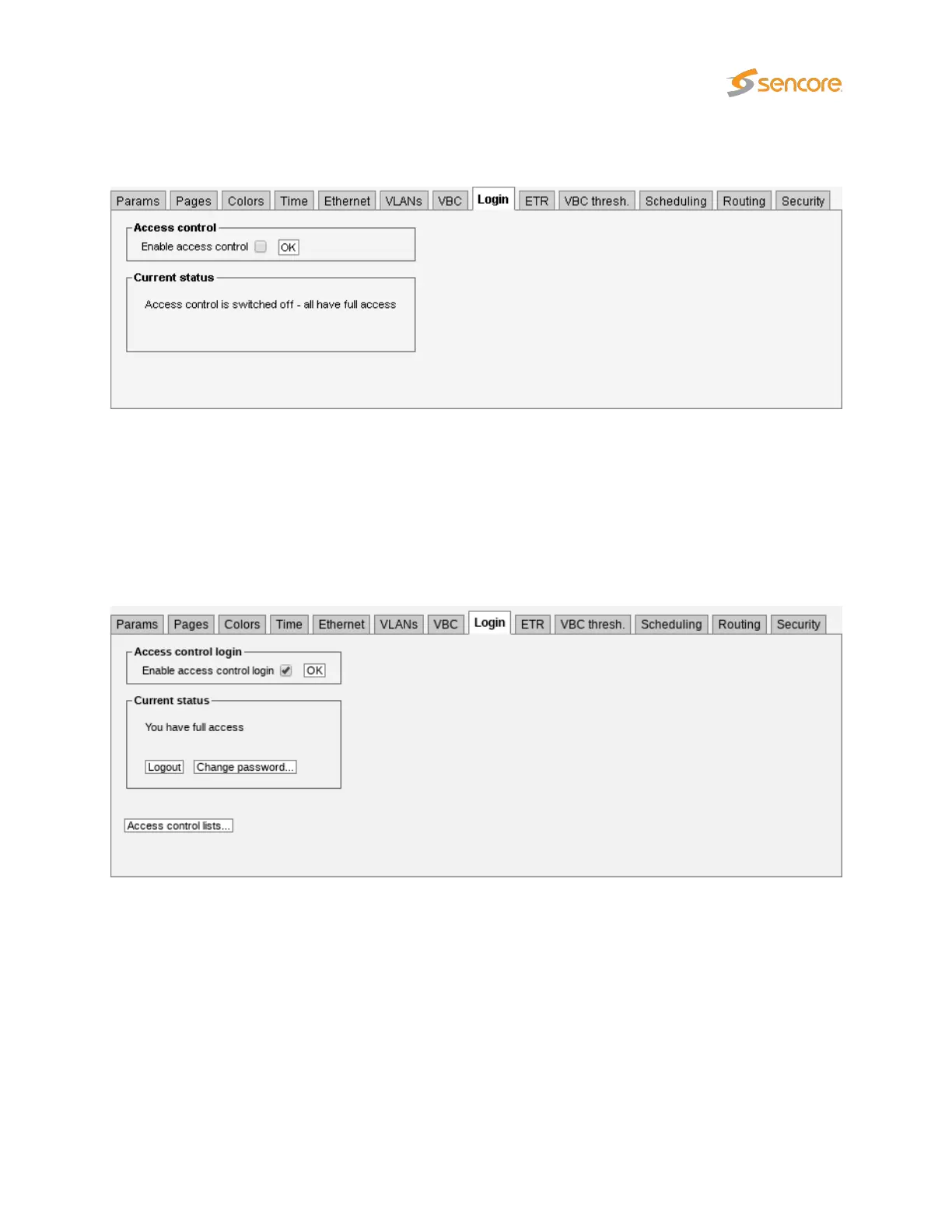
6.17.8 Setup — Login
By default, there is no access control and all users have access to all features. Access control can be
enabled for the VB220, restricting users to read-only access until they log in.
Any user can enable access control, but only users who are logged in can disable it or change the
password.
When access control is activated a
READ-ONLY access
message is displayed under the alarm list
for users that are not logged in. It will be necessary to log-in each time a web browser application is
launched and pointed at the VB220.
Log-in is performed by providing the correct password. The default password is
elvis
. The operator may
define a new password that should be easy to remember.
VB2xx GigE User’s Manual version 5.4 233



 To Next Page