CONFIGURATION OF THE DEVICE SETTINGS 7
8027311 / V1-0/2022-04|SICK
Subject to change without notice
OPERATING INSTRUCTIONS|TDC-E (Telematic Data Collector)
• In addition to managing hardware network interfaces, the Device Manager provides
network segments that facilitate network setup for different network scenarios.
• Currently, the WAN and Bridge network segments are supported.
• DHCP servers can also be activated on the TDC-E to assign IP addresses to network
clients. A DHCP server should only be assigned to secure networks.
NOTE Simultaneous use of modem and WLAN is not possible.
▸
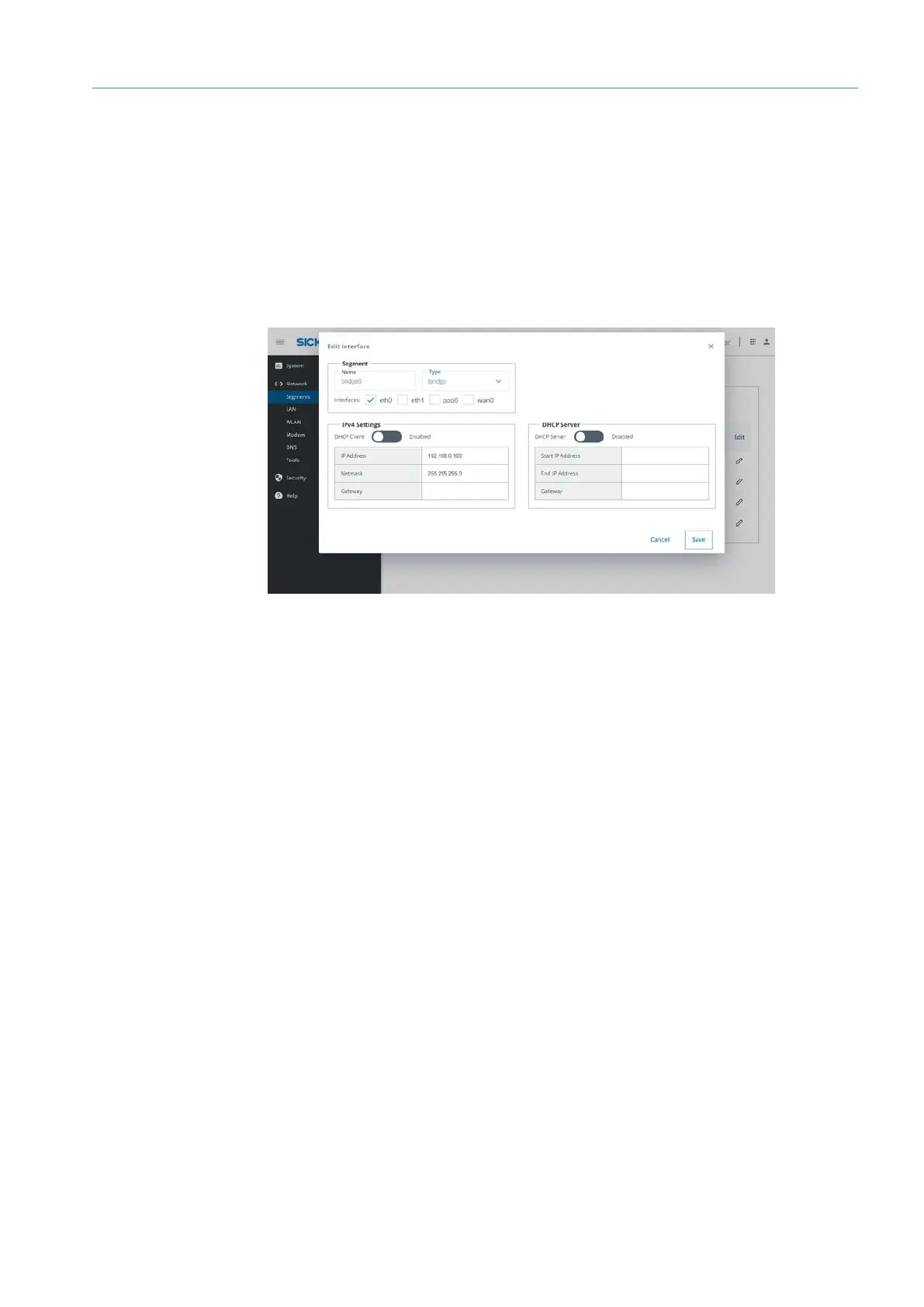
To do this, click on the edit icon in the list of segments.
• Interfaces that are assigned to a bridge segment are assigned the same IP address
that was set up for the bridge. There are no security measures (e.g. firewall) or
restrictions between interfaces assigned to a bridge segment.
• Any connection to interfaces belonging to a bridge segment is considered secure and
the network operator must ensure that no security threats exist within that network
connection.
• A DHCP server can be operated via this segment.
• This segment is used to add protections (condition-oriented “firewall”) to network
connections that are considered insecure.
• Only one interface can be connected to the WAN segment, so incoming connections not
previously established by the device are blocked.
• When NAT is activated for a WAN segment, both devices connected through a bridge
segment and applications running on the device itself can connect to devices within
the network range of the WAN segment.
• If NAT is not activated, only applications on the device can connect to network devices
within the network range of the WAN segment.
Overview
Opening segment
for editing
Bridge
WAN



 To Next Page