3.4 DESCRIPTION OF WORK STATION
The machine needs only one operator, who has the following controls at his/her disposal (Fig. 8):
• general power switch/emergency button located on the front left-hand side of the keyboard
• key-positioning clamp
• keyboard
• display
3.5 GRAPHICS
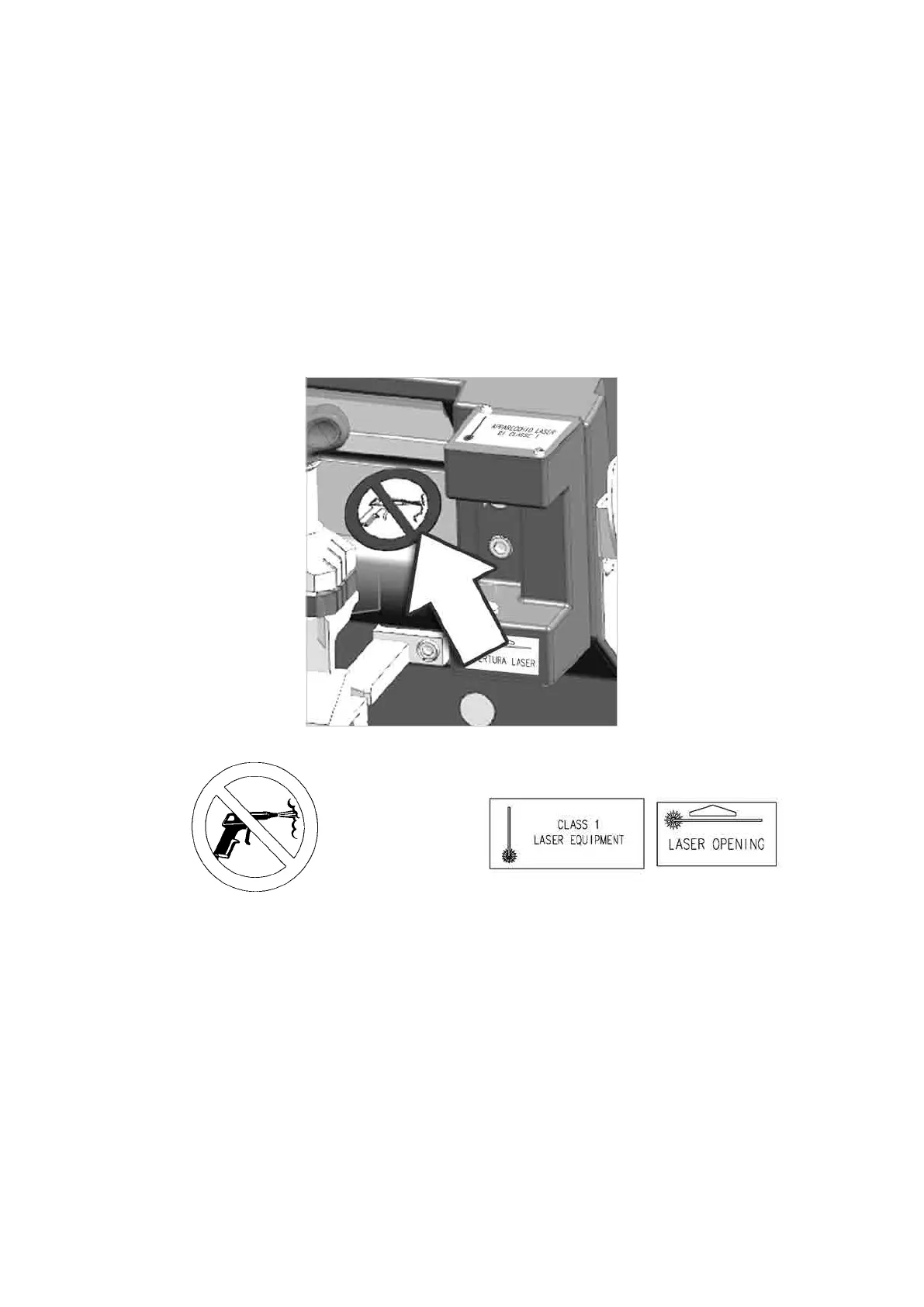
• The front panel carries an adhesive warning label (Fig. 14). This label must never be removed.
• Two laser warning labels must be attached to the optical reader (Fig. 14), (provided - Ch.1.6).
Fig. 13
Do not use compressed air for cleaning Laser warning labels
Fig. 14
Operating Manual UC199
Copyright Silca 2012
14



 To Next Page