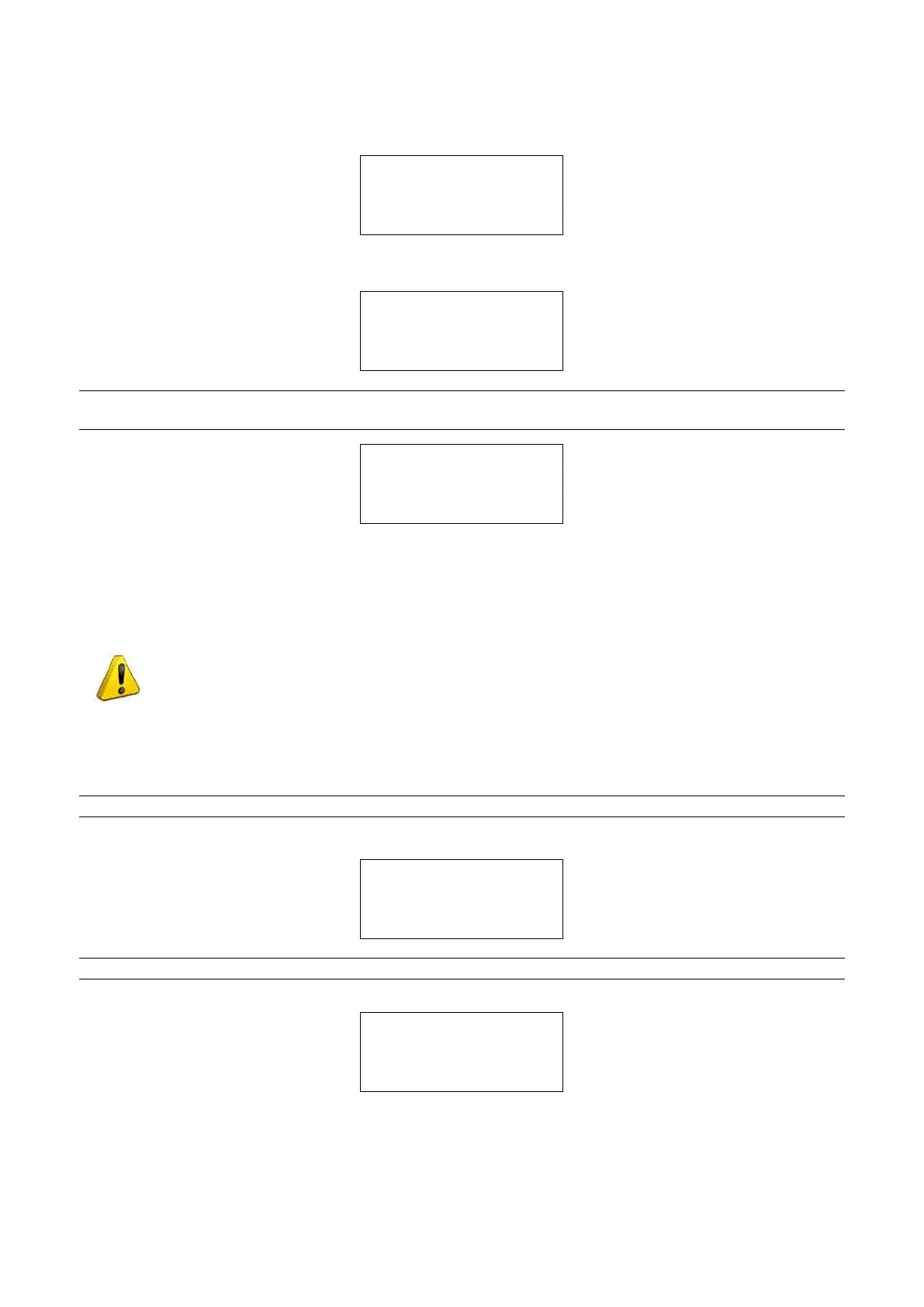
Adjustments for X and Y can be made manually.
Press SHIFT+ENTER to see on the display:
L100-STANDARD S: C
Manual adjustment:
X=+000 Y=+000
Adjustments for X and Y can be made manually.
Press SHIFT+ENTER to see on the display:
L100-STANDARD S: D
Manual adjustment:
X=+000 Y=+000
NOTE: (*) Note: if you are conrming a measurement with a deviation of over +/-30 hundredths of a
millimetre the display will show:
ATTENTION
X/Y gauged beyond
the advisable
tolerance range!
Repeat the gauging procedure.
5.7.1.2 CALIBRATING THE OPTIONAL AUTOMATIC CLAMP L1 (2ND CALIBRATING)
ATTENTION: for possessors of the optional feeder unit and only after having calibrated the
standard clamp (1st calibration)
- CUTTER SIDE CLAMP-
Beforestartingthecalmpcalibration,checkthattherearenokeys(orother)ttedtoclamps.
NOTE: check that the loader and automatic clamp are properly tted (see Ch. 5.8.3).
Select L1-AUTOMATIC and press ENTER; the display will show:
L1-AUTOMATIC S: A
Manual adjustment:
X=+000 Y=+000
To calibrate [START]
NOTE: the Automatic clamp must have two jaws A.
Press START, the display will show:
Fit key blank
on loader
See operating manual.
[START]
-
raise the safety shield.
-
tatleast1testkeyblankZ3intotheloader,withitsbacktowardstheoperator.
-
close the safety shield.
-
pressSTARTtoseeonthedisplay,rst:
Operating Manual UC199
Copyright Silca 2012
47



 To Next Page