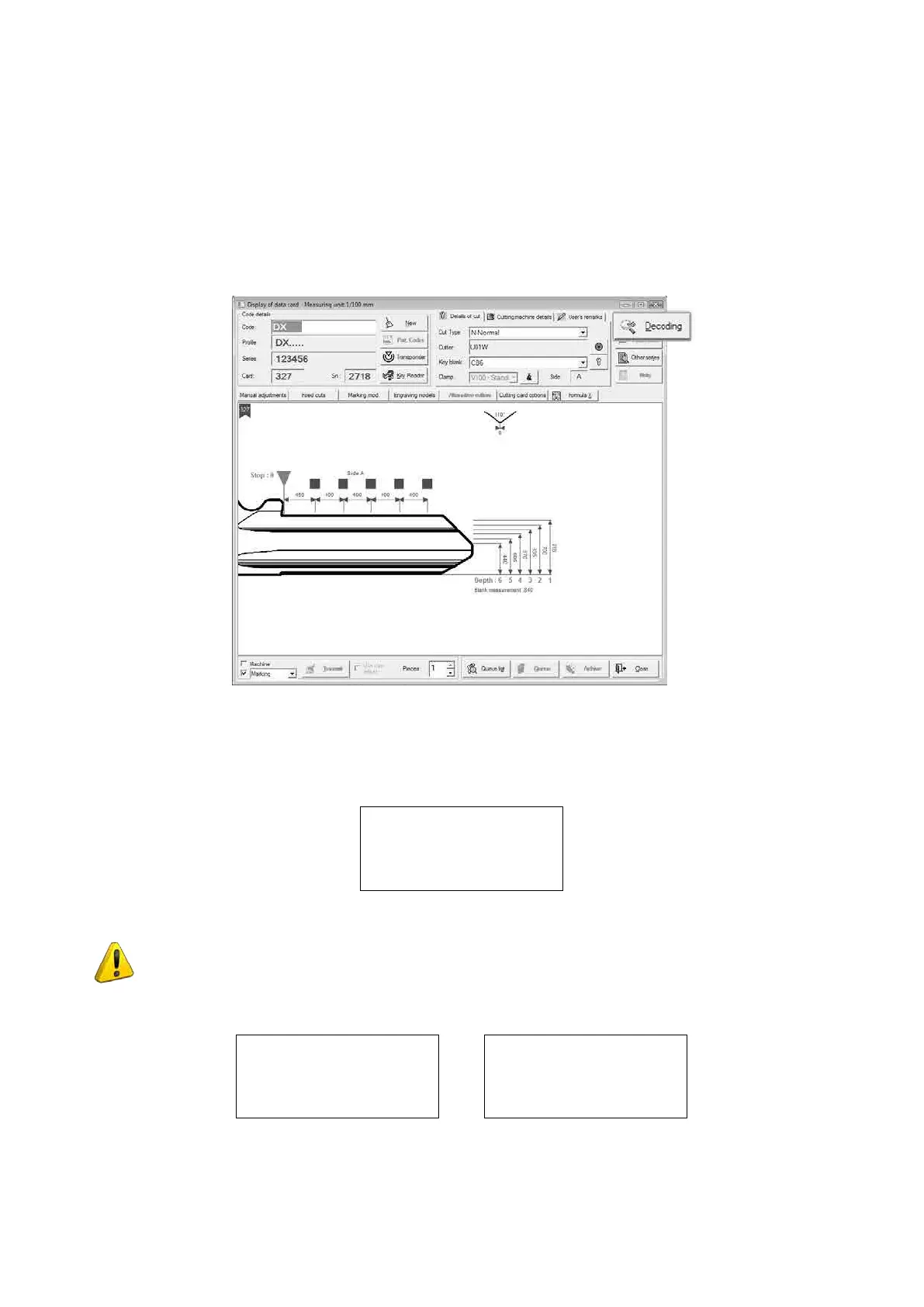
5.6.1 DECODING (ONLY WITH PC PROGRAM)
“DECODING” is a reading of the cuts on an original key made by the Silca cutting card for the key in question.
This operation is used by the program to generate the path of the tool so that it creates a faithful copy of the
original key.
• Start the Silca Key Programs program and enter the Key Cutting menu (1st icon top left-hand corner).
• Enter the search parameters (Silca art., Code, Cutting card, Manufacturer...).
• Once in the selected cutting card, click on “Decode” (top right-hand corner).
Fig. 50
The UC199 key-cutting machine receives the information for starting the decoding operation from the:
DECODE S.327
Original on right
Clamp: 100/A Pos.0
Side 1 [START]
Fit the key to be decoded (cut) into the right-hand reading clamp, as shown on the machine display.
ATTENTION: during decoding THERE MUST BE NO KEY IN THE CUTTING CLAMP OR
OPTIONAL LOADER AND AUTOMATIC CLAMP.
Press START. The display will show:
DECODING IN
PROGRESS
Side 1
Decoding OK
See computer
[ENTER]
Operating Manual UC199
Copyright Silca 2012
40



 To Next Page