MV-32/64 Multiviewer www.snellgroup.com Operation
Issue 1 Rev 11 Page 27 © 2014 Snell Limited
4. Operation
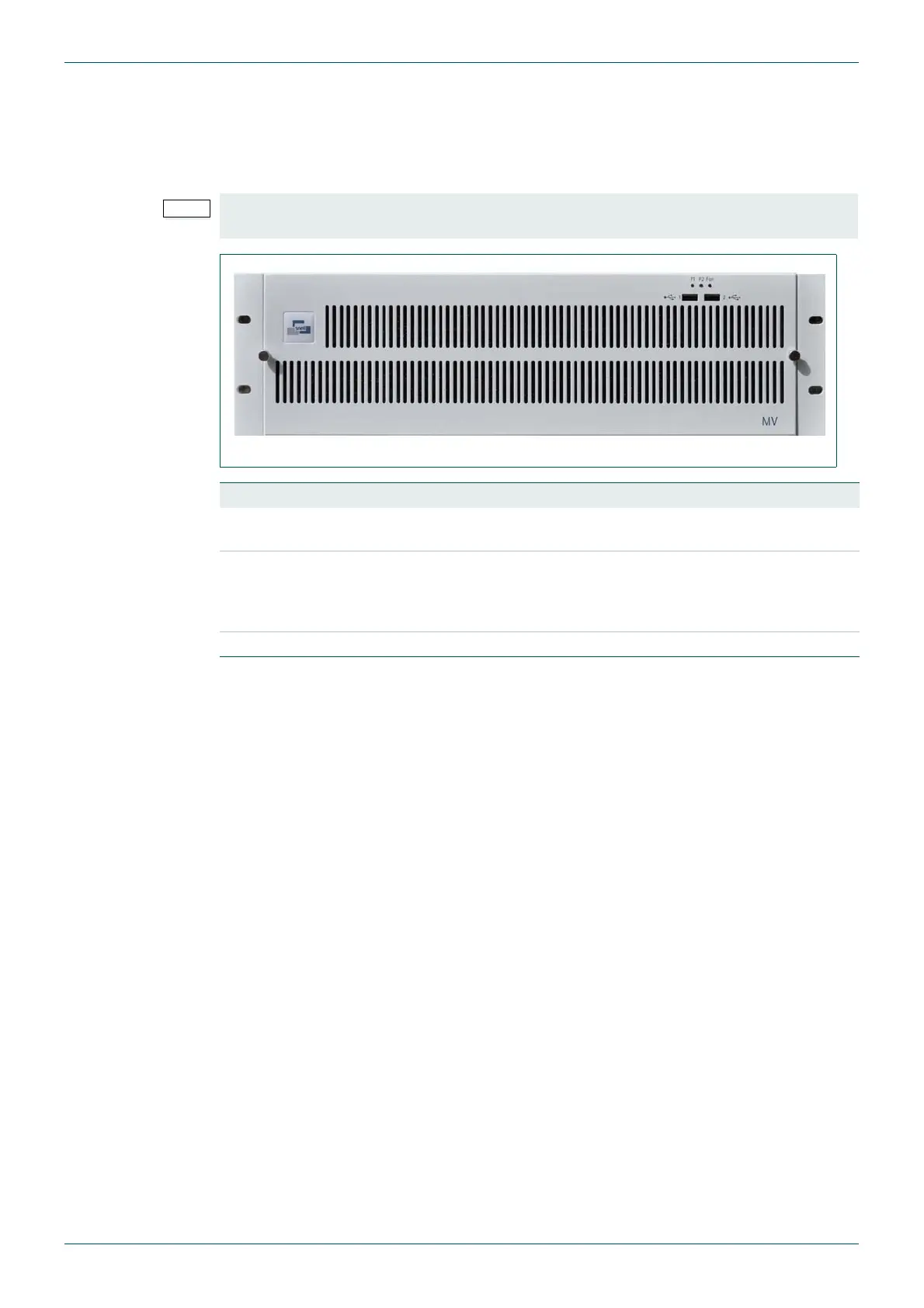
The front panel incorporates two USB-2 sockets and three LED indicators for status reporting.
A power switch is situated behind the removable front panel to the far right of the frame. The
front panel pulls away and pivots downwards after first loosening the pair of retaining screws.
The time taken to complete the boot cycle will depend principally on the number of video
cards fitted. For example, a multiviewer fitted with four video cards takes about 70 seconds to
boot. Each additional video card adds about 5 seconds to the boot cycle.
The MV-32/MV-64 multiviewers can be configured and controlled via the LAN, using browser
software operating on a remote PC.
4.1 Initial setup
The multiviewers are supplied with the factory default IP address: 192.168.0.120. In the case
of the dual multiviewer frame (MV-32), the second CPU module has the default IP address:
192.168.0.121.
In the event that the multiviewer IP address is unknown, a simple PC utility is available from
Snell Customer Support, see page 7 for contact details. This PC utility searches for
multiviewer frames on the PC’s network and enables their IP address to be revealed and
changed if required.
The currently set IP address is always indicated on the display output during the boot cycle.
However, this may not be visible should the MV-32/MV-64 multiviewer resolution setting not
match the display device at that time.
To maintain adequate cooling, the frame must not be run for more than 1 minute with the
front panel open.
Fig 13. The MV-32/MV-64 Front Panel.
LED Description
P1
Green - Mains power is connected to the internal PSU and is working
Off - Mains power is not connected or working
P2
Green - Indicates 24 Volts is being supplied from either the internal PSU or
the external backup PSU (MV-Power).
Off - 24 Volt power is not being supplied by the internal or external backup
PSUs.
Fan Red - one or more fans have failed (once the multiviewer has booted)
Table 7. Front Panel LED Status Display



 To Next Page