MV-32/64 Multiviewer www.snellgroup.com Operation
Issue 1 Rev 11 Page 58 © 2014 Snell Limited
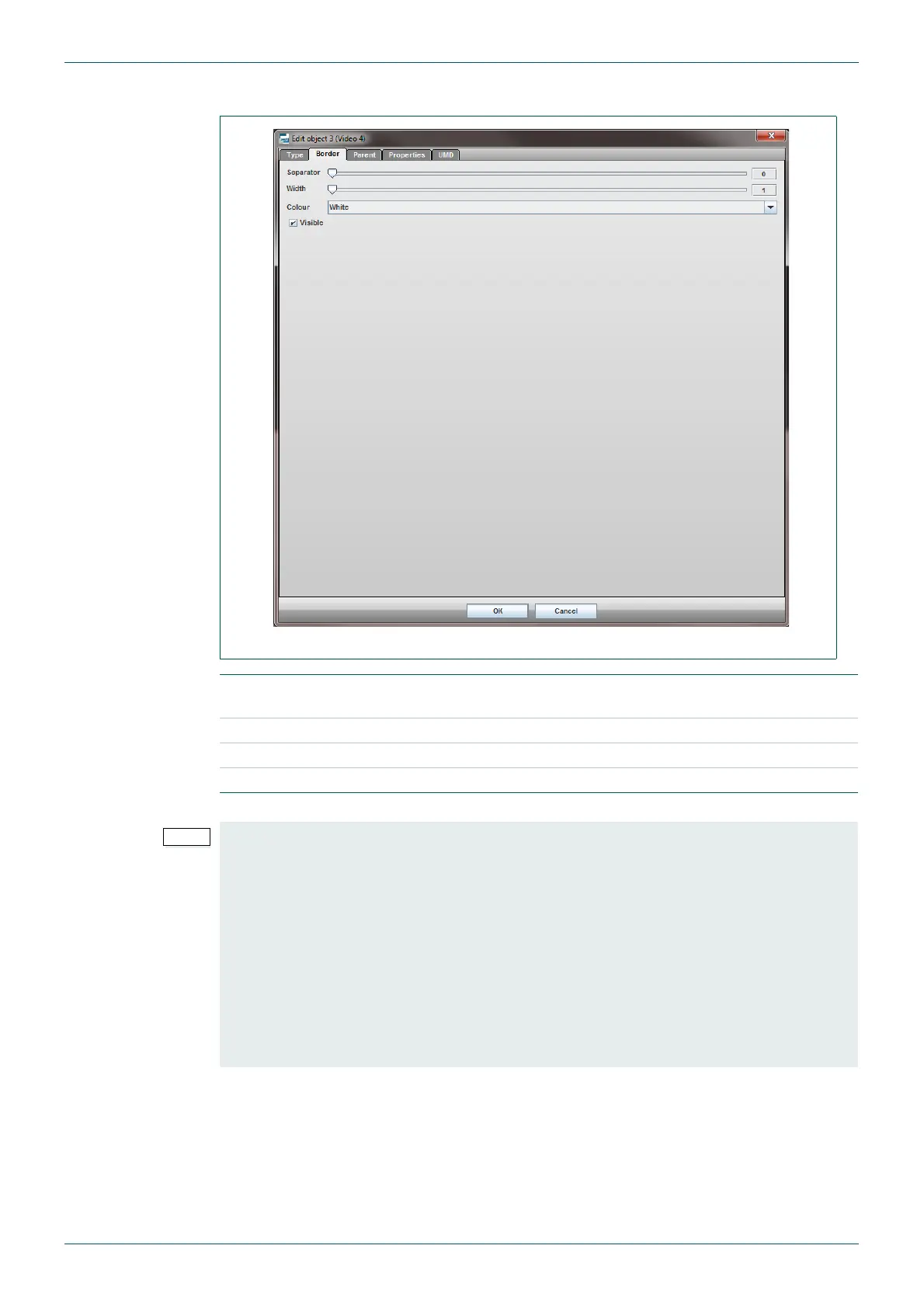
4.16.2 Edit Object - Border tab
Fig 47. Edit Object - Border Tab.
Separator
number of pixels separating the edge of the video content from the
tile border.
Width pixel width of the border.
Colour color of the border.
Visible turns the border on and off.
Table 31. Edit Object - Border Tab.
• The border will be displayed as a shaded area on the video tile in the editor
workspace.
• To avoid scaling issues when outputting a full screen (1:1) video signal to the
multiviewer monitor the Border settings for the video object must be configured as
shown below:
• Separator = 0
• Width = 1
• Colour = Any
• Visible = Ticked



 To Next Page