MV-32/64 Multiviewer www.snellgroup.com Operation
Issue 1 Rev 11 Page 54 © 2014 Snell Limited
4.14 Source Properties - Copy Tab
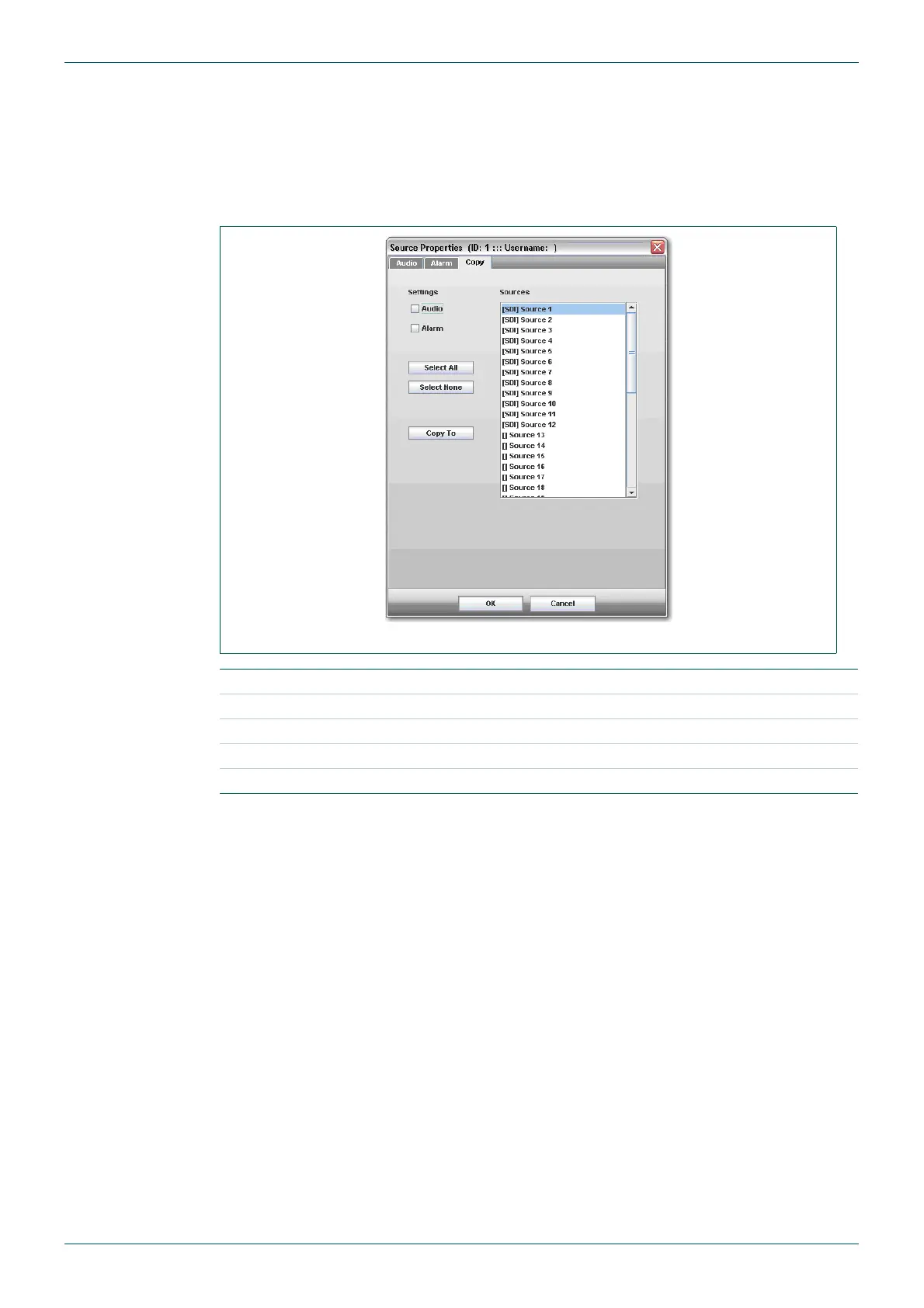
This allows audio and/or alarm settings that have been configured for the current source to be
copied to other sources. Select which type(s) of settings are to be copied (Audio/alarm), then
select the sources from list at the right that are to be copied to. Multiple sources can be
selected by holding down the [Ctrl] key while clicking on sources. To execute the copying,
press the Copy To button.
Fig 43. Source Properties - Copy Tab.
Audio check to copy audio settings from selected source/s 1 to 40.
Alarm check to copy alarm settings from selected source/s 1 to 40.
Select All select all sources.
Select None deselect currently selected sources.
Copy To copy settings to selected source/s.
Table 29. Source Properties - Copy Tab.



 To Next Page