MV-32/64 Multiviewer www.snellgroup.com Operation
Issue 1 Rev 11 Page 37 © 2014 Snell Limited
4.6.1 Layout Properties
4.7 Group Menu
The group menu allows objects to be selected as a group.
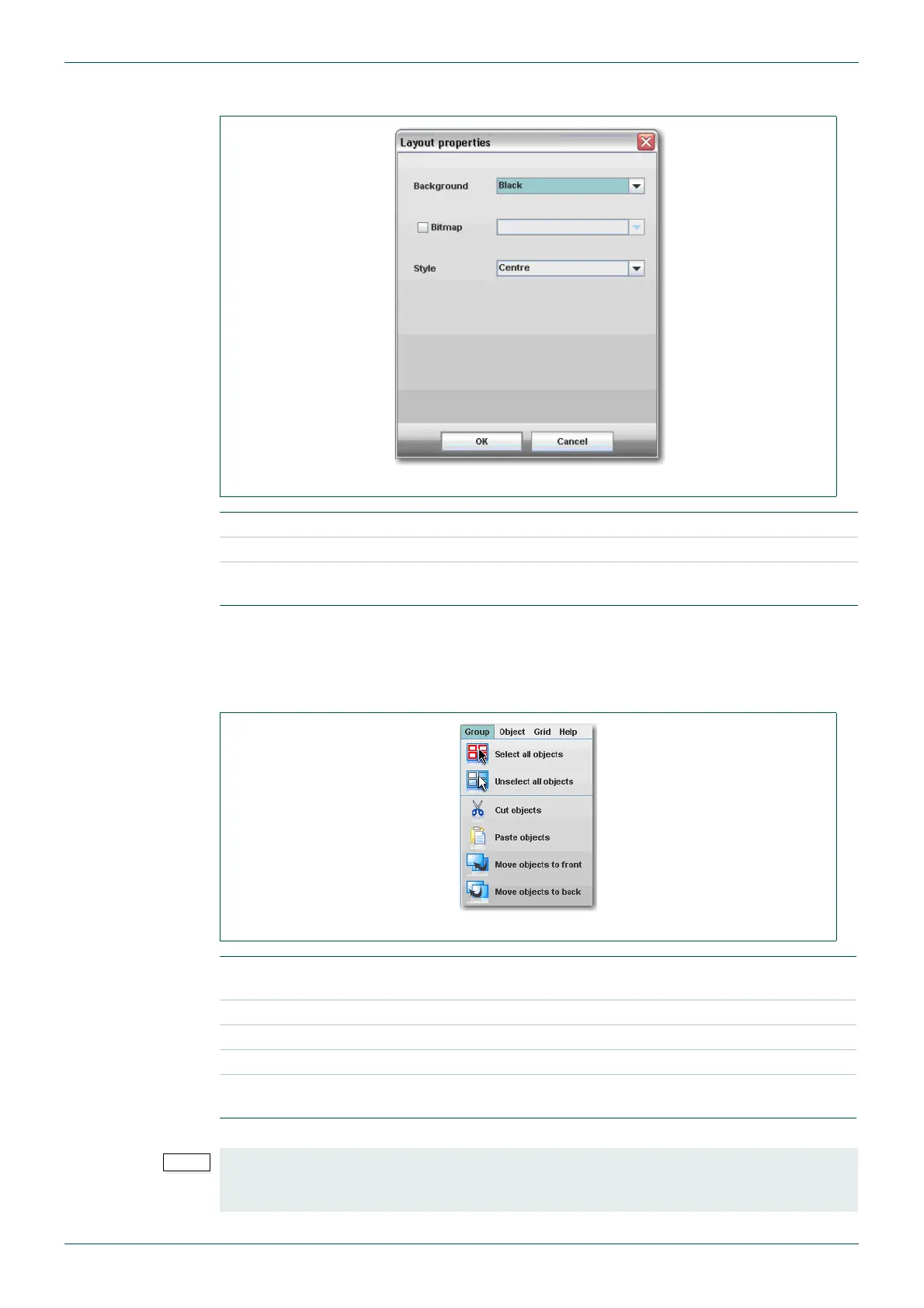
Fig 22. Layout Properties.
Background Set the display background color.
Bitmap Apply selected bitmap to the background.
Style
Select bitmap style: Center (centers bitmap); Tile (display bitmap in
multiple tiles); or Scale (scales bitmap to fit the display background)
Table 13. Layout Properties.
Fig 23. Group Menu.
Select All Objects
All objects in the layout will be selected and can be operated on as a
group.
Un select All Objects Cancels group all objects command.
Cut Objects Deletes all the tile objects in the group.
Paste Objects Pastes the object that is on the clipboard to all objects in the group.
Move Objects to
Front/Back
Moves all tile objects in the group to the front/back.
Table 14. Group Menu.
Objects can be selected individually to create a group by holding the [Ctrl] key down before
clicking on them. A small square block is displayed in the bottom right corner of selected
objects.



 To Next Page