MV-32/64 Multiviewer www.snellgroup.com Operation
Issue 1 Rev 11 Page 47 © 2014 Snell Limited
4.11.10 Protocols - Serial Ports Tab
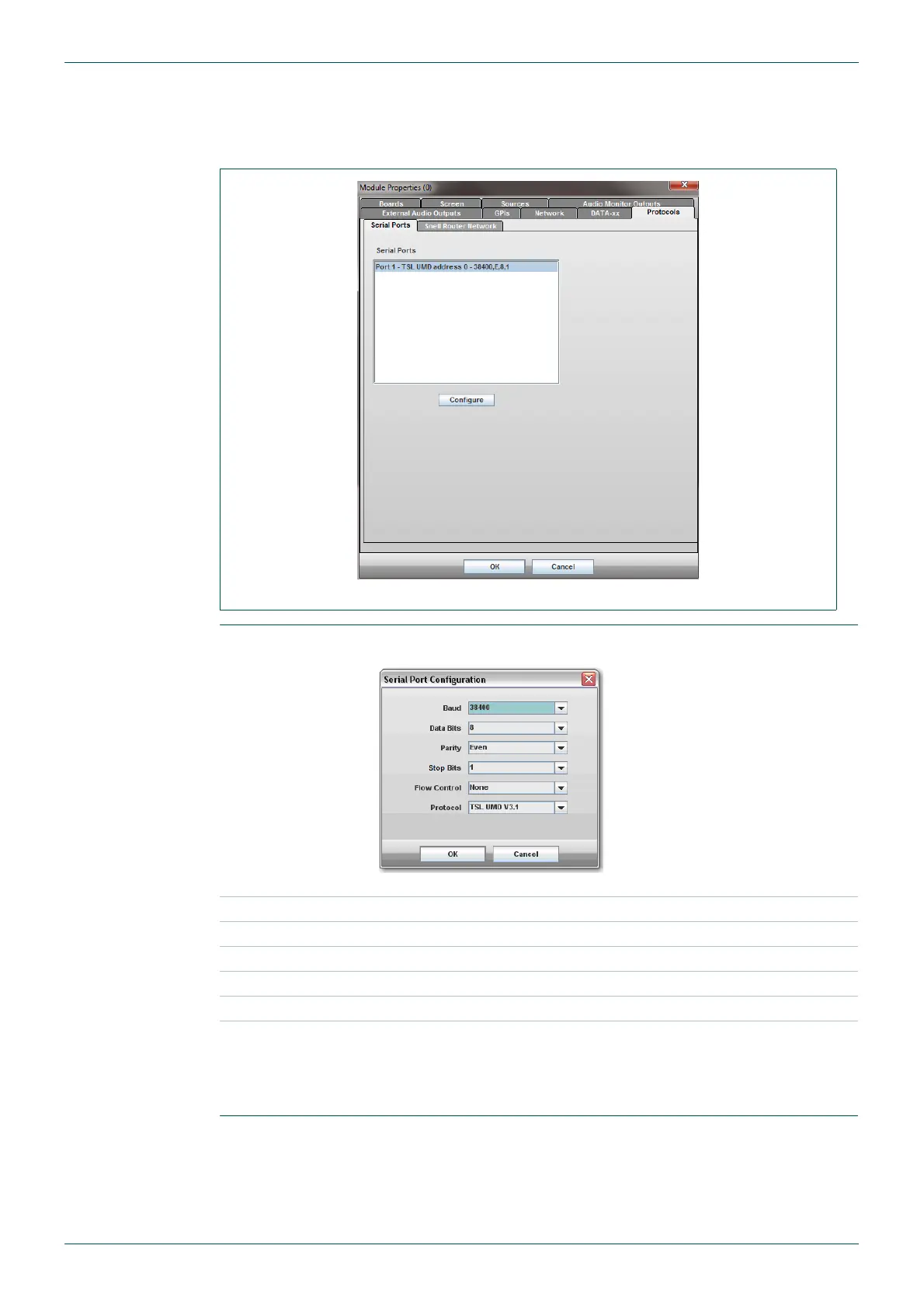
This shows the serial ports that are available and the current settings applied to the ports. To
change these settings click on the Configure button.
The settings specified for the TSL protocol are shown in the screen shot in Table 24. These
can be changed if non-standard settings are being used by the TSL control unit.
For other protocols the serial port settings can be set as required for the attached device.
Fig 35. Module Properties - Protocols - Serial Ports Tab.
Configure
The Configure button is used to edit the serial port settings.
Fig 36. Serial Port Configuration.
Baud Enter baud Rate here, if required
Data Bits Enter Data Bits here, if required
Parity Enter Parity here, if required
Stop Bits Enter Stop Bits here, if required
Flow Control Select the Flow Control, if required
Protocol
For other protocols, determine what the serial port settings are for the
device attached, and set them accordingly here.
For details of the TSL Protocol Options available see section
4.11.10.1.
Table 24. Serial Port Configuration.



 To Next Page