MV-32/64 Multiviewer www.snellgroup.com Operation
Issue 1 Rev 11 Page 61 © 2014 Snell Limited
4.16.5 Properties Tab
This tab will not appear if the object type is set to 'None' in the Type tab.
For each of the other object type selections, a specific set of controls will appear on the
Properties tab.
4.16.5.1 Source Properties Tab (Video or Audio object)
This tab only exists within the Properties tab of Video and Audio type tiles.
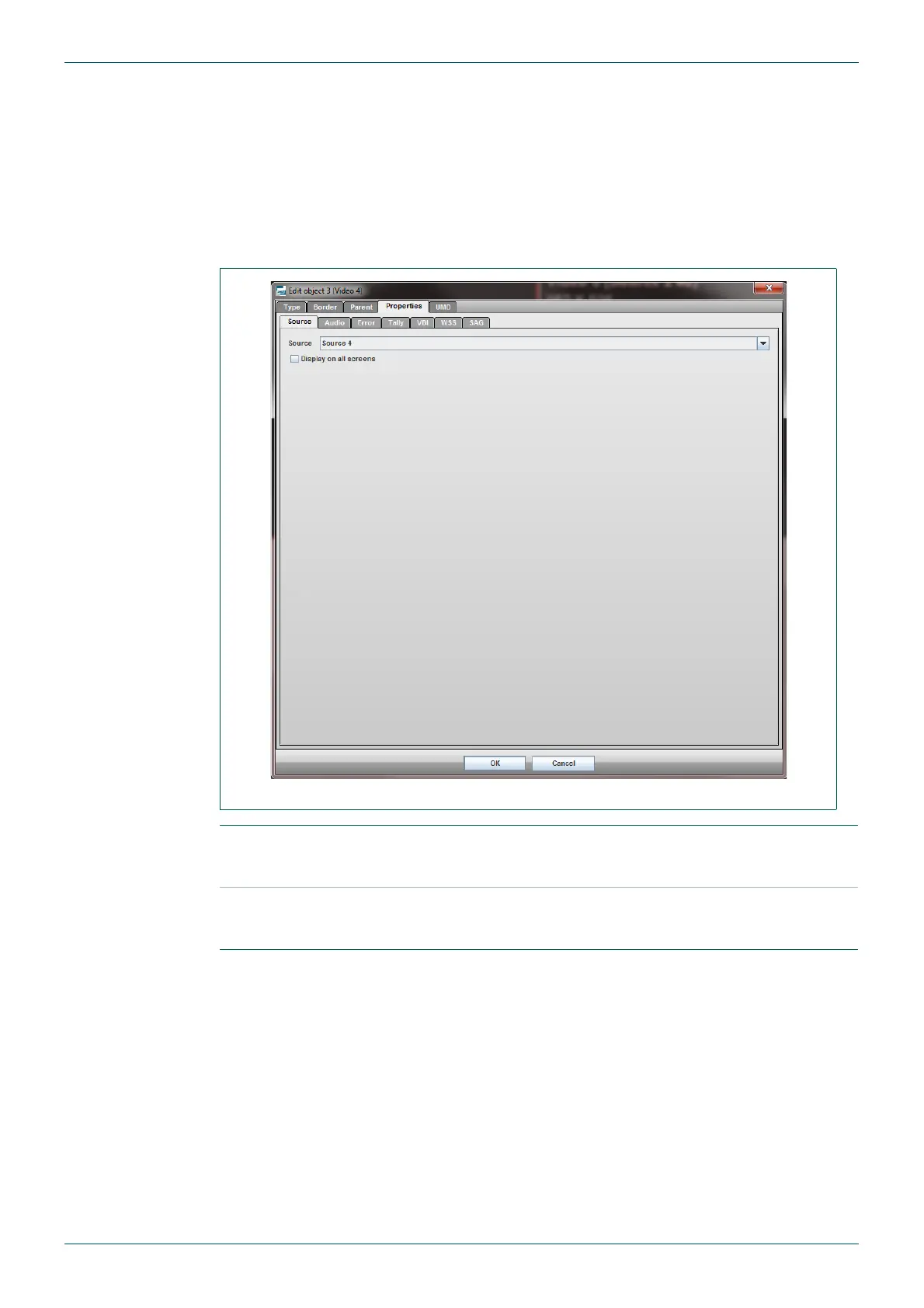
Fig 50. Edit Object - Properties - Sources Tab.
Source
for a video tile, this selects the source of the video to display in the
tile. For an audio tile, it selects the audio channels that have been set
up to be associated with the chosen source
Display on all
screens
this will display the video tile on both outputs. The tiles remain locked
to each other on both outputs (moving the tile on one screen will also
move it to the same position on the other screen).
Table 34. Edit Object - Properties - Sources Tab.



 To Next Page