MV-32/64 Multiviewer www.snellgroup.com Operation
Issue 1 Rev 11 Page 59 © 2014 Snell Limited
4.16.3 Edit Object - Parent Tab
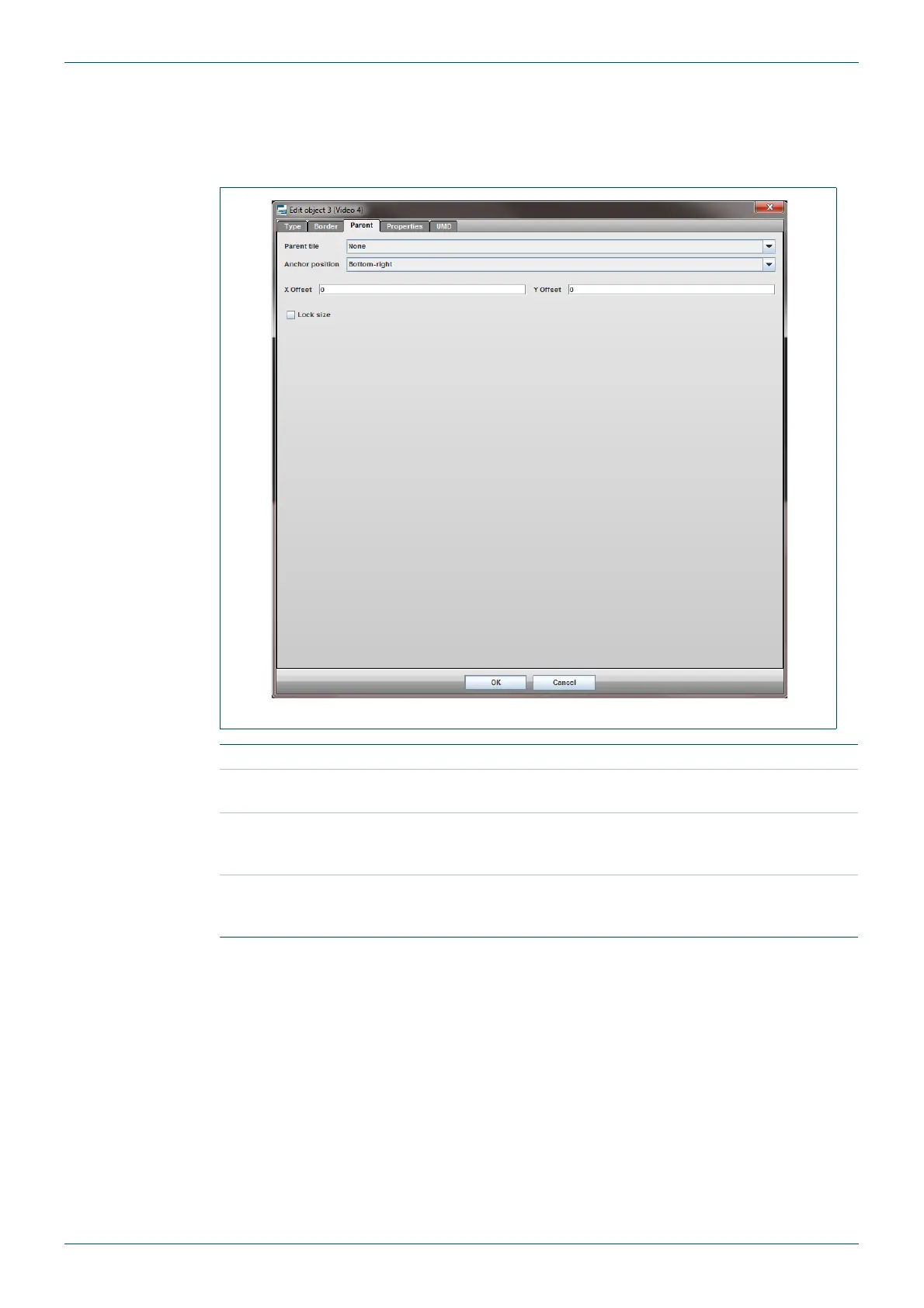
Assigning a parent object to one or more tiles enables collective positioning and resizing of
grouped tiles, which eases the configuration of objects that have a fixed association. Once a
tile object has been assigned to a parent, it can no longer be moved independently.
Fig 48. Edit Object - Parent Tab.
Name For the currently selected tile, select the parent object by name.
Position
Set the anchor point of the currently selected tile relative to the parent
object.
X Offset/Y Offset
Offset of the anchor point of the currently selected tile relative to the
parent object. Note that using a zero offset value will cause the tile
object to behind the parent object.
Lock size
Tick to lock the scaling of the currently selected tile to that of the
parent object. When this option is selected, the tile object cannot be
resized independently.
Table 32. Edit Object - Parent Tab.



 To Next Page