MV-32/64 Multiviewer www.snellgroup.com Operation
Issue 1 Rev 11 Page 41 © 2014 Snell Limited
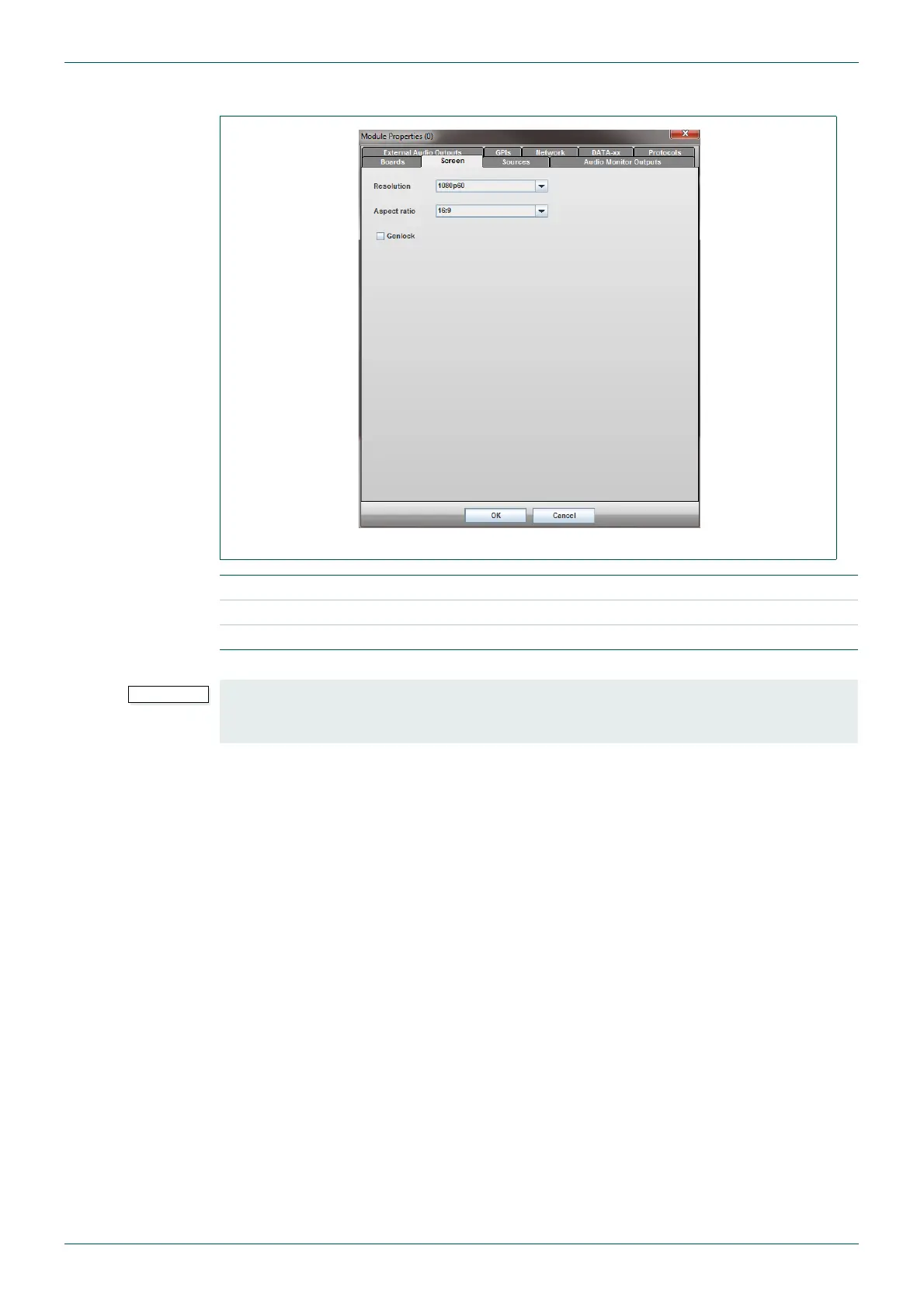
4.11.2 Screen Tab
Fig 28. Module Menu - Screen Tab.
Resolution Set the display output resolution.
Aspect Ratio Set the display output aspect ratio to match the display device.
Genlock Lock the display output to the MV-32/MV-64 external reference.
Table 18. Module Menu - Screen Tab.
The Resolution and Aspect Ratio should be set before designing any multiviewer layouts in
the workspace editor. If these settings are changed after a layout has been created any
existing tiles will be scaled to suit the new output screen settings.



 To Next Page